Shipping Instructions:
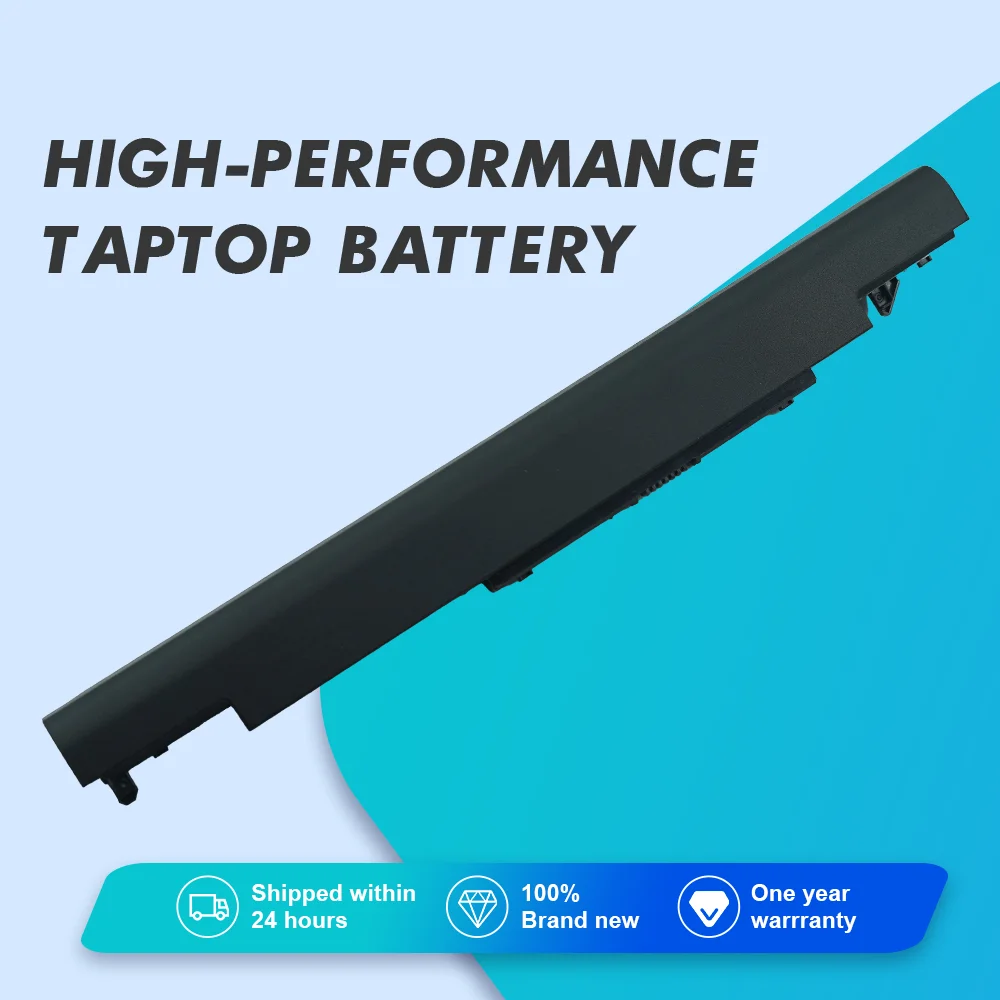
1.Usually, we will send out the goods within 1-2 working days after you pay, except holidays . (Because the battery needs to be tested before it can be shippe)
2.We only ship to confirmed order addresses. Address, phone number, postal code, must be detailed and correct.Your order address MUST MATCH your Shipping address.
3.As we all know, Because the batteries are dangerous goods pure battery pack shipping time will be longer than ordinary goods.(Some countries cannot be transported by air.) The shipping time for the package is usually 10 to 50 days.
Delivery time to Russia: 20 to 30 working days
Delivery time to Korea, Thailand : 10 to 18 working days ( Super Fast)
Delivery time to Brazil, Chile, Peru: 20 to 35 working days (Fast)
Delivery time to USA, Mexico: 20 to 35 working days
Delivery time to Spain, France, Poland etc: 20 to 30 working days
Delivery time to Israel: 30 to 35 working days
Delivery time to Saudi Arabia, United Arab Emirates: 20 to 25 working days
Each of parcel will have a tracking number to track the status. We carefully selected fast and reliable international logistics lines.
This is approximate delivery time based on our experience. The final delivery time is subject to the actual situation.
Please wait with patience. Hope for your understanding.
Specification:
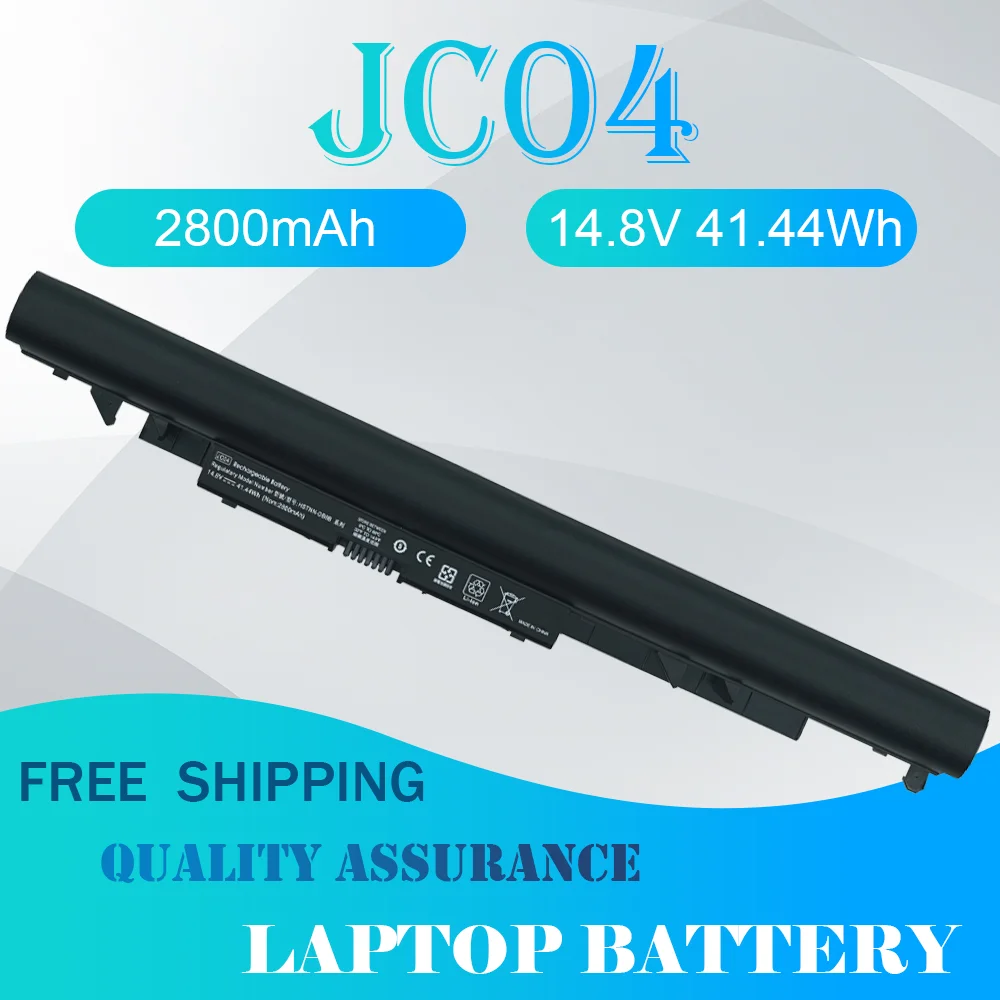
Model:JC04
Battery type: Li-Ion
Capacity: 41.44Wh/2800mAh
Voltage: 14.8V
Cells: 4 cells
Condition:Replacement Battery (100% Brand New,1 year warranty!)
RAPLACE PART NUMBER:
JC04 HSTNN-PB6Y 919682-831
JC03 HSTNN-PB6X 919681-831
HSTNN-HB7X HSTNN-LB7V HSTNN-LB7W HSTNN-DB8E
HSTNN-DB8A HSTNN-DB8B TPN-C130 919701-850
APPLICABLE LAPTOP MODEL:
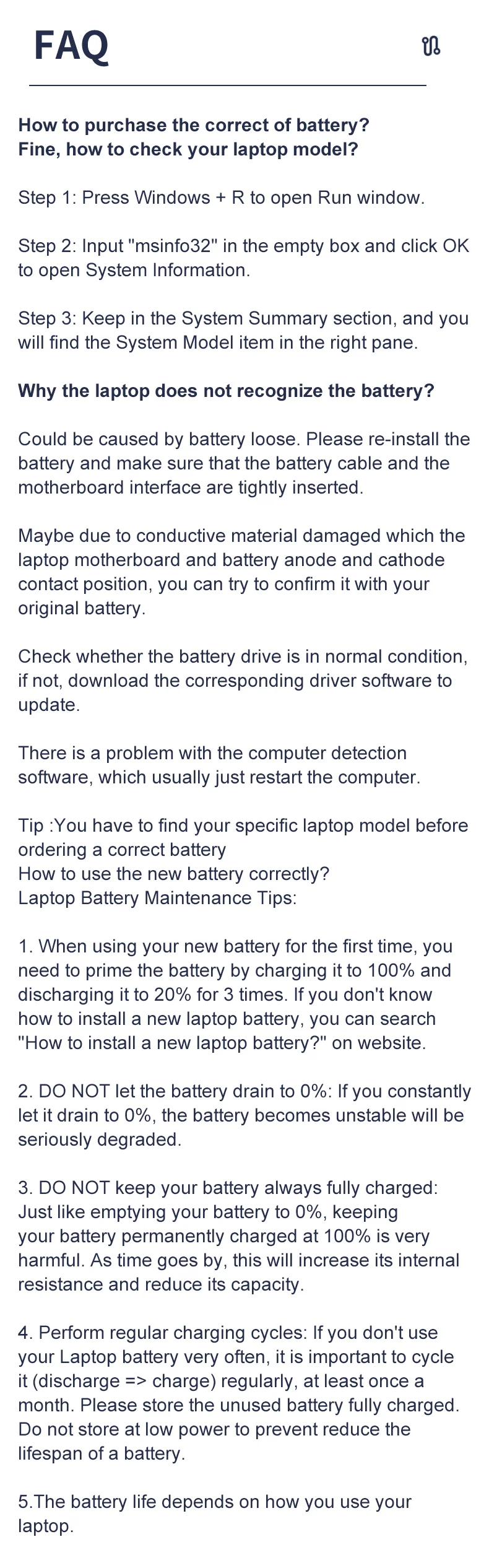
How to use the new battery correctly?
Laptop Battery Maintenance Tips:
1. When using your new battery for the first time, you need to prime the battery by charging it to 100% and discharging it to 20% for 3 times. If you don't know how to install a new laptop battery, you can search "How to install a new laptop battery?" on website.
2. DO NOT let the battery drain to 0%: If you constantly let it drain to 0%, the battery becomes unstable will be seriously degraded.
3. DO NOT keep your battery always fully charged: Just like emptying your battery to 0%, keeping your battery permanently charged at 100% is very harmful. As time goes by, this will increase its internal resistance and reduce its capacity.
4. Perform regular charging cycles: If you don’t use your Laptop battery very often, it is important to cycle it (discharge => charge) regularly, at least once a month. Please store the unused battery fully charged. Do not store at low power to prevent reduce the lifespan of a battery.
5.The battery life depends on how you use your laptop. If you open a lot of software at the same time, in the office, while listening to music, while browsing the Internet, also watching a movie, then the battery will drain fast; If you don't have a lot of software running on your computer, and you're only on standby or browsing the web, the battery will last longer.
Easy Ways To Maximize Battery Life:
1. Change your laptop power plan settings. I would suggest you choose the power saver plan. Then Change advanced power settings, scroll down to find Processor power management. Click the On-battery option and reduce the processor state to 20%.
2. Always keep your laptop neat and clean. The dust easily enters the hardware through the vents which are meant to release the heat generated from various computer components. It then blocks the vents preventing the outflow of the heat. This damages the computer parts including the battery.
3. Close Wi-Fi, Bluetooth, and other settings. You should keep the Bluetooth and WiFi off when you’re watching movies or doing other things which don’t require network connectivity. This can help your computer save precious battery life.


 Call us: +393312798971