SPECIFICATIONS
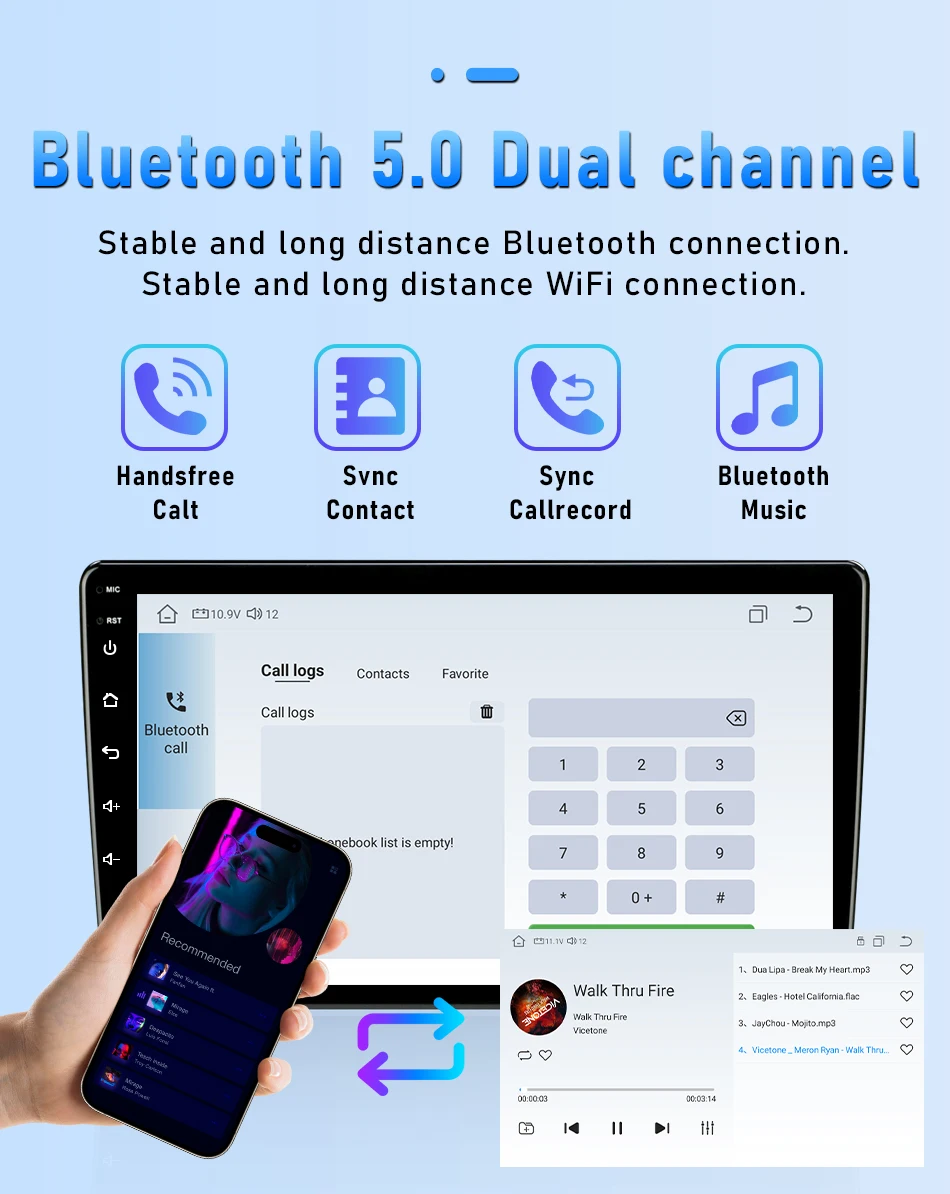
Bluetooth: All Support
Brand Name: srnubi
Built-in Screen: Yes
Category: Car Multimedia Player
Certification: CE,weee
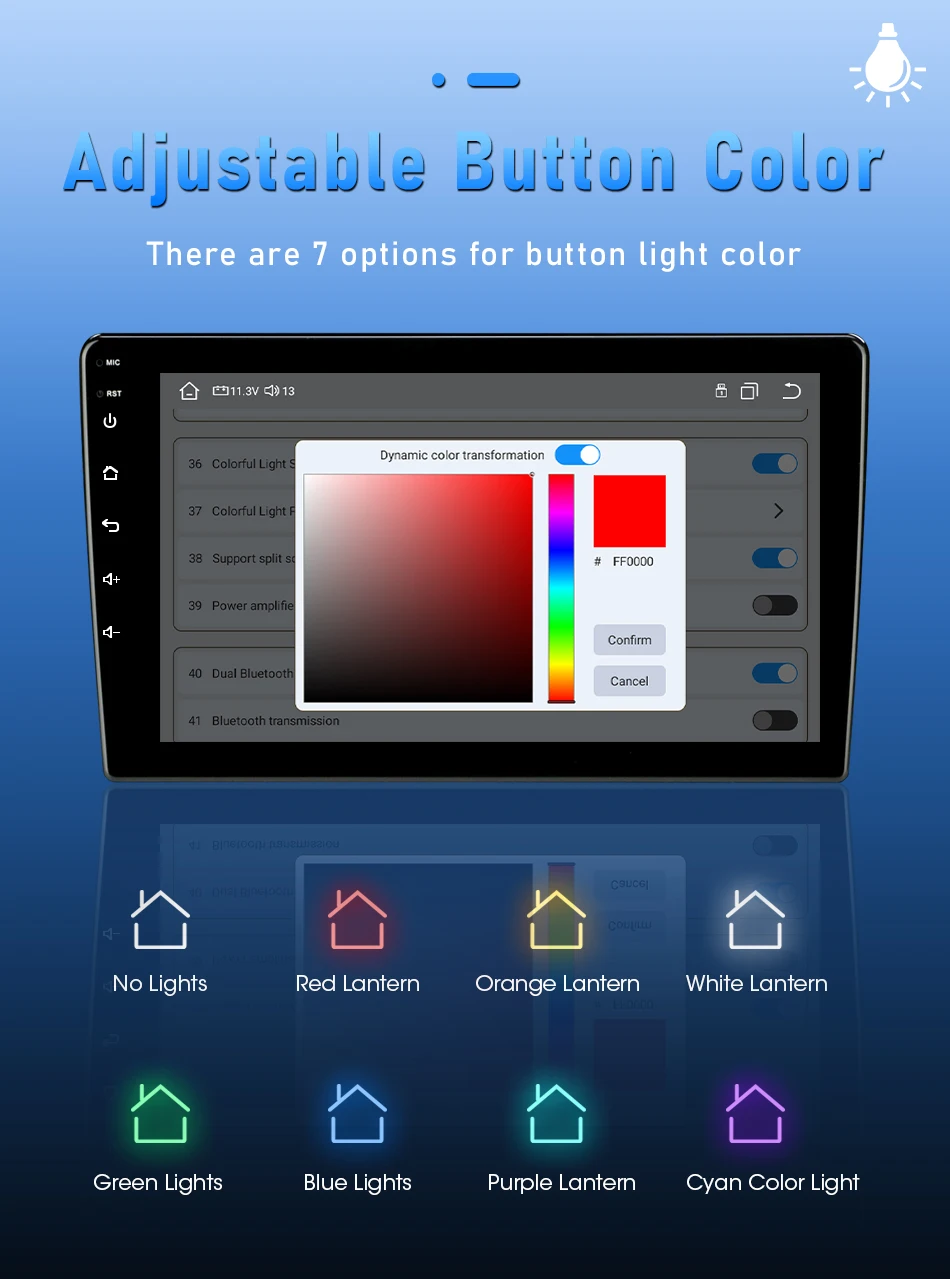
Color change of button light: Only for T10-B G20
Connect an external microphone: Support(except K3)
Digital Media Format: Mp3,MP4,WMA,JPEG
Din: Double Din
Display Size: 9"
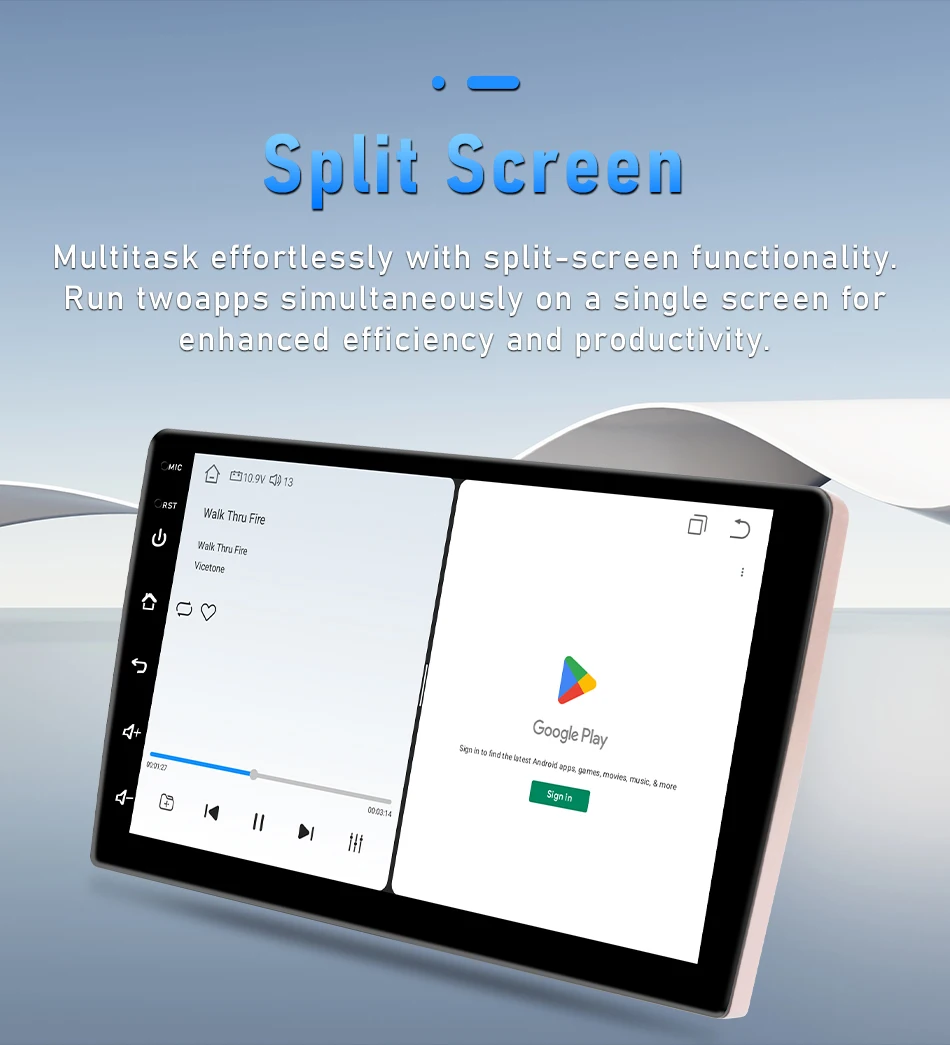
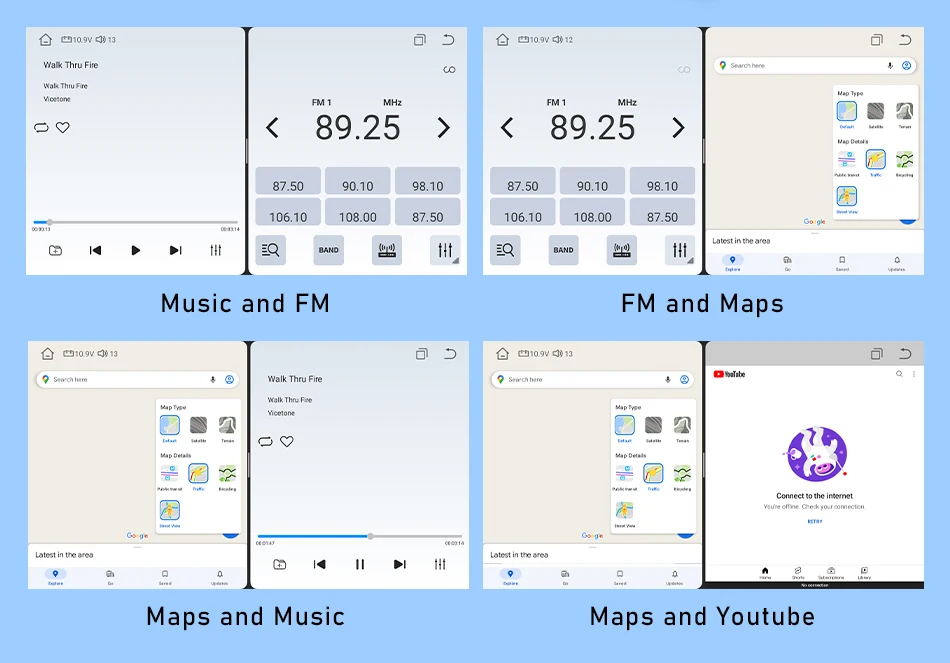
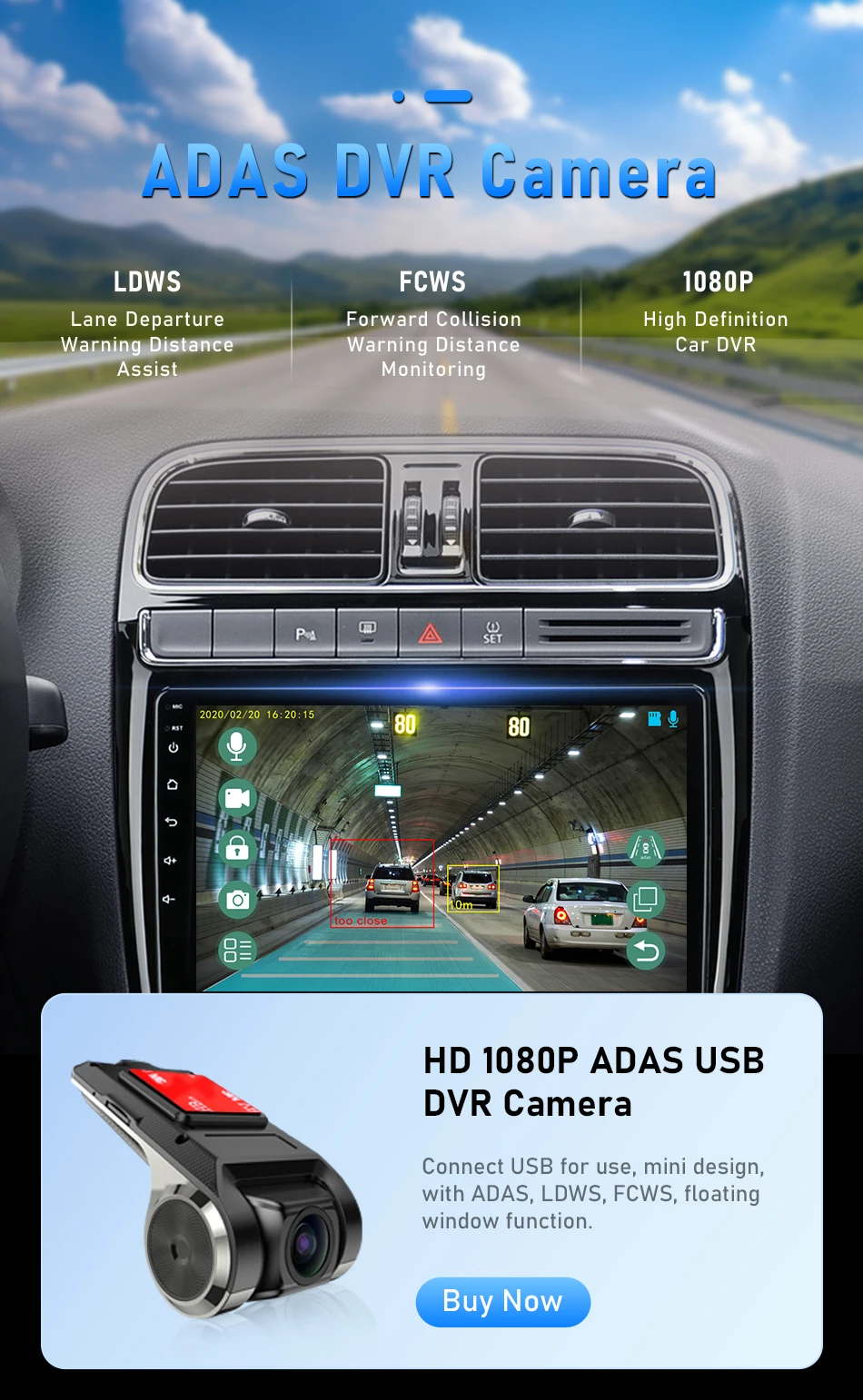
Floating window: Support(except K3)
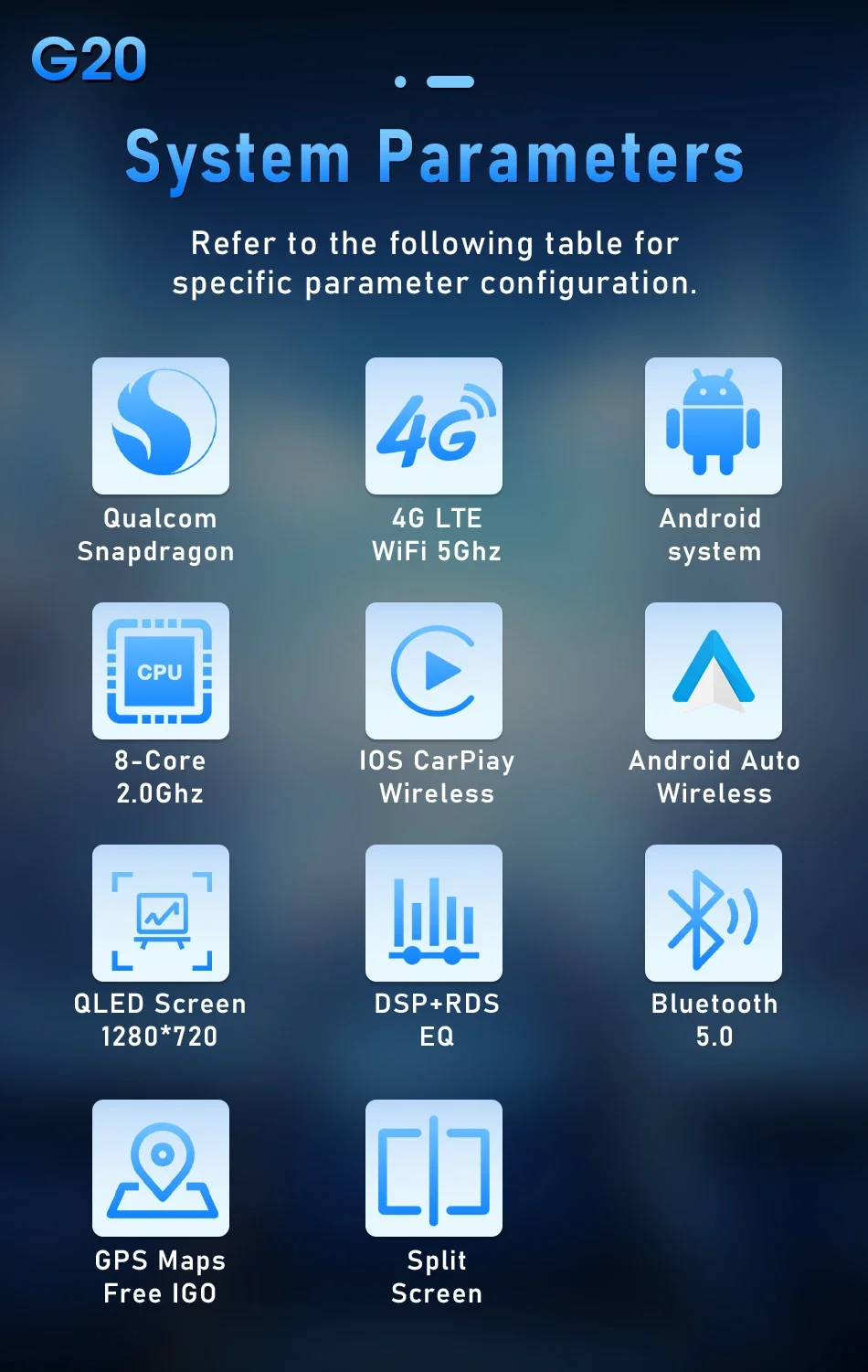
G20-C: Qualcomm / 4G+64G / 4G+WIFI / Carplay
G20-D: Qualcomm / 6G+128G / 4G+WIFI / Carplay
G20-E: Qualcomm / 8G+128G / 4G+WIFI / Carplay
G20-F: Qualcomm / 8G+256G / 4G+WIFI / Carplay
Interface: USB
Is touch screen: Yes
Item Size: 24cm*20cm*12cm
Item Weight: 1.7
K3: 1G+16G / WIFI
Max External Memory: 128G
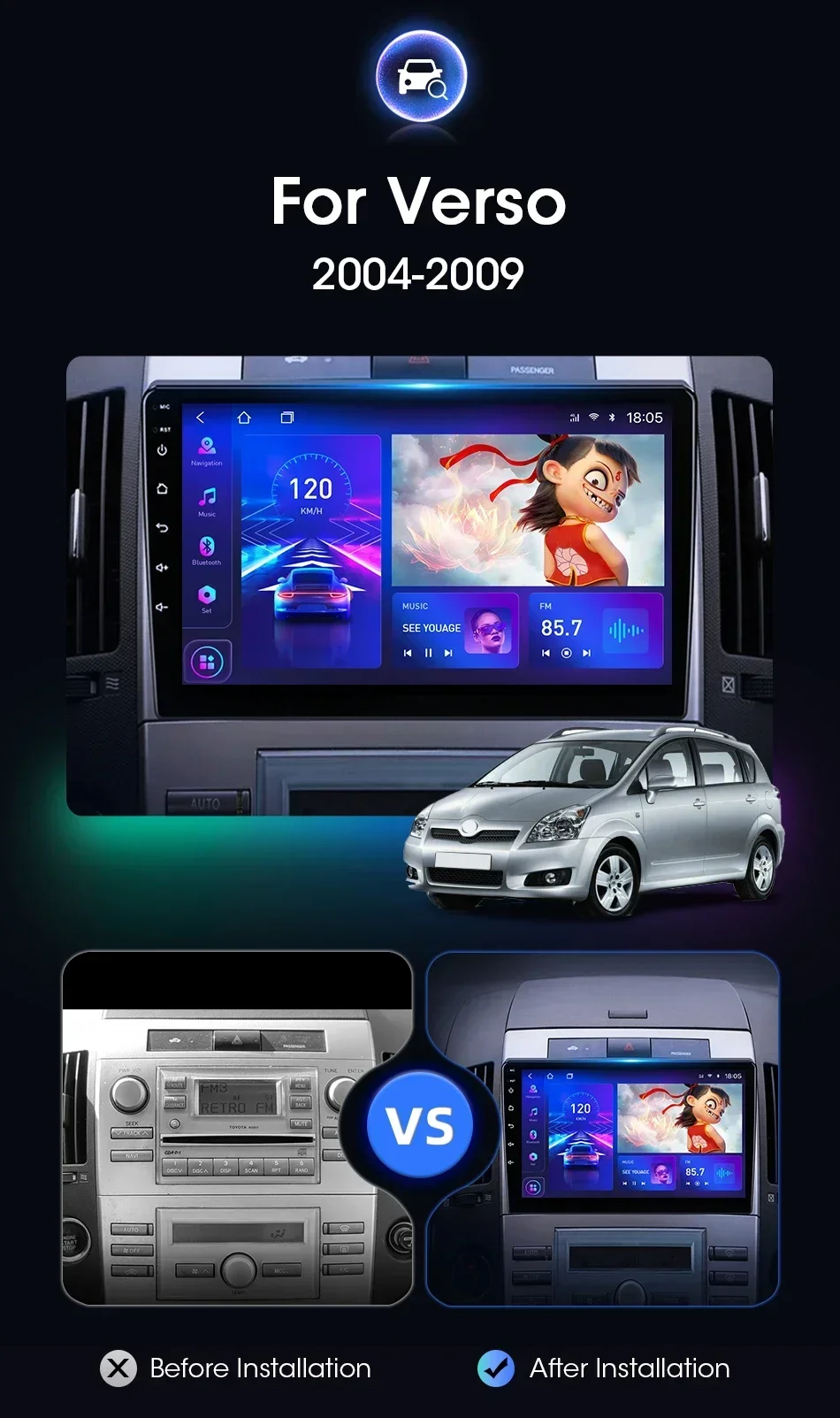
Model: for Toyota Corolla Verso 2004-2009
OSD Language: Irish,Bulgarian,Icelandic,Polish,Boolean text (Dutch South Africa),Danish,German,Russian,French,Filipino,Finnish,Korean,Romanian,Portuguese,Serbian,Slovak,Slovenian,Ukrainian,Spanish,Armenian,Italian,English
Operating System: Android
Origin: Mainland China
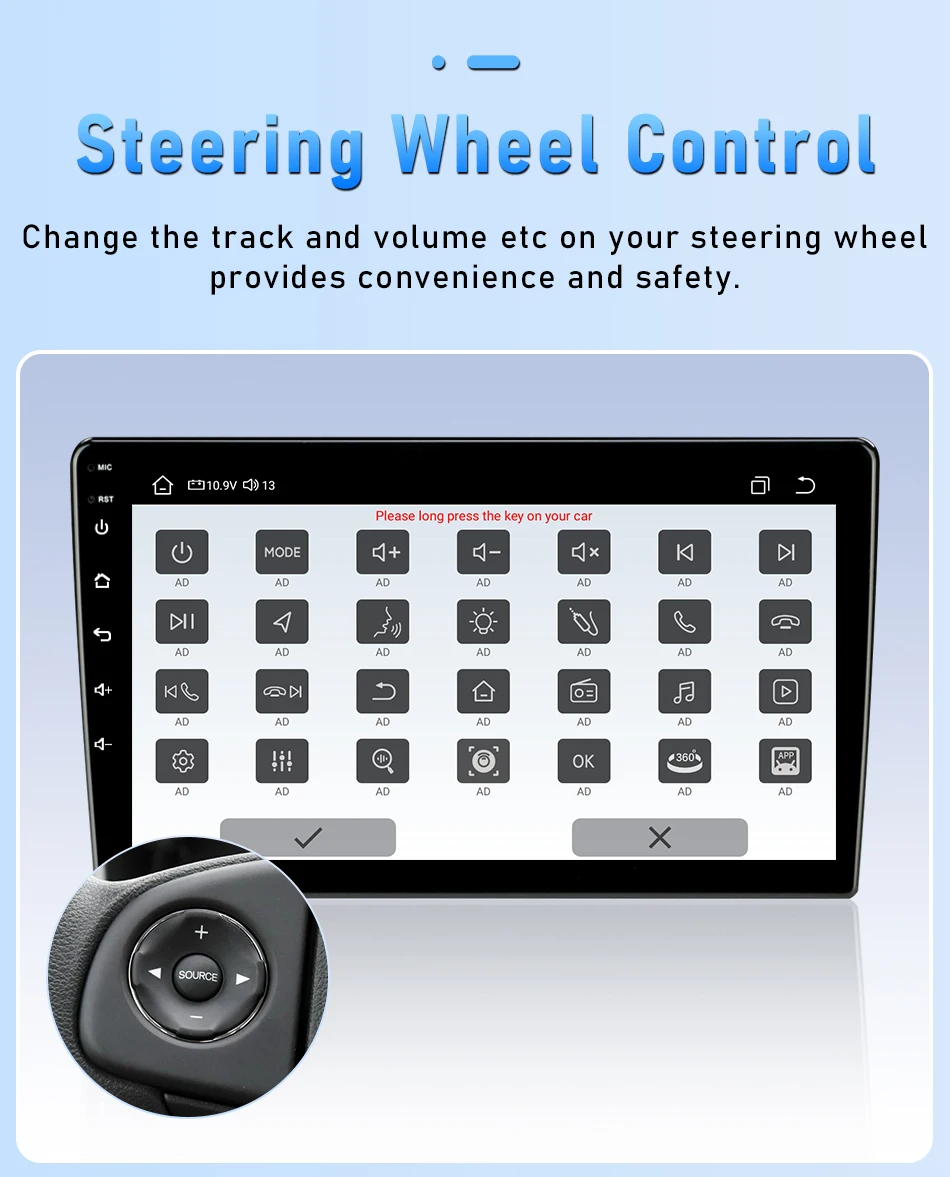
Original Steering Wheel Control: All Support
Out Power: 12V
RAM: 8G/6G/4G/2G/1G
ROM: 128G
Resolution: 1024*600/1280*720P
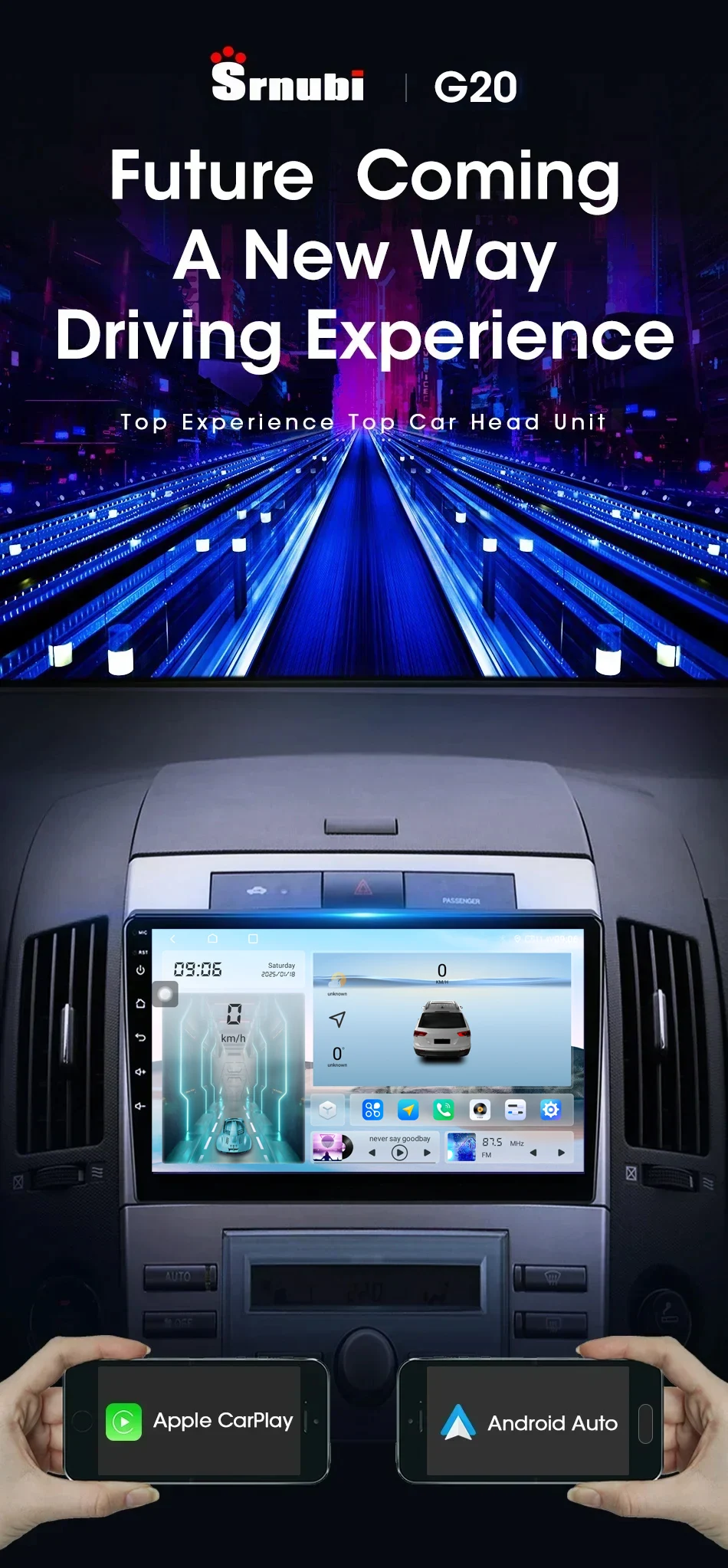
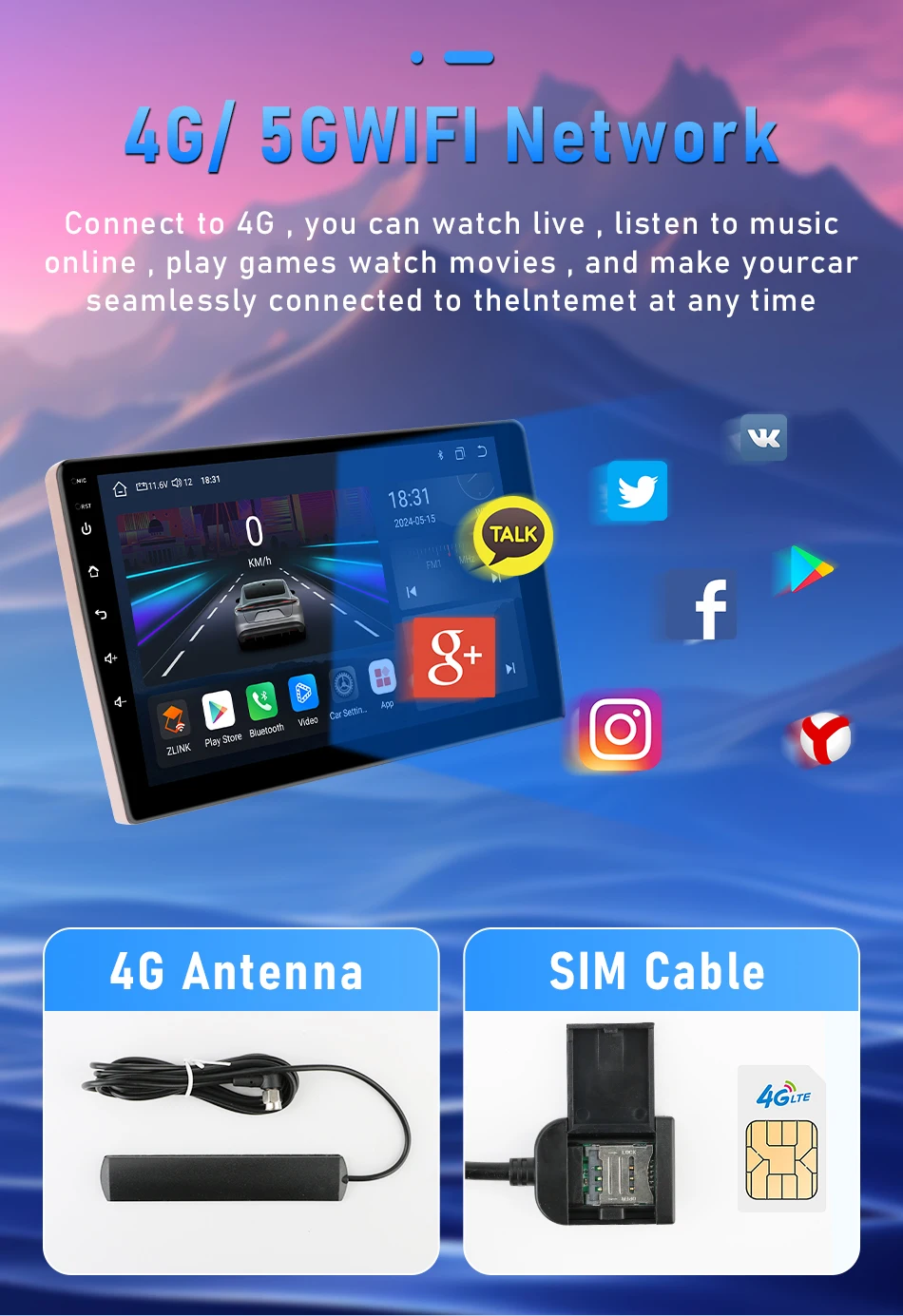
Special Features: wifi function,Support 3G Network,Support 4G Network,Support Can-Bus,Built-in GPS,MP3 players,Voice Control,CarPlay,android auto,Reversing Input,Split Screen,Support steering wheel control
Split Screen: Support(except K3)
T10-A: 2G+32G / 4G+WIFI / Carplay
T10-B: 4G+32G / 4G+WIFI / Carplay
T3L: 1G+32G / WIFI
T3L Plus: 2G+32G / WIFI / Carplay
T8: 2G+32G / 4G+WIFI / Carplay
TF/Micro SD Slot: 1
Voltage: 12 V
Wifi: All Support
Wireless Android Auto: Expect K3(R3) T3L(T3)
Wireless carplay: Expect K3(R3) T3L(T3)
Attention:
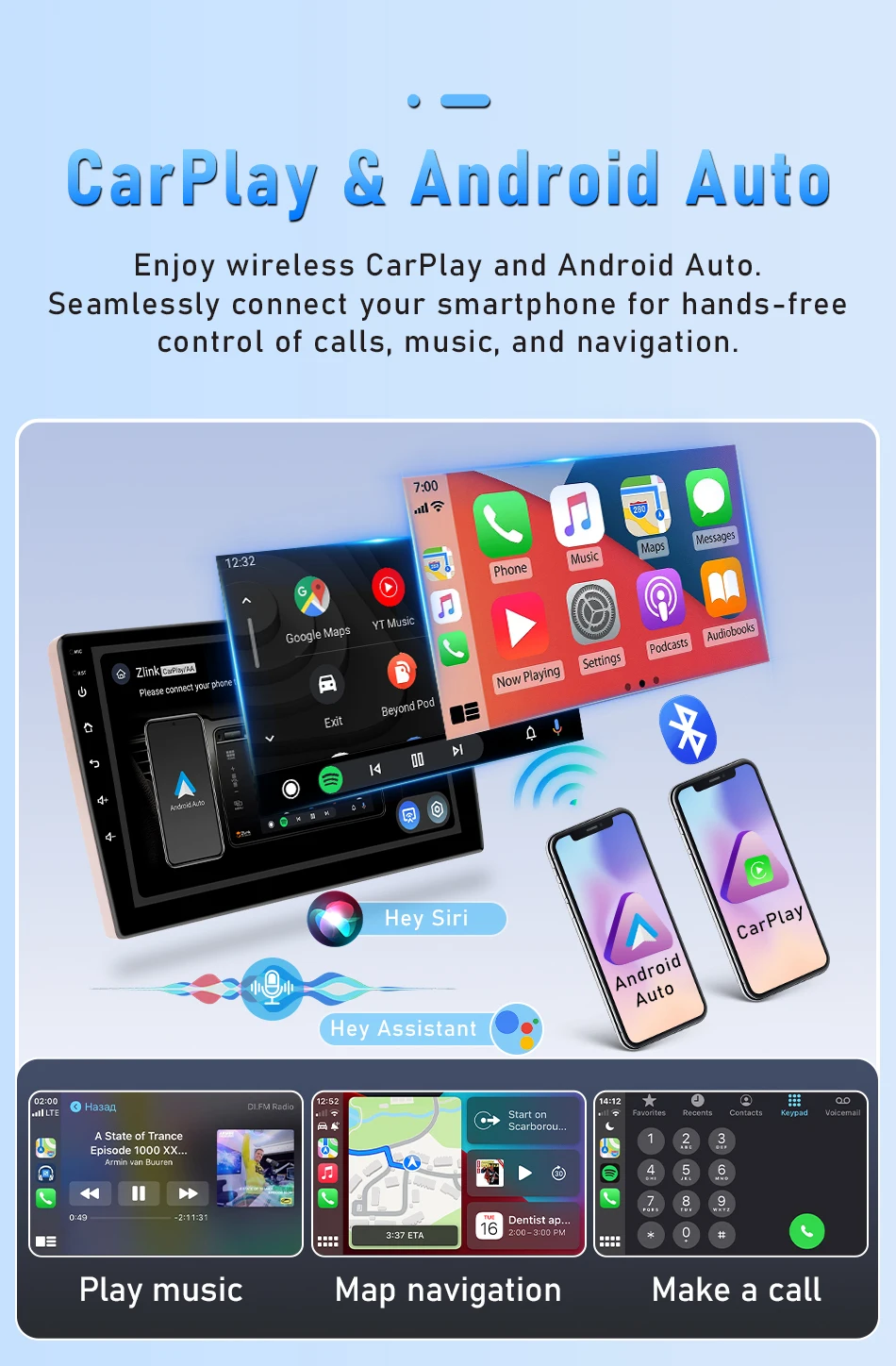
All configured products support wireless Carplay and Android auto functionality,
but some models of Huawei, Samsung, and Xiaomi phones do not support the use of Android auto functionality.
Samsung: S20, S23, Note20, Galaxy A20 (Model SM-A205g), m22, A54, S22+
Huawei: P40 Pro, P30, P30Pro, P30 lite MARLX1A, Mate 20, Mate20 Pro, Psmart2019POT-LX1, nova 5t, MATE LITE 10
Xiaomi: 12 Pro, 11 Lite, 9, Redmi 9
Oppo: Reno2, Reno 2z, A16s, etc.
Please note: The lower-end models, namely the two lowest-priced models K3 (R3) and T3L (T3), do not support Carplay and Android Auto. If you require these functions, please purchase the models T3L PLUS (T4C) or above. Please keep this in mind.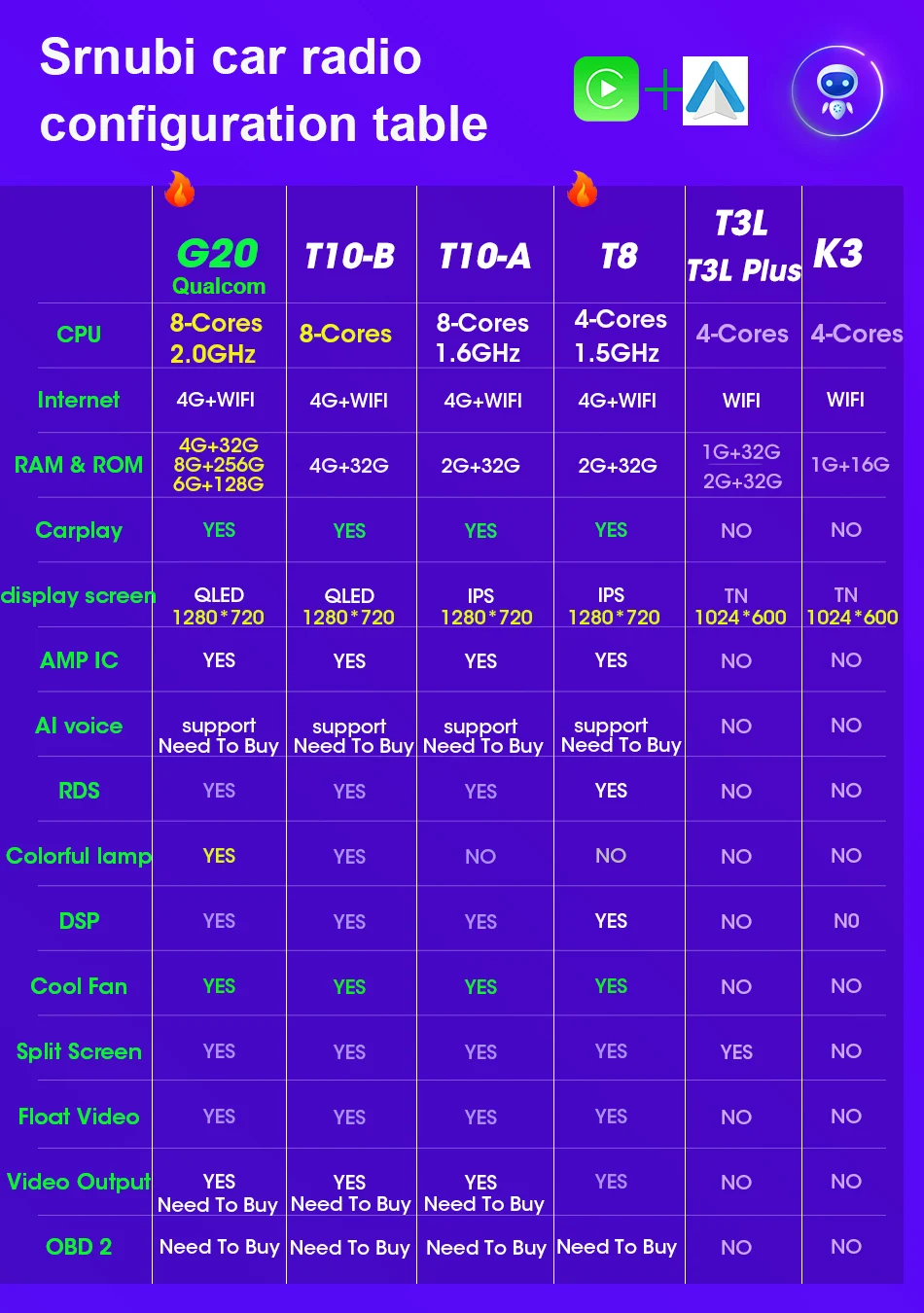
FAQ:
1.The radio factory sets passwords and developer mode.
The passwords are usually as follows: 111333, 1234, 1617, 16176699, 23456, 8888, 7890 or 000000.
Developer mode:
T9 password: 7890 plus the current time. For example, 11 o'clock now is 789011. If it's 12 o'clock, it's 789012.
T6: Settings > About car device > Keep clicking the "Build number" until the developer mode prompt appears. Then, go back to the previous page to see the developer mode.
2. Which mobile phone models are not compatible with the radio
Samsung: S20, S23, Note20, Galaxy A20 (Model SM-A205g), m22, A54, S22+
Huawei: P40 Pro, P30, P30Pro, P30 lite MARLX1A, Mate 20, Mate20 Pro, Psmart2019POT-LX1, nova 5t, MATE LITE 10
Xiaomi: 12 Pro, 11 Lite, 9, Redmi9
Oppo: Reno2, Reno 2z, A16s etc.
3. How to set the steering wheel buttons of the car
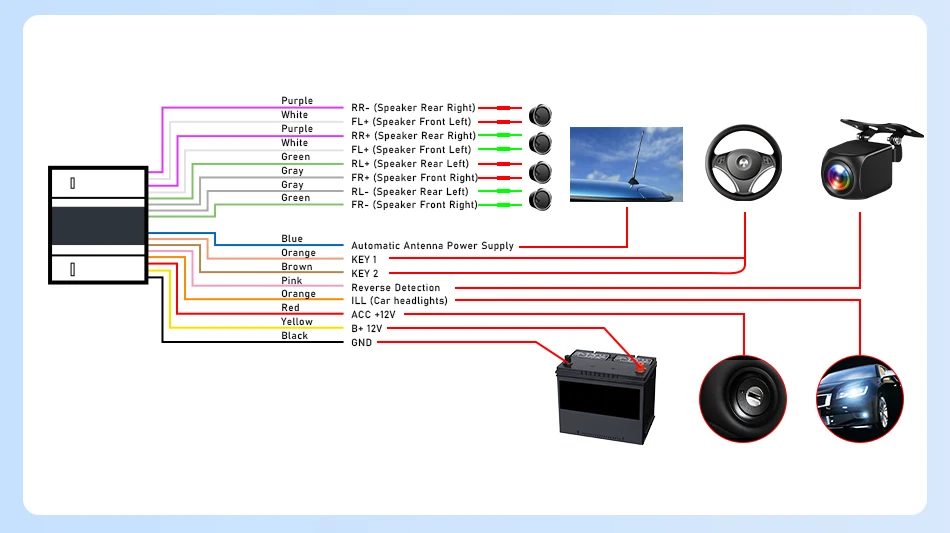
3.1 For vehicles without CANBUS device: Settings - Factory Settings (123456) - Dashboard Buttons. Click "Start", then click "Clear", and then click each button in sequence for calibration.
3.2 For vehicles with CANBUS product kit ready: No need to learn the operation method. Just correctly connect the CANBUS interface and correctly set the vehicle model to use normally.
4. How to connect Carplay or Android Auto (G20 as an example)
Bluetooth connection failed
4.1 Please turn on the Bluetooth function of your phone, and then search for the device name on your phone.
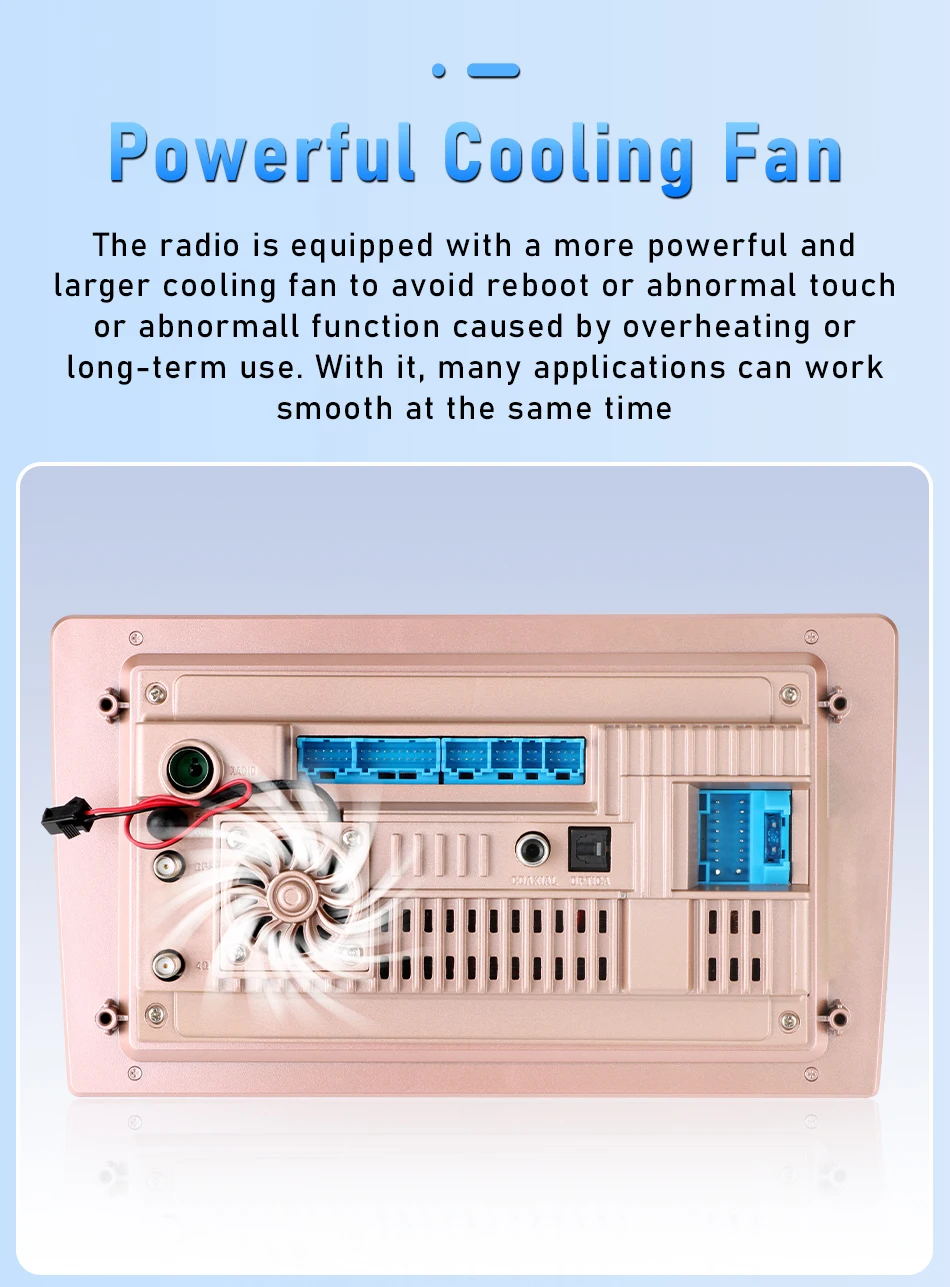
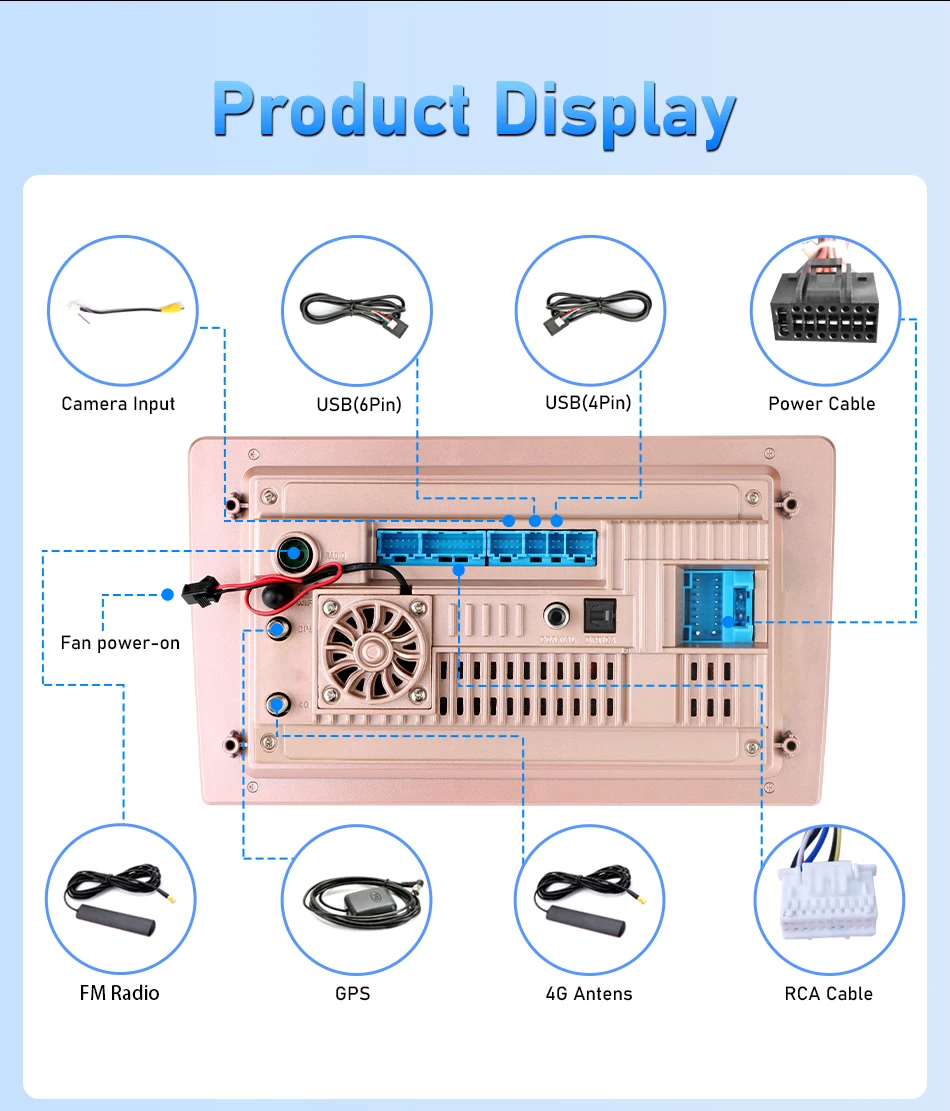
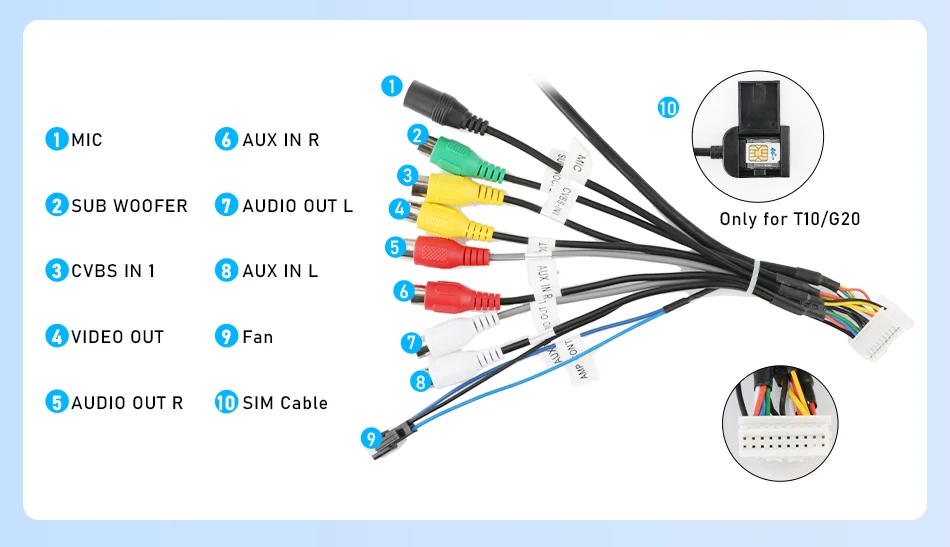
4.2 Please check if the video input cable is inserted. The two shorter blue cables are the receiving signal lines for Bluetooth and Wi-Fi respectively.
4.3 Please ignore the connected device on your phone and reconnect.
4.4 Try to connect with another phone. If you cannot search for the Bluetooth function of your phone, please turn on the phone in the Bluetooth settings page.
5. How long will the delivery take? Will the products be well-packaged?
7-15 days for direct delivery worldwide! We use reinforced shockproof packaging to ensure the products arrive in perfect condition. All orders are dispatched promptly and real-time logistics tracking is provided, allowing you to keep track of the package's progress throughout the process.
6. How to test the navigation map
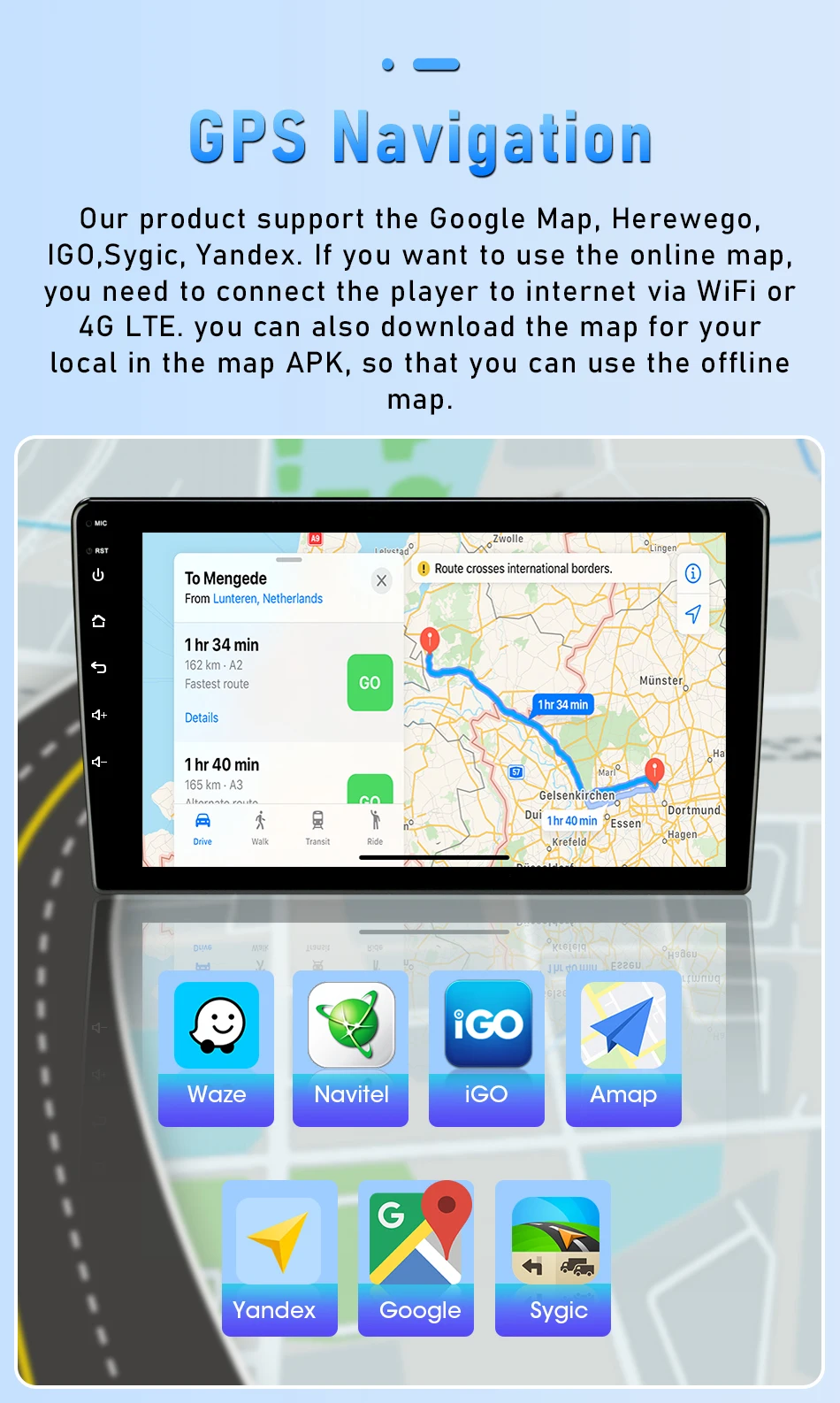
Check if the GPS has a signal. Click on the GPS signal detection. If there is a signal, reinstall the new map or turn on the mobile phone WiFi hotspot. If there is no GPS signal, leave the garage and test the GPS interface voltage on the road. The voltage must be 3.3V; otherwise, replace the GPS antenna.
7. How to enhance Bluetooth and WiFi signals
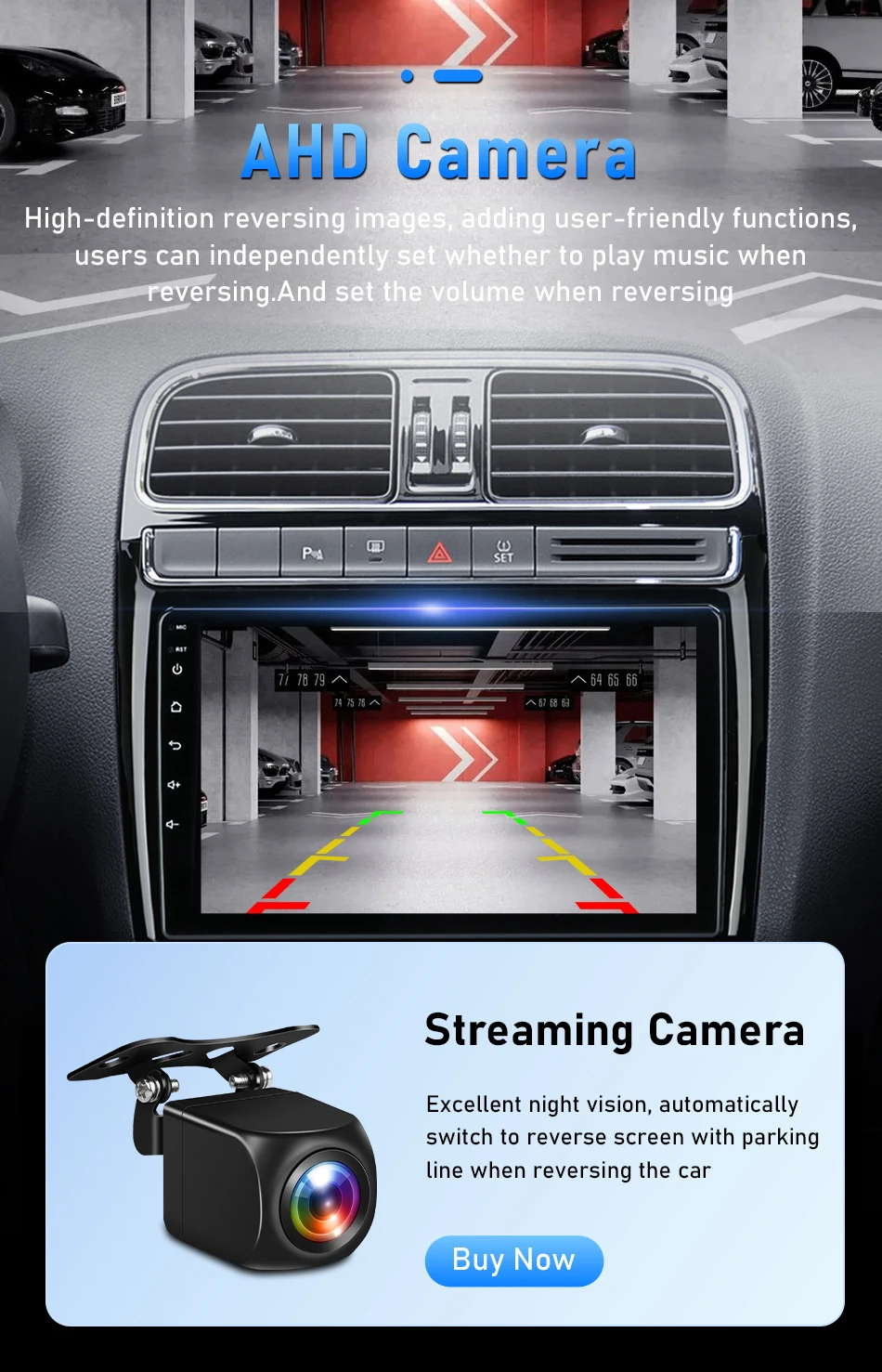
Please check and reconnect the yellow rear camera input interface. There are two short cables, which are the extension lines for the Bluetooth and WiFi antennas. Alternatively, you can extend them to enhance the signal.
8. How to search for channel signals
8.1: Insert the radio antenna;
8.2: Please check if the radio antenna is properly inserted. Please insert the antenna multiple times to ensure a good connection;
8.3: The signal in your location is poor. Please go to a place with better signal and test again;
8.4: The radio antenna on the car is damaged/has no effect. Please replace the radio antenna and test again
9. Note: If your mobile phone is a Xiaomi, Samsung or Huawei model, it will not be compatible with this product. Please do not purchase the unsupported phone models listed below: 9.1S amsung: S20, S23, Note20, Galaxy A20 (Model SM-A205g), m22, A54, S22+
9.2 Huawei: P40 Pro, P30, P30Pro, P30 lite MARLX1A, Mate 20, Mate20 Pro, Psmart2019POT-LX1, nova 5t, MATE LITE 10
9.3 Xiaomi: 12 Pro, 11 Lite, 9, Redmi9
10.Does the 4G version support my local SIM card?
10.1: It supports the following frequency bands:
2G: GSM900 (Band 8); DCS1800 (Band 3); CDMA (Band C0)
3G: DT-SCDMA (Band 34); WCDMA (Band 1); CDMA2000 (Band C0)
4G: DT-LTE (Bands 39/40/41); FDD-LTE (Band 3); FDD-LTE (Band 3); TD-LTE (Bands 40/41)
11:.Can you pre-install navigation maps for me? How can I update them?
11.1 We will pre-install Navit maps based on the destination country (we update the map data every July. If you need it, please contact us for the download link). You can download and install the local navigation application from the Google Play Store. If it doesn't work, please contact us.
12. What are the benefits of giving a five-star rating?
12.1 After you receive the product and everything is in order, please confirm your order and give us a five-star rating. If you can share relevant photos on Alibaba, we will extend your warranty period to two years. If you have any questions, suggestions or need help, please contact us via message or email. We guarantee to reply within 24 hours. Our service is a lifetime service. Before leaving any negative or neutral ratings or initiating any disputes, please contact us first. Only communication can solve your problems. We are always ready to improve.


 Call us: +393312798971