
Countdown banner
Dec 31, 2026 11:59:59
Chatta con Ori, la tua assistente personale!
🤖 Apri OriDec 31, 2026 11:59:59


SPECIFICATIONSBattery Included: NoBrand Name: ZJiangConsumable Type: Thermal PaperDouble-sided Printing: NoHigh-concerned chemical: NoneInterface Type: USBMax Paper Size: 110mmMax. Resolution: 203dpiOrigin: Mainland... Read more
SKU: 200001168:29#USB only;200007763:201336100;200009209:201447607
€62,49 Incl. VAT
✓ 100% Secure Payment - Guaranteed

Do you need a large stock? Contact us.
Do you need a large stock? Contact us.
 Call us: +393312798971
Available on working days between 9:00 am to 6:00 pm
Available on working days between 9:00 am to 6:00 pm
🚚 Consegna e Supporto
Spedizione Gratuita
Reso 14 giorni
Assistenza
Pagamento Sicuro
Battery Included: No
Brand Name: ZJiang
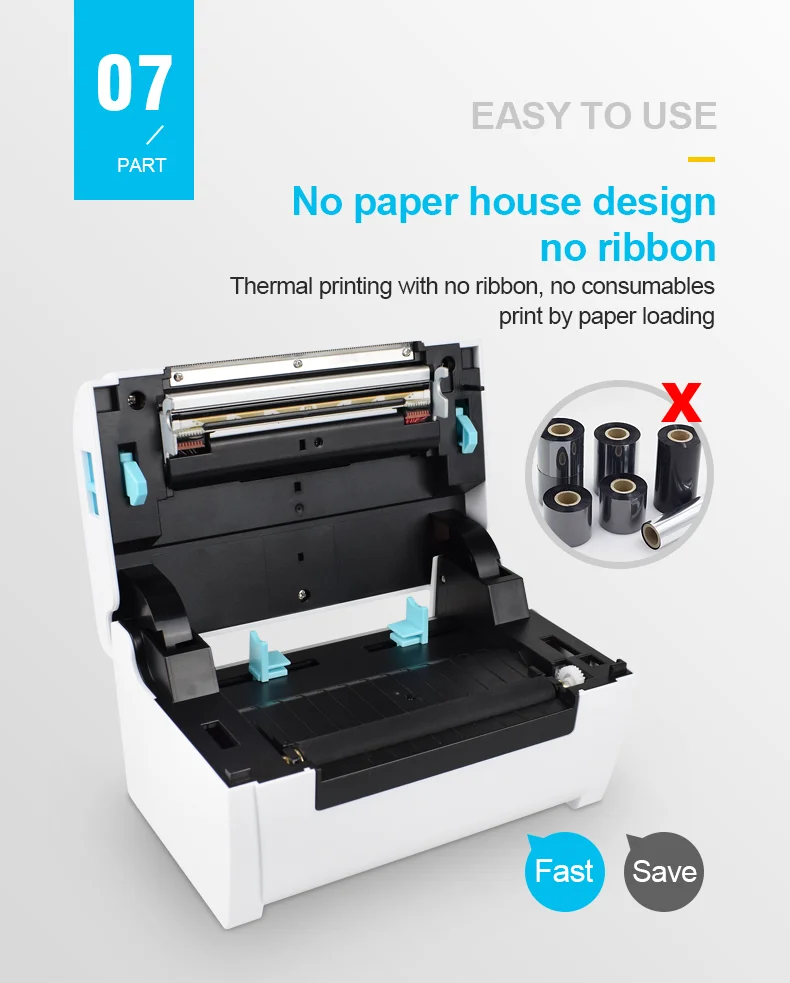
Consumable Type: Thermal Paper
Double-sided Printing: No
High-concerned chemical: None
Interface Type: USB
Max Paper Size: 110mm
Max. Resolution: 203dpi
Origin: Mainland China
Paper Feed Mode: Auto
Print Speed: 30ppm
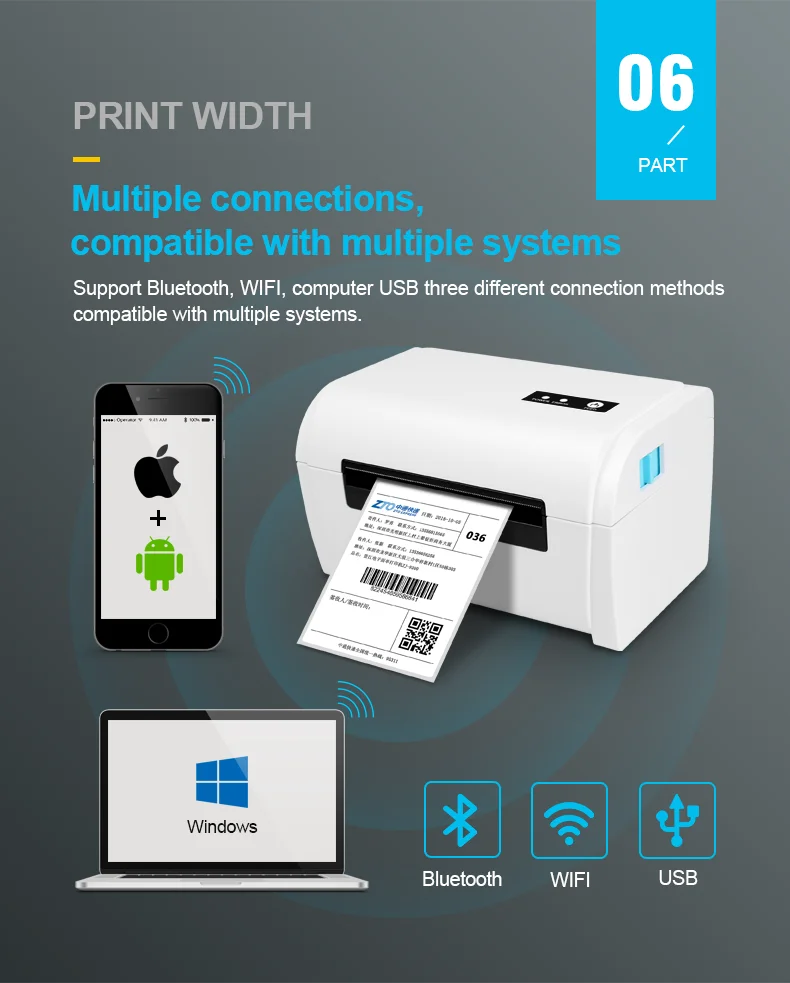
Signal Connection Type: None,Bluetooth,Wi-fi
Supports Network Printing: Wired/Wireless
Type: Thermal Printer
Use: Label Maker
Three steps to purchasing thermal printer
1. Confirm that the width of your label is within the range of 40-110mm. Too narrow or too wide cannot be printed.
2. Choose the working method you need (USB/LAN/BT/WIFI).
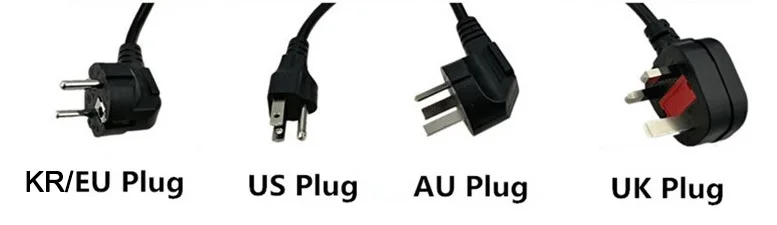
3. Refer to the diagram below and select the appropriate plug style.
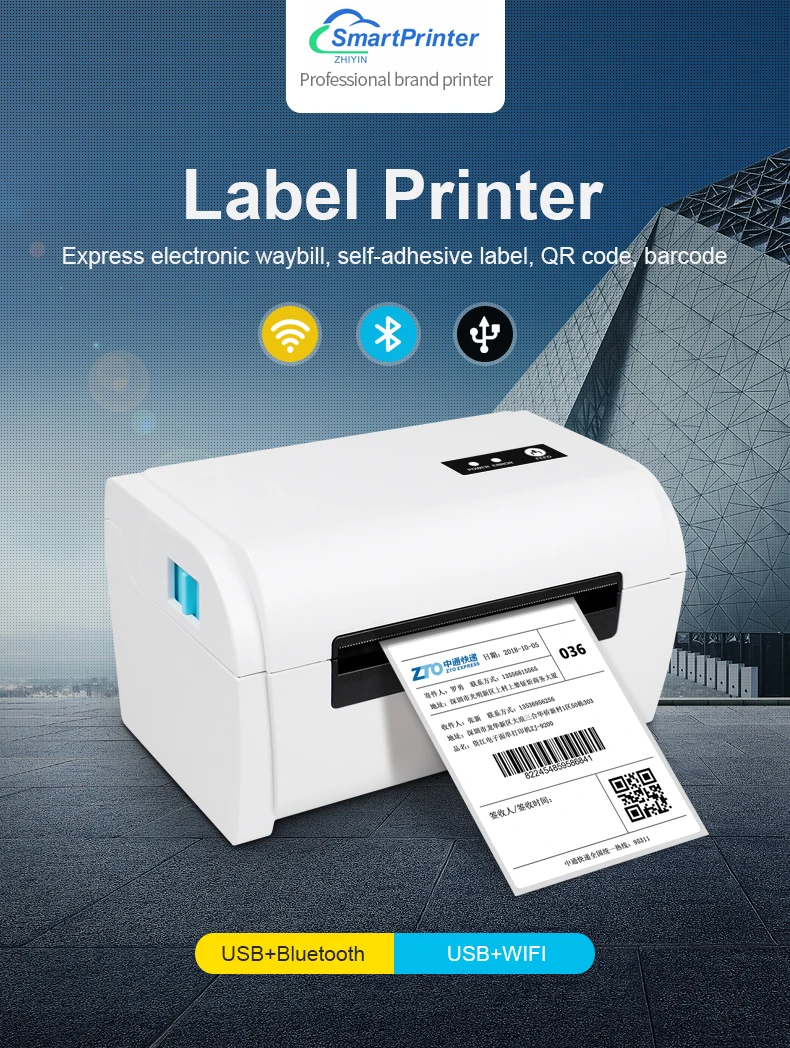
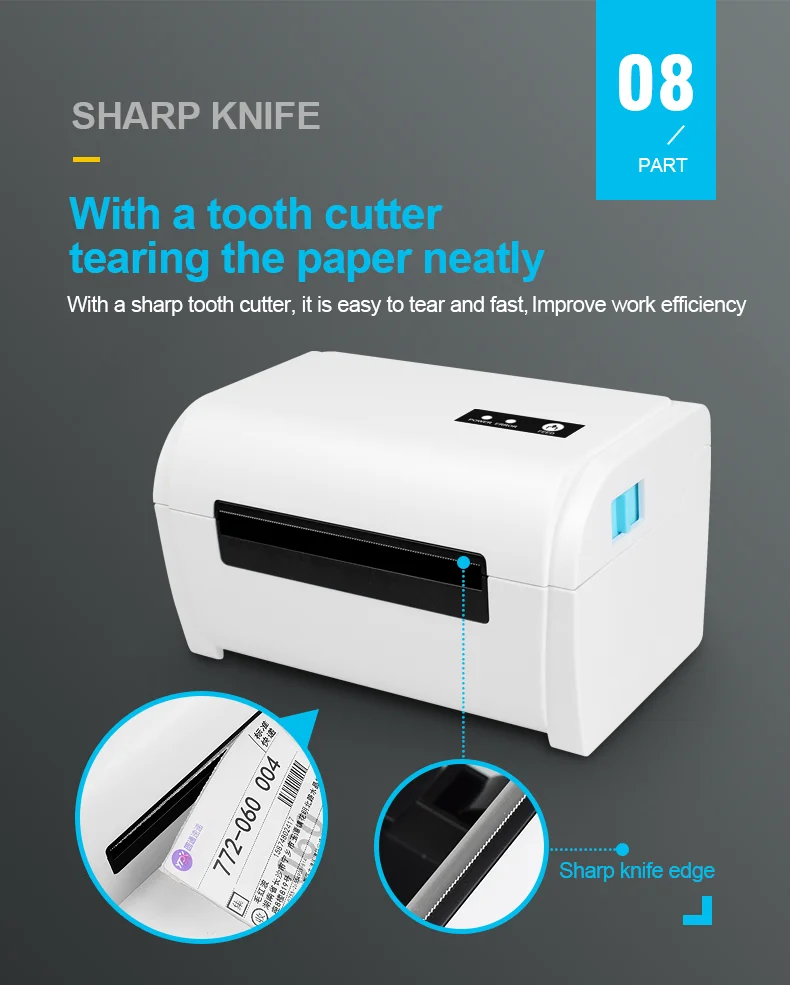
The printer use 110mm thermal label paper, and adopt to easy paper loading. So the paper is very convenient install. And also support printing of various paper specifications.
1, No paper warehouse design, no ribbon.
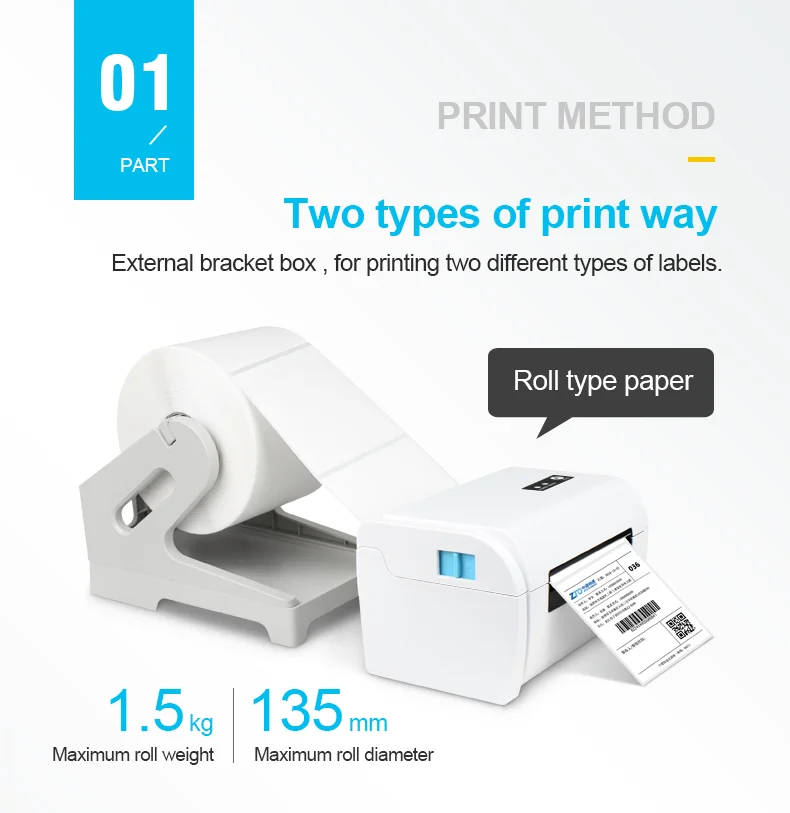
2, External bracket paper holder , for printing two different types of labels.
3, Dual-wall frame, robust and sturdy structure.
4, TPH special designed overcoat, endure large printing volume.
5, CPCL and TSPL programming language.
Thermal Barcode Label printer
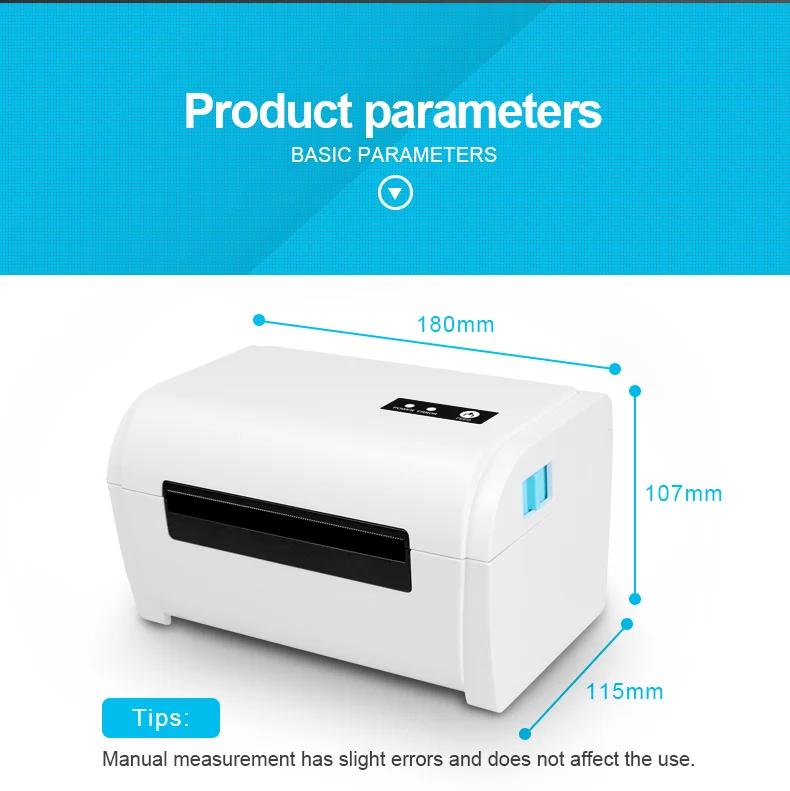
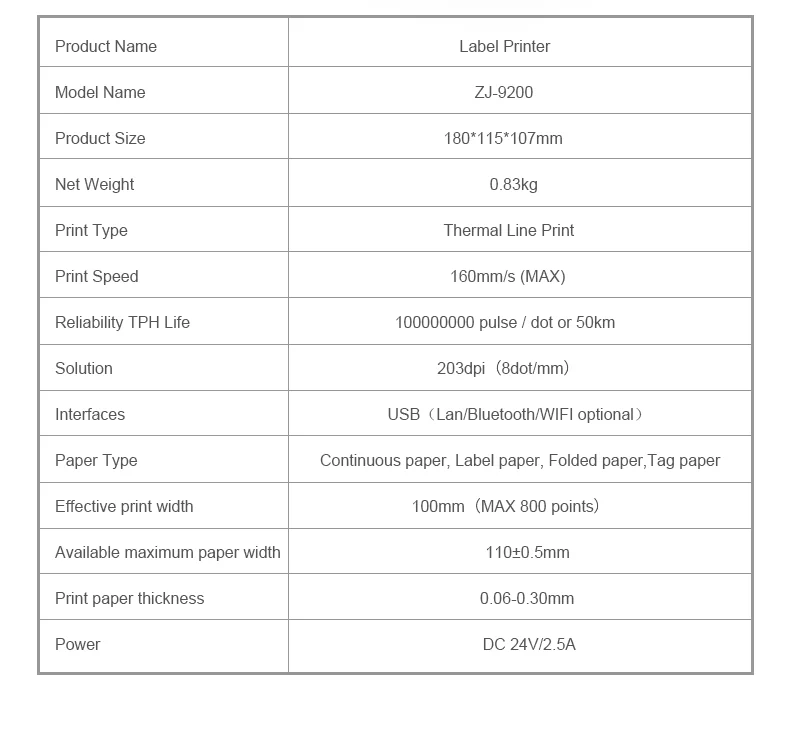
Product Name: label printer
Printing mode: direct thermal printing
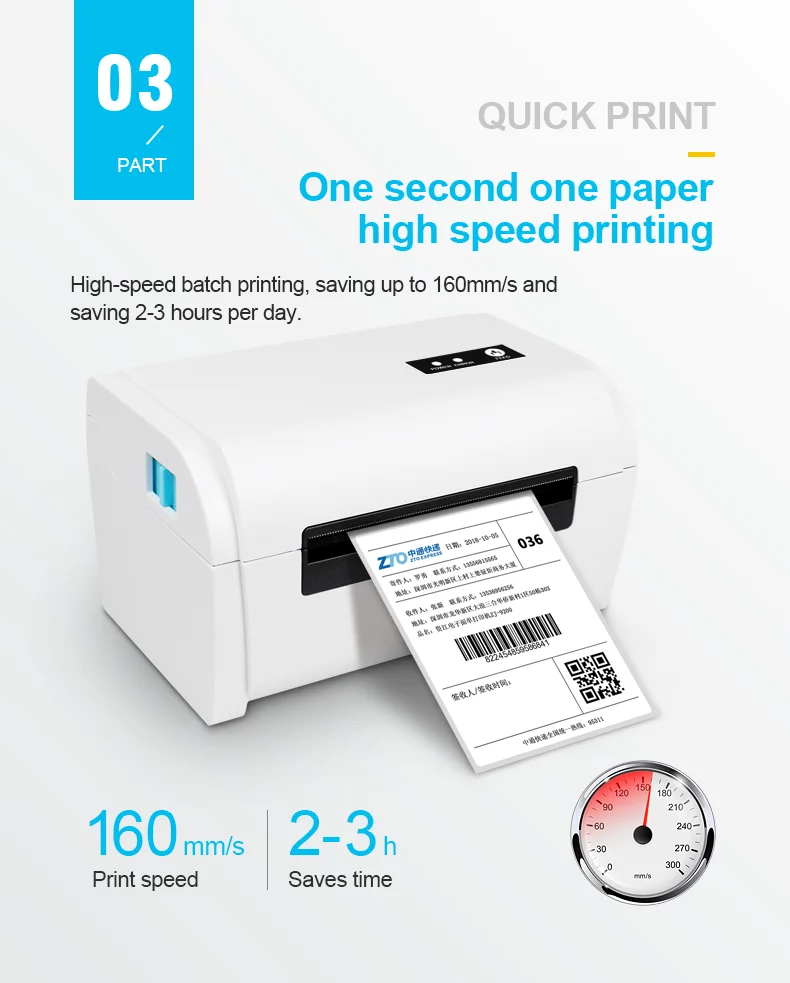
Printing speed: 160mm / S (Max.)
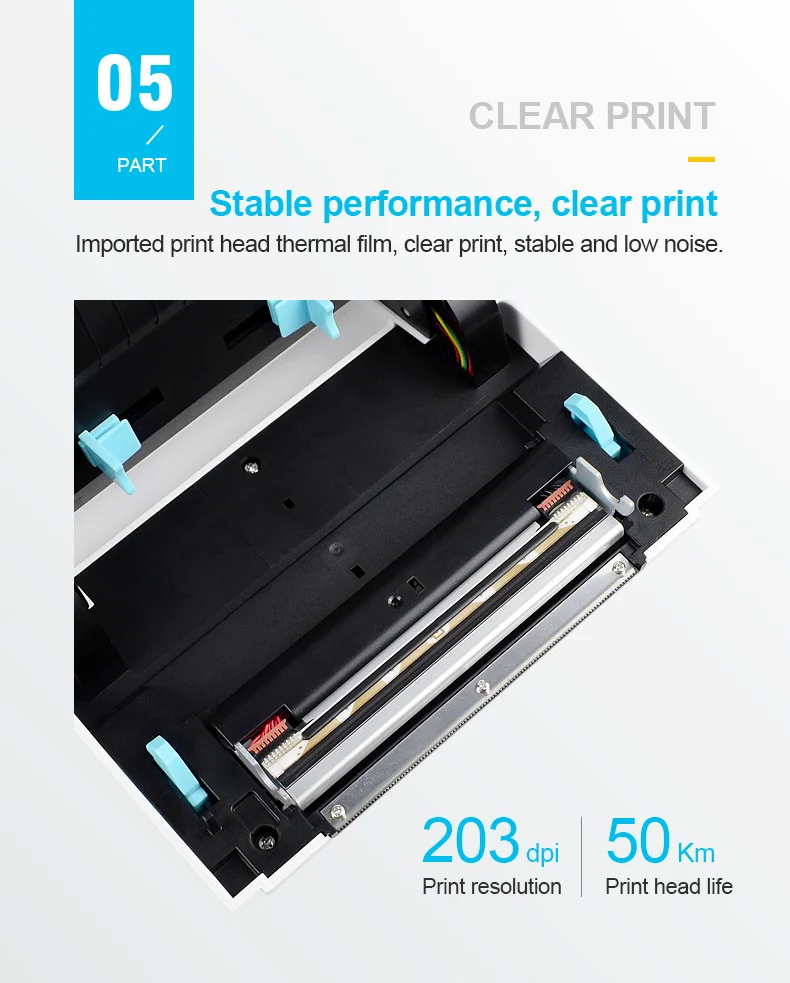
Resolution: 203 DPI
Print command: tspl command / (optional ESC / POS command)
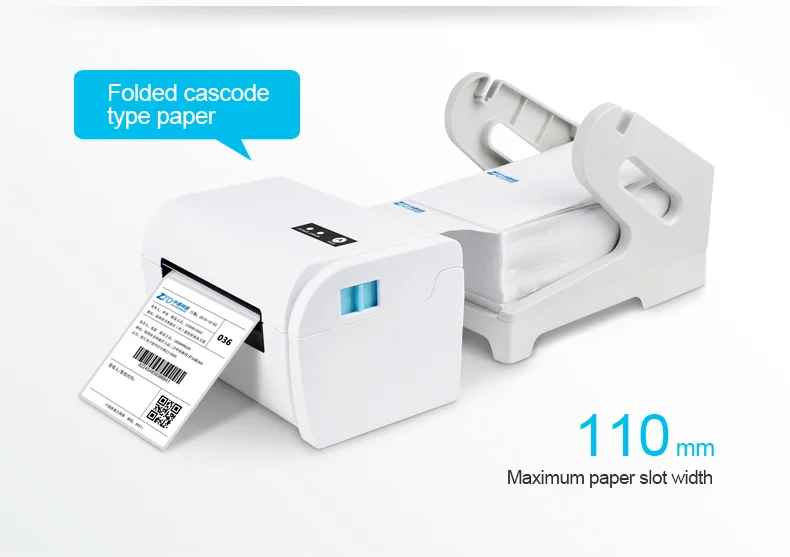
Types of thermal paper: continuous paper, gap paper, folded paper, label paper
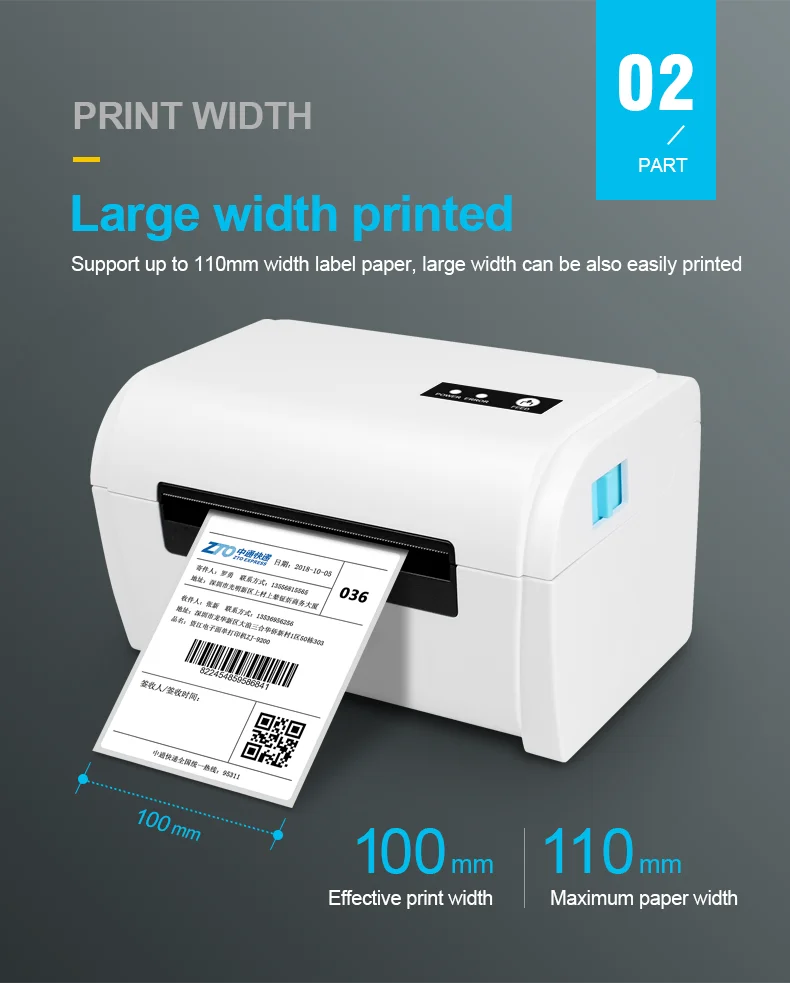
Effective printing width: 100 mm
Label paper width: 40-110 mm
Printing paper thickness: 0.06-0.30 mm
Power supply: DC 24V / 2.5A

How to install printer driver?
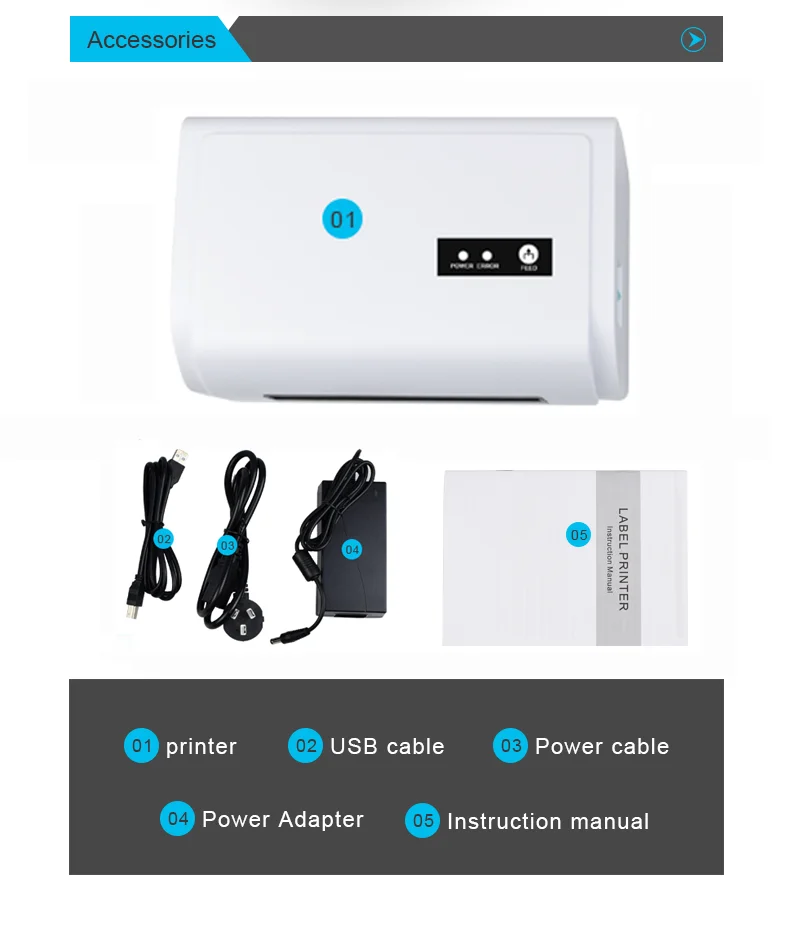
1. Insert power cable into thermal printer.
2. Connect the printer with windows PC via USB cable.
3. Place thermal paper into printer.
4. Install printer driver by following the User Manual along with package.
5.Contact us if you need help.
Please pay attention to the following tips.
1.Please refuse to sign for damaged packages and contact logistics to solve the problem.
2.If there is any problem with the product, don't leave any negative feedback before you contact us. Good reviews are very important to us and we will do our best to solve your problem.
3.If satisfied with our products ,kindly leavea 5-star rating and share with your friends.
4.Please be aware of your local tax policy, we are not responsible for any duties or import duties.
ONE MORE THINK
If you want to know more about this model ,include price and detail ,
Please kindly contact us!


