Description
SPECIFICATIONS
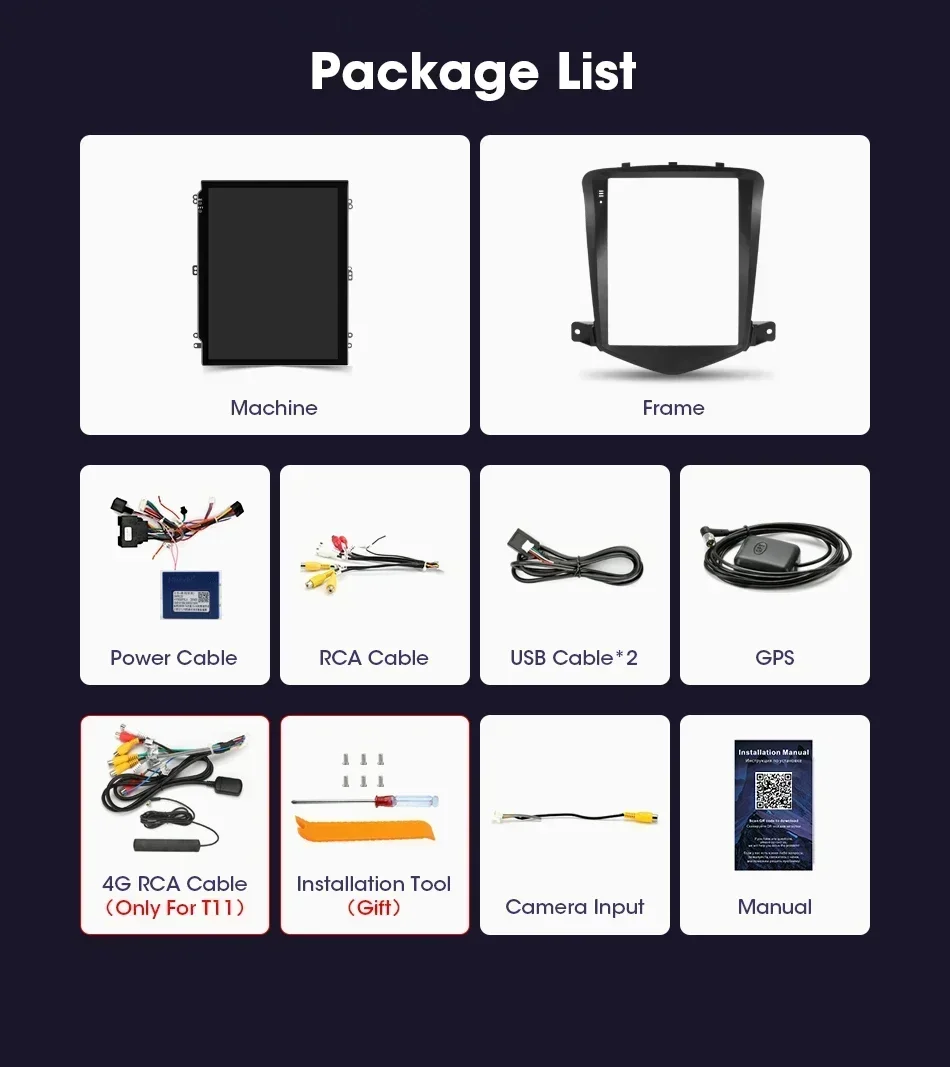
Accessory Type: Machine/Connector/Frame/RCA cable/USB cable * 2/GPS
Bluetooth 5.0: All Support
Brand Name: srnubi
Built-in CD player: No
Built-in DVD Player: No
Built-in Screen: Yes
Category: Car multimedia player
Certification: CE,weee
Chevrolet Model: Cruze
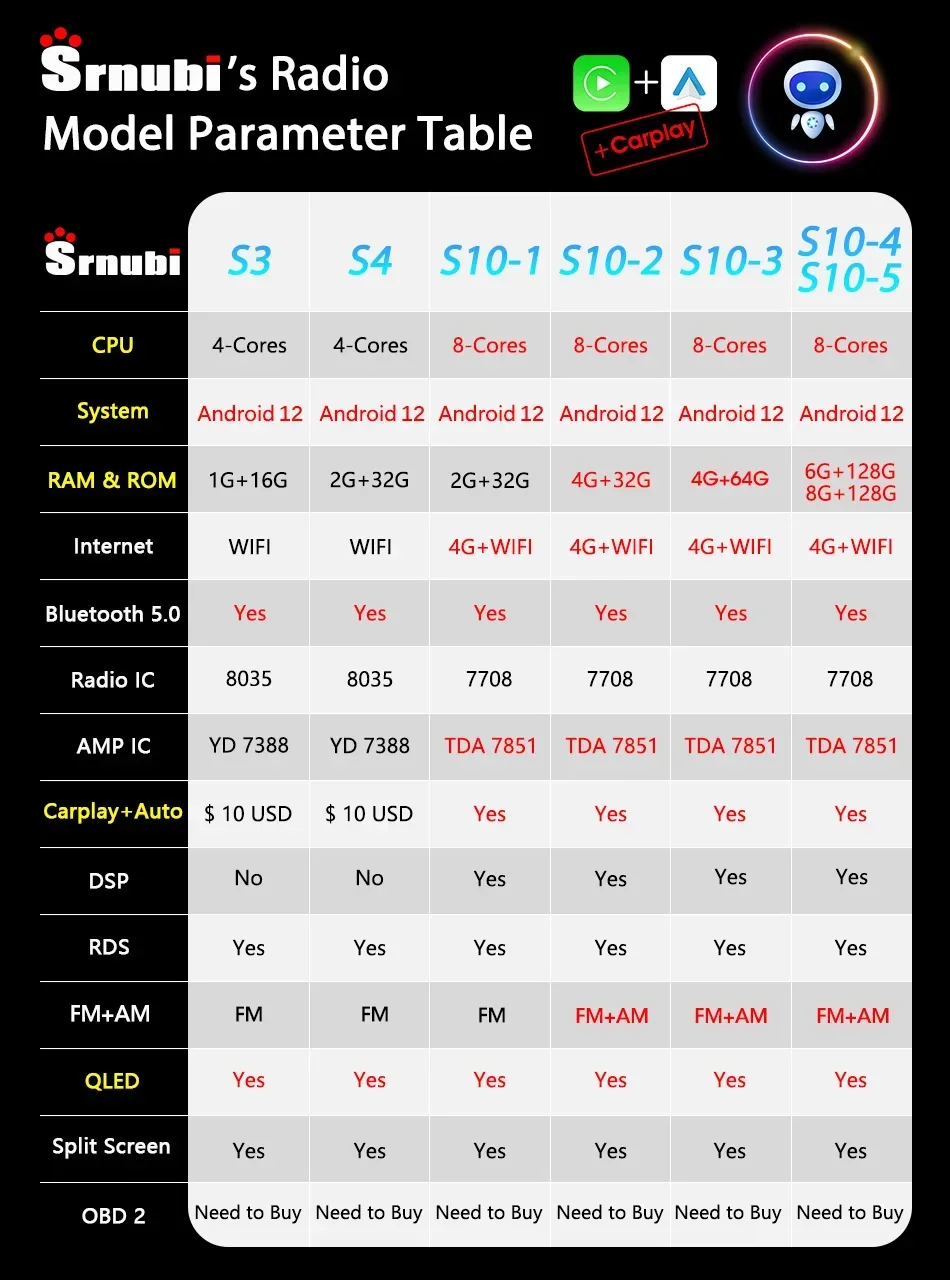
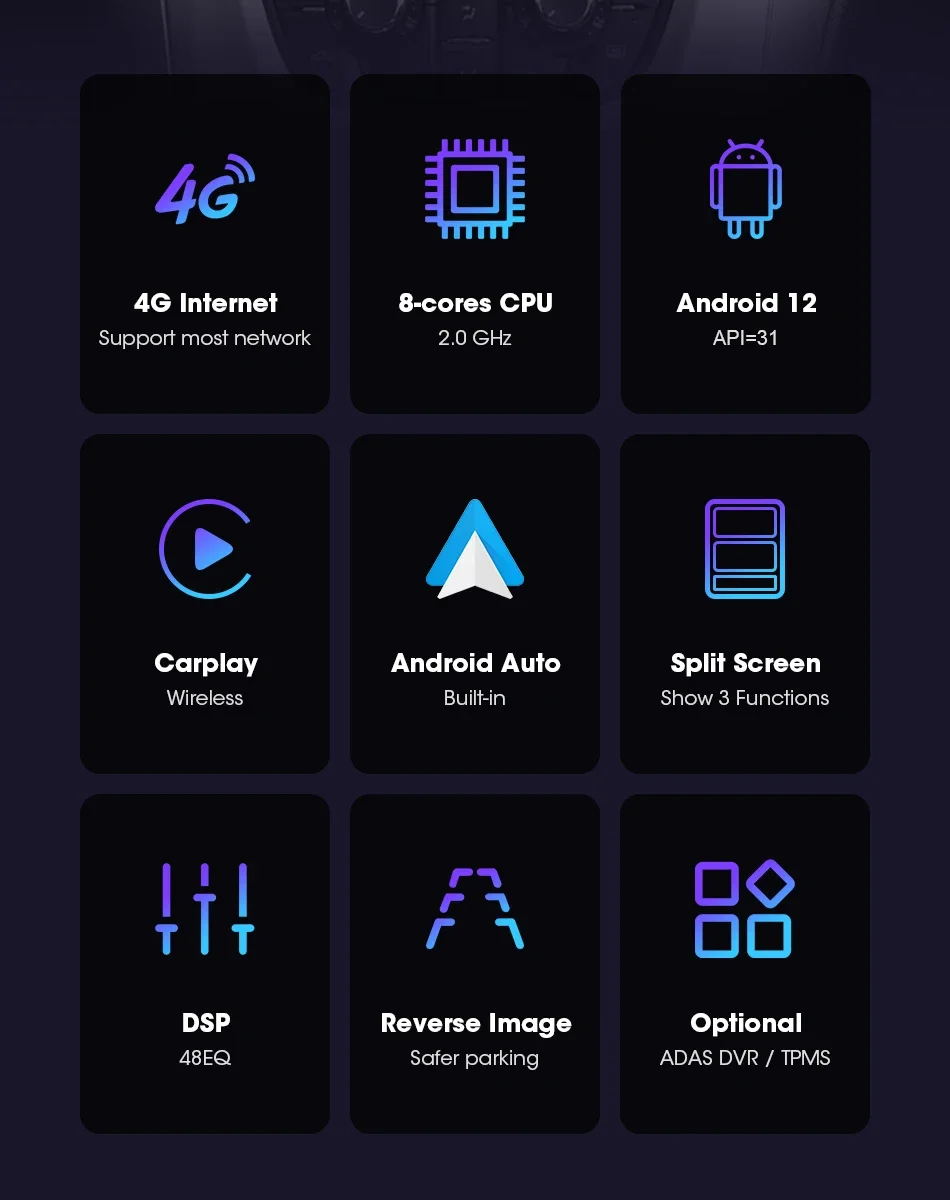
Chipset: T10/S10/X10: 8 core 2*A75+6*A55
Connect an external microphone: All Support
Cruze-Year: 2010,2011,2012,2013,2014
Digital Media Format: Mp3,MP4,WMA,JPEG
Din: Double Din
Display Size: 9.7"
Floating window: All Support
For Vehicle Brands/Model: CHEVROLET
Interface: USB
Is touch screen: Yes
Item Size: 24cm*20cm*12cm
Item Weight: 1.7
Material: plastic
Max External Memory: 128G
OSD Language: Chinese (Simplified),Chinese (Traditional),albanian,Arabic,Azeri,Irish,ESTONIAN,Belarusian,Bulgarian,Icelandic,Polish,PERSIAN,Boolean text (Dutch South Africa),Danish,German,Russian,French,Filipino,Finnish,Georgian,Haitian Creole,Korean,Dutch,Galicia,Catalan,czech,Croatian,Latin,Latvian,Lithuanian,Romanian,Maltese,Malay,Macedonian,Norwegian,Portuguese,Japanese,Swedish,Serbian,Slovak,Slovenian,Swahili,THAI,Turkish,Welsh,Ukrainian,Hebrew,Greek,Spain's Basque,Spanish,hungarian,Armenian,Italian,Yiddish,hindi,Urdu India,indonesia,English,Vietnamese
Operating System: Android 12
Origin: Mainland China
Original Steering Wheel Control: All Support
Out Power: 12V
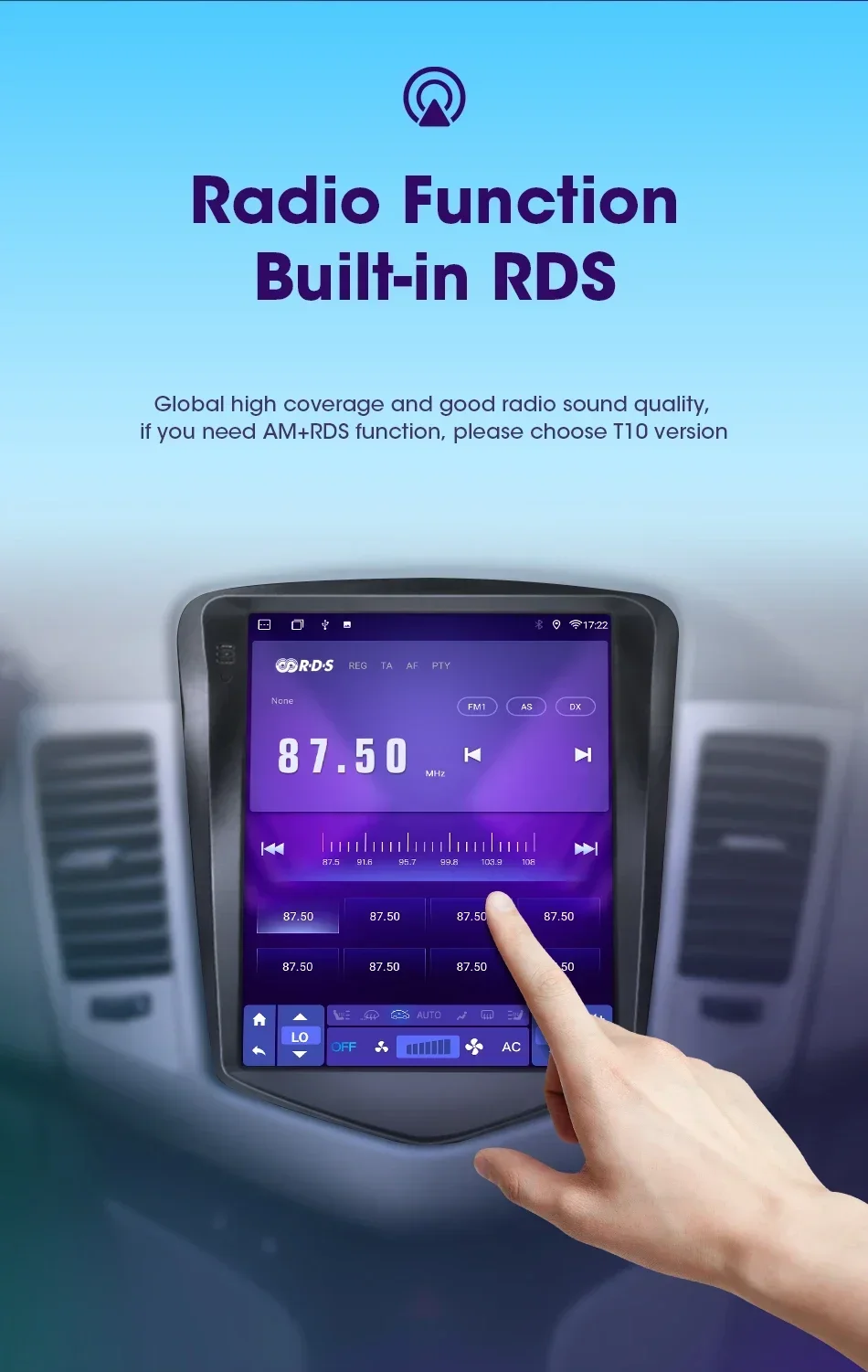
Preset Station: FM 87.50
Processor Speed: S10: 2.0GHZ
Processor Type: S10: Octa-UIS7862(8 core 2*A75+6*A55)
RAM: 6G/4G/2G/1G
ROM: 128G
Resolution: 1024*768P
Special Features: wifi function,Support 3G Network,Support 4G Network,Support Can-Bus,Built-in GPS,Charger,Mobile Phone,MP3 players,Voice Control,dsp,CarPlay,android auto,Reversing Input,Split Screen,Support steering wheel control
Split Screen: All Support
TF/Micro SD Slot: 2
Tuner Type: S10: FM/AM
Voltage: 12 V
Warranty: 365 days
Wifi: All Support
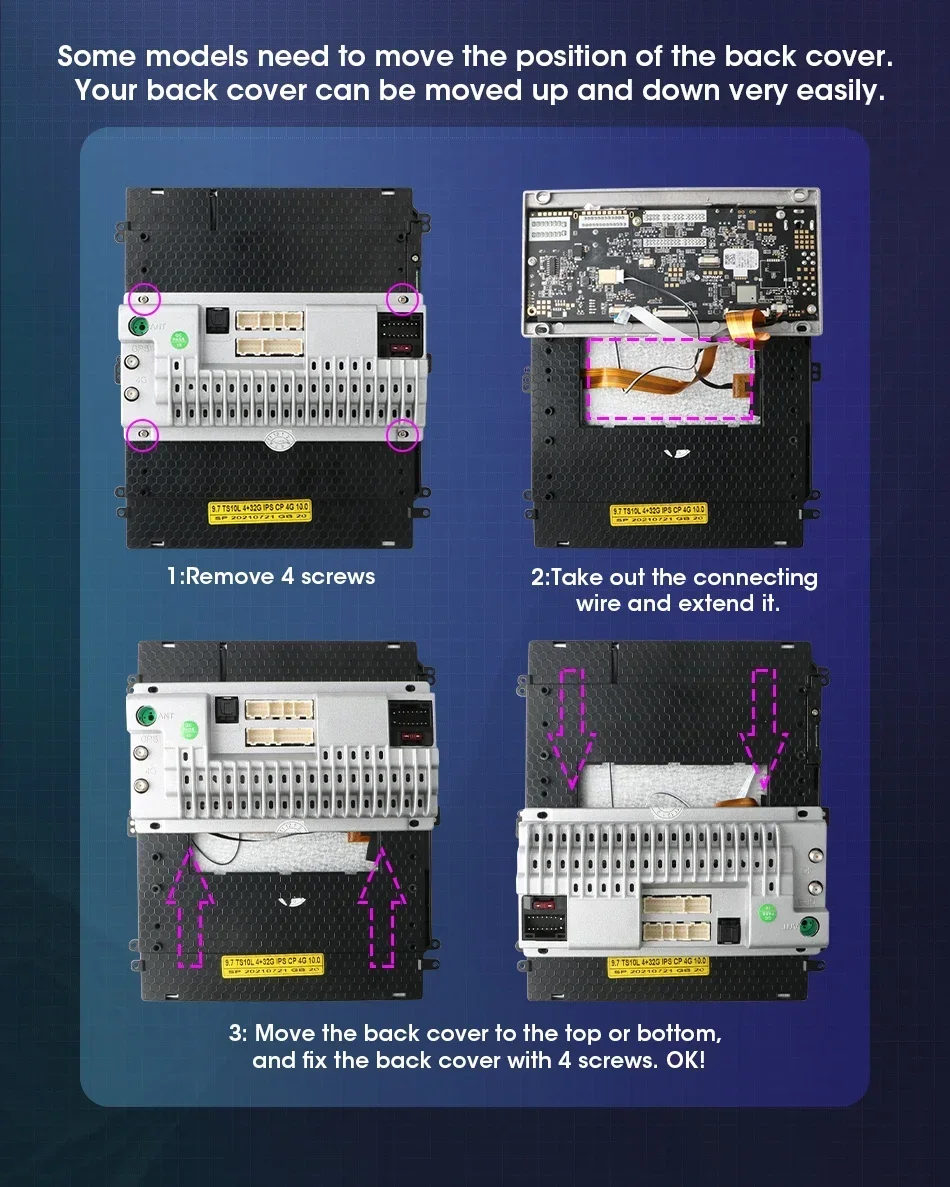
Change the position of the host behind it at will without any damage to the original car frame.
Cruze needs to move the back cover to prevent it from reaching the middle position of the central control.
1: Remove 4 screws
2: Take out the connecting wire and extend it.
3: Move the back cover to the top, fix the back cover with 4 screws, OK!
Move up, SO easy
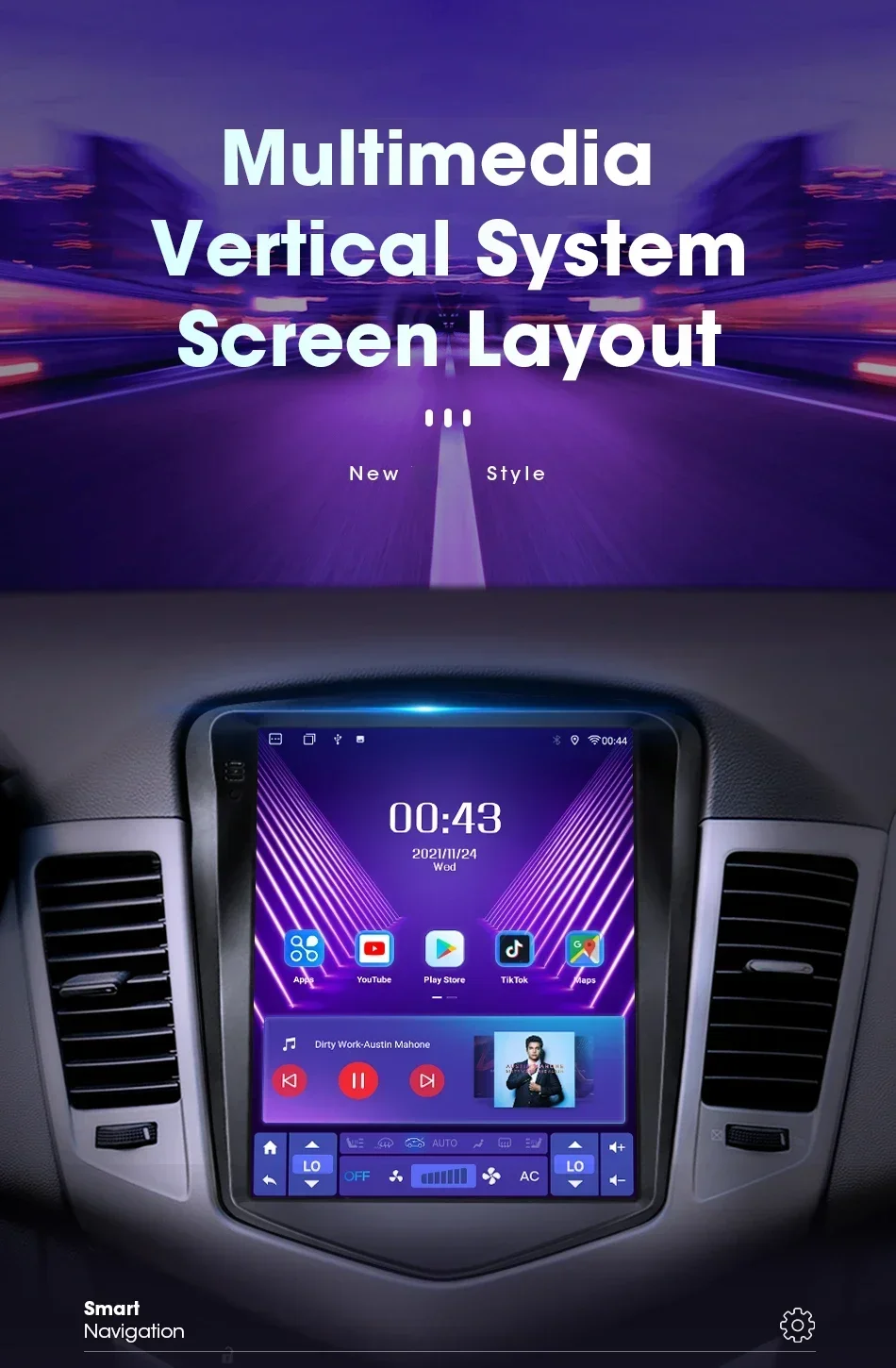 Brand new style screen, more convenient operation and better visionThe latest technology, using advanced Android navigation solutions, supports more custom settings and opens more options to users.
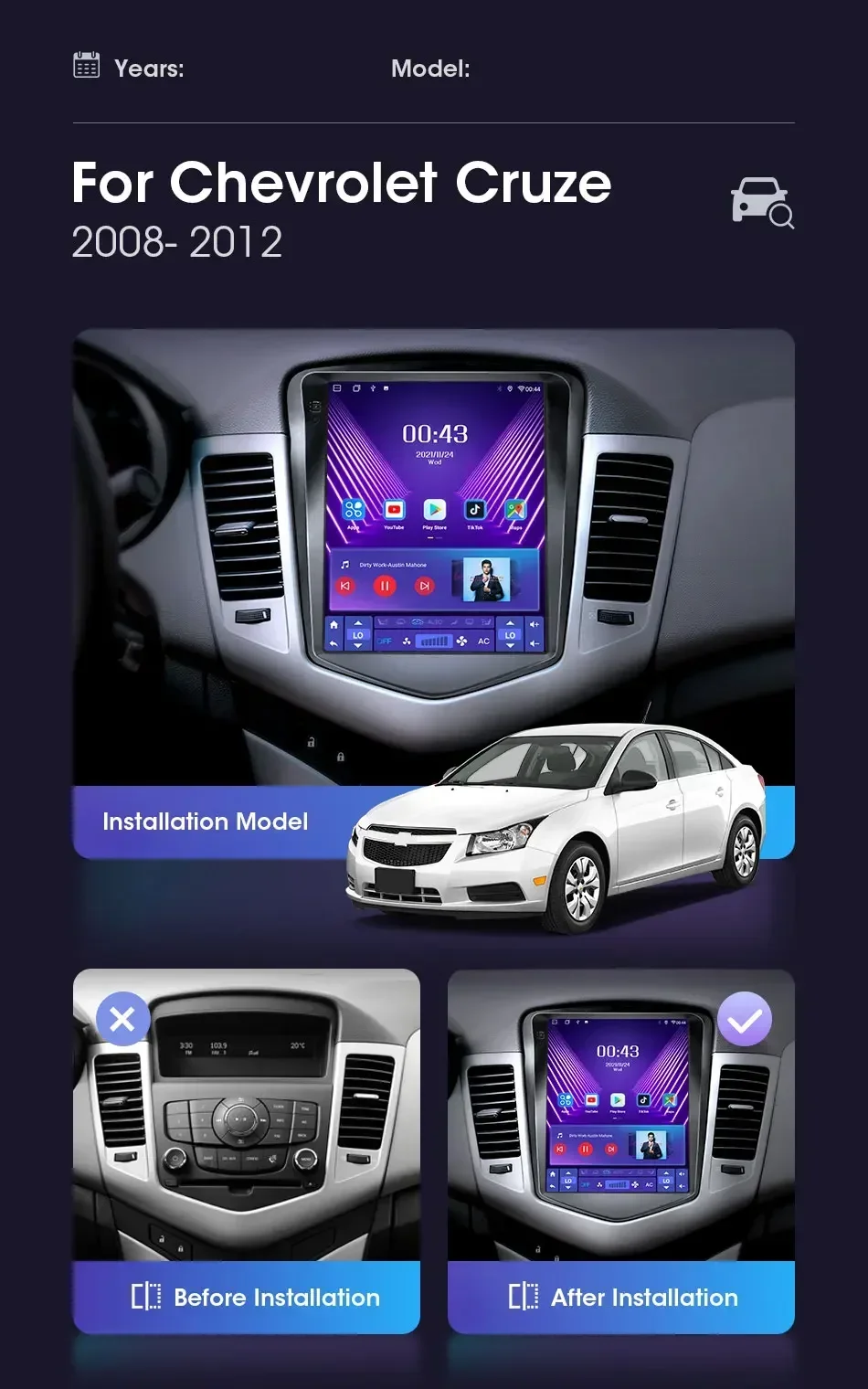
 The original screen is compared with the new screen, everything is clear, making your car more stylish
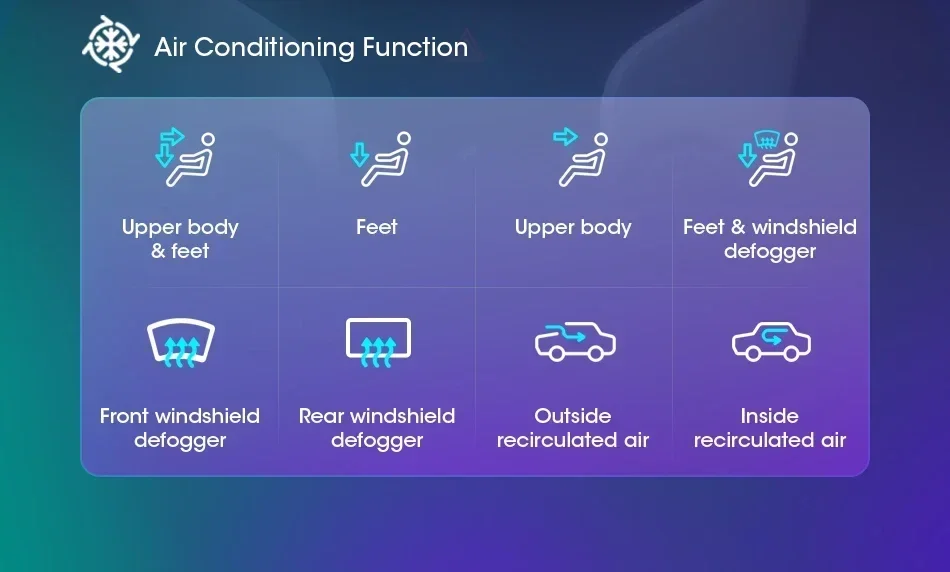
Keep the steering wheel control of the original car, simple operation, safer driving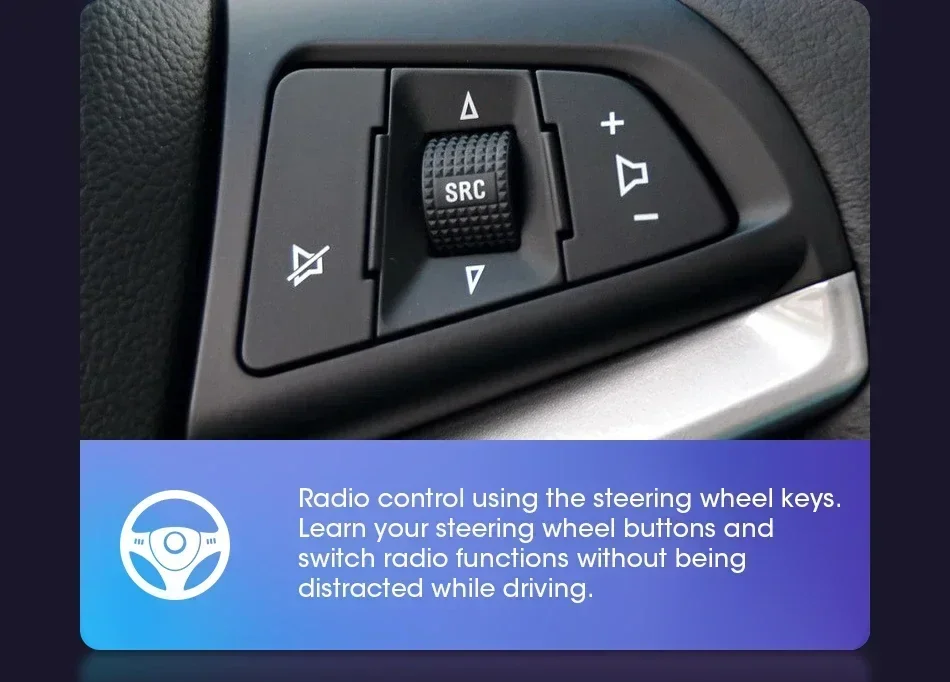 Smarter control of air conditioning, as well as wind direction and size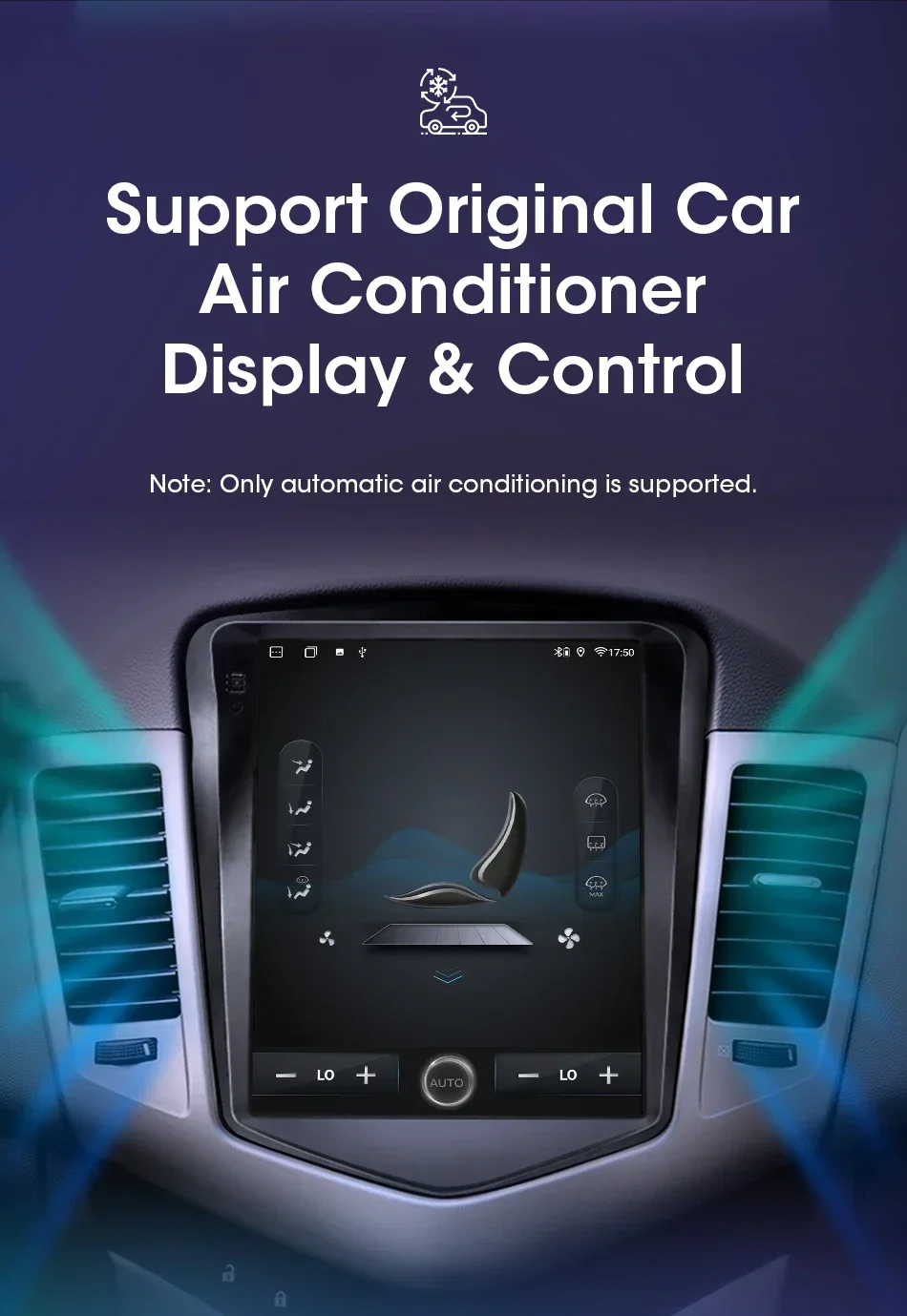
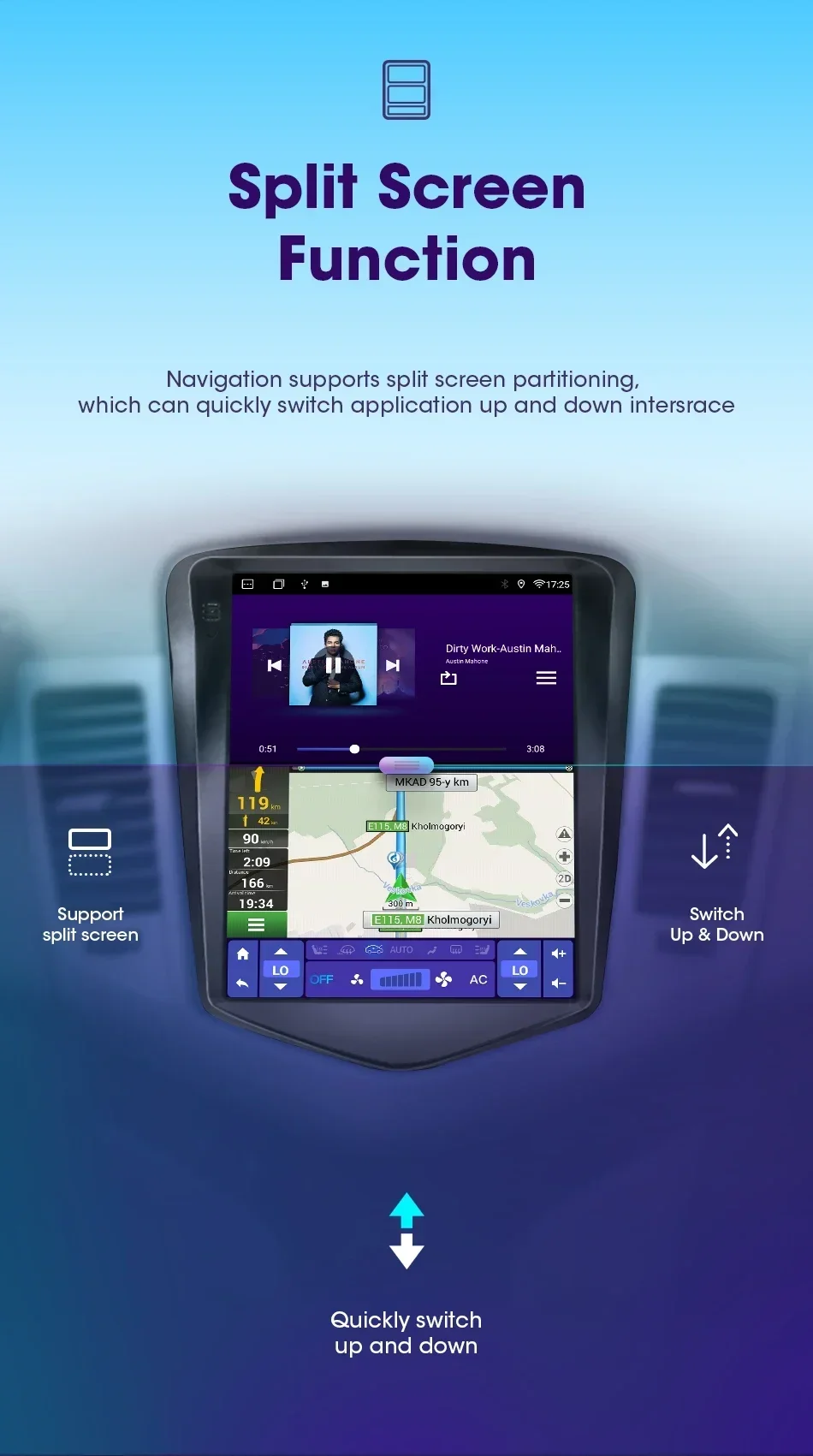
 Two screens can be turned on at the same time for navigation and driving, and listening to music at the same time, making driving more enjoyable and more immersive
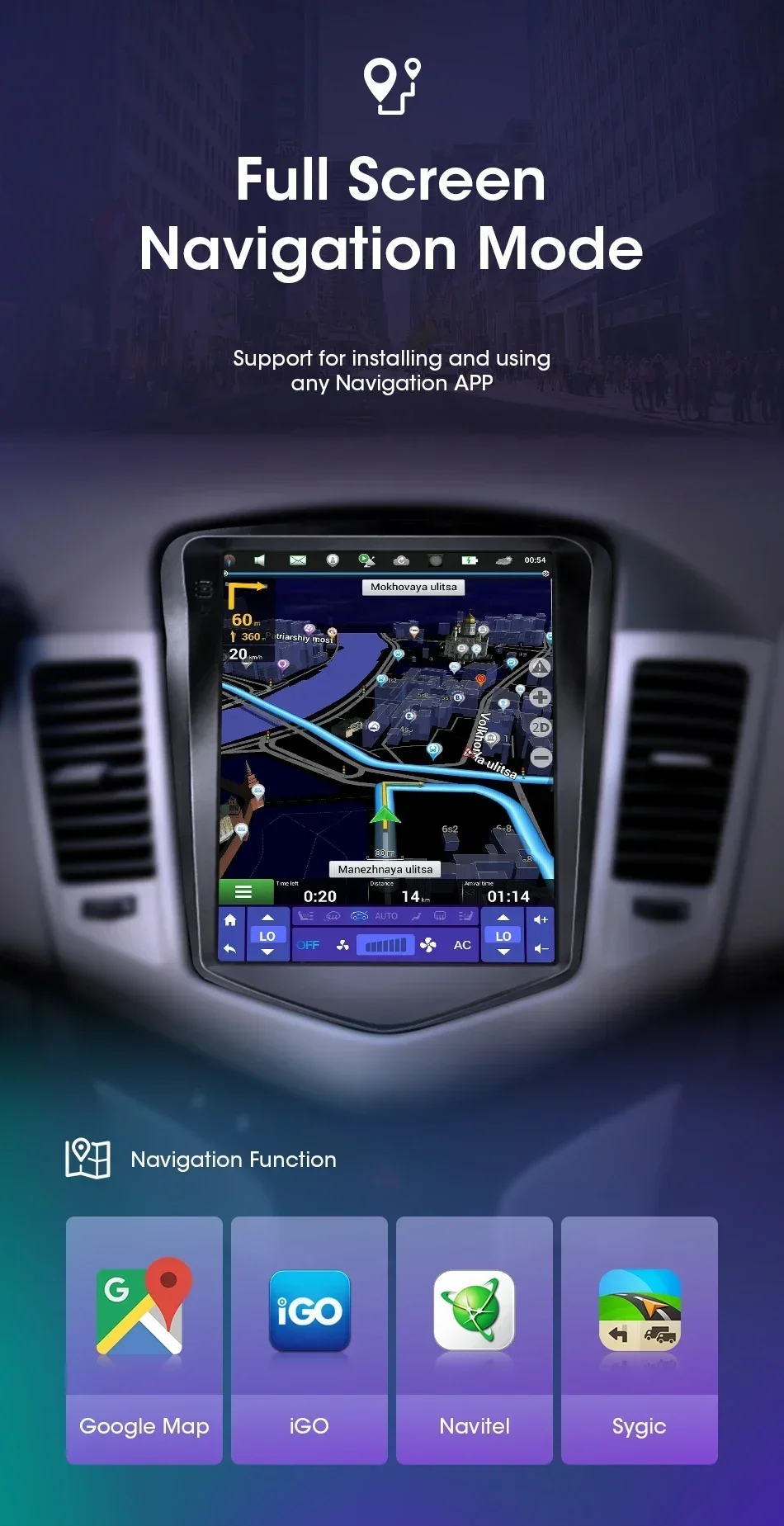
 The radio in our shop will download the map for you and install the most useful navigation software. You can also download the software you like more according to your hobby.
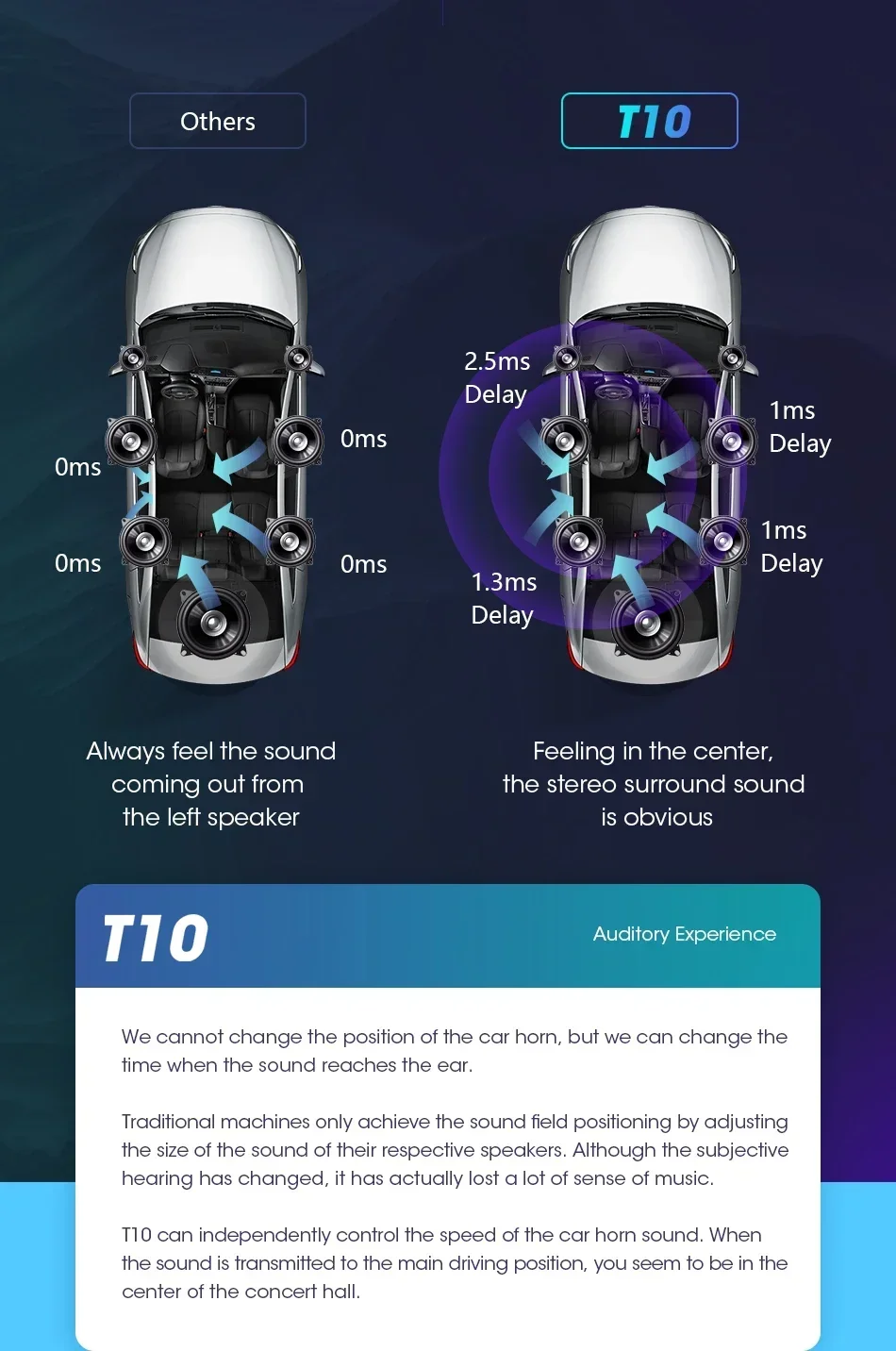
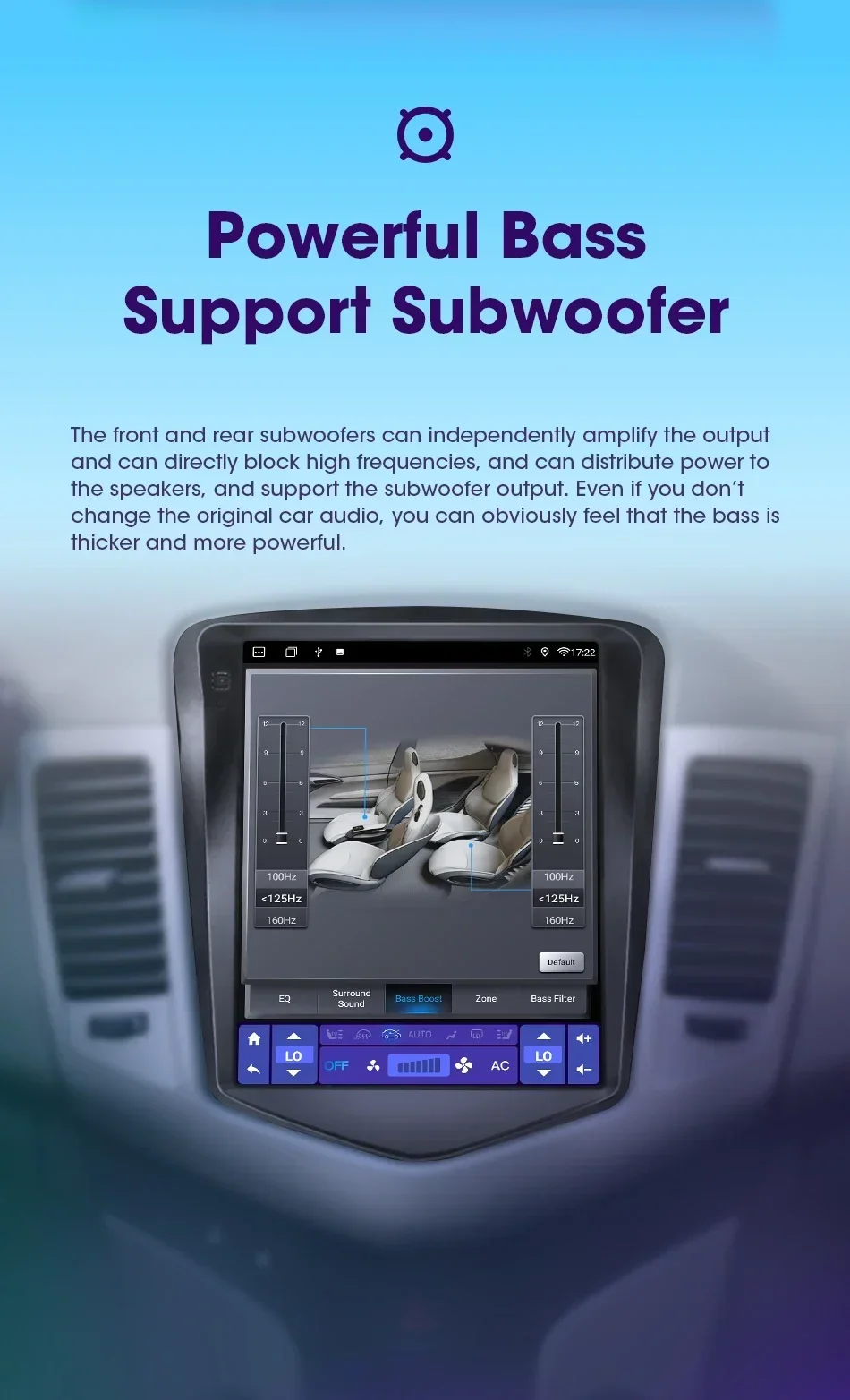
 T10 Powerful amplifier processor makes the sound more perfect, 48EQ makes everyone can become a professional tuner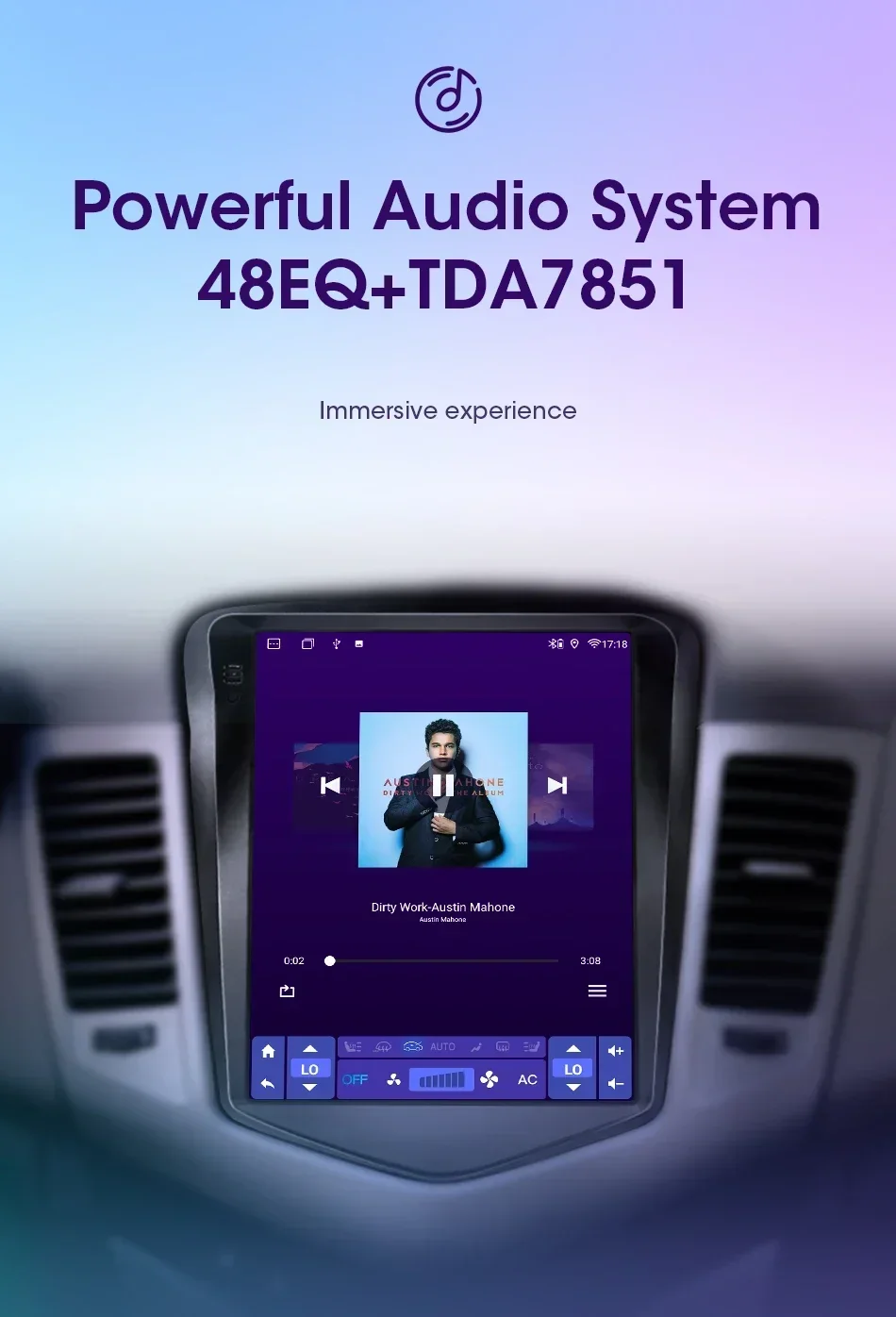
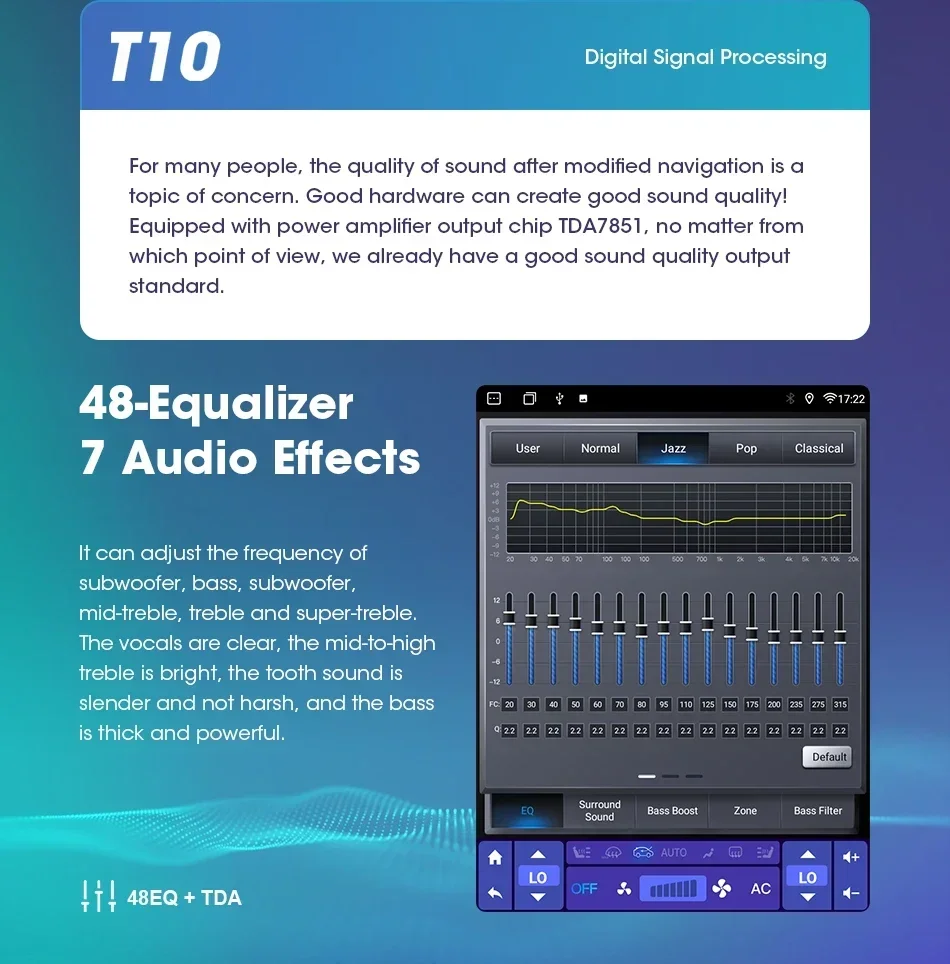
Adjust the sound direction to make the music more immersive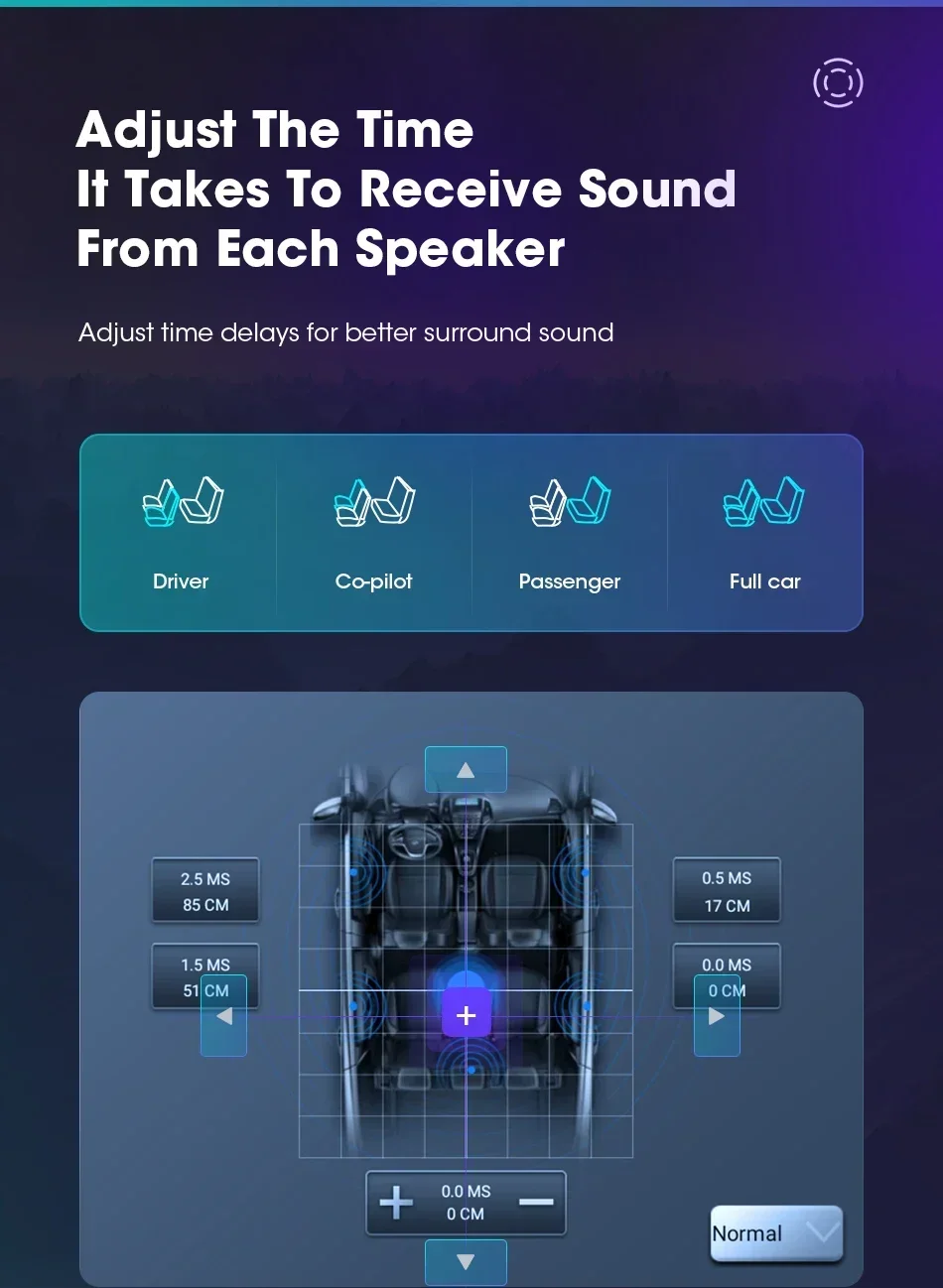
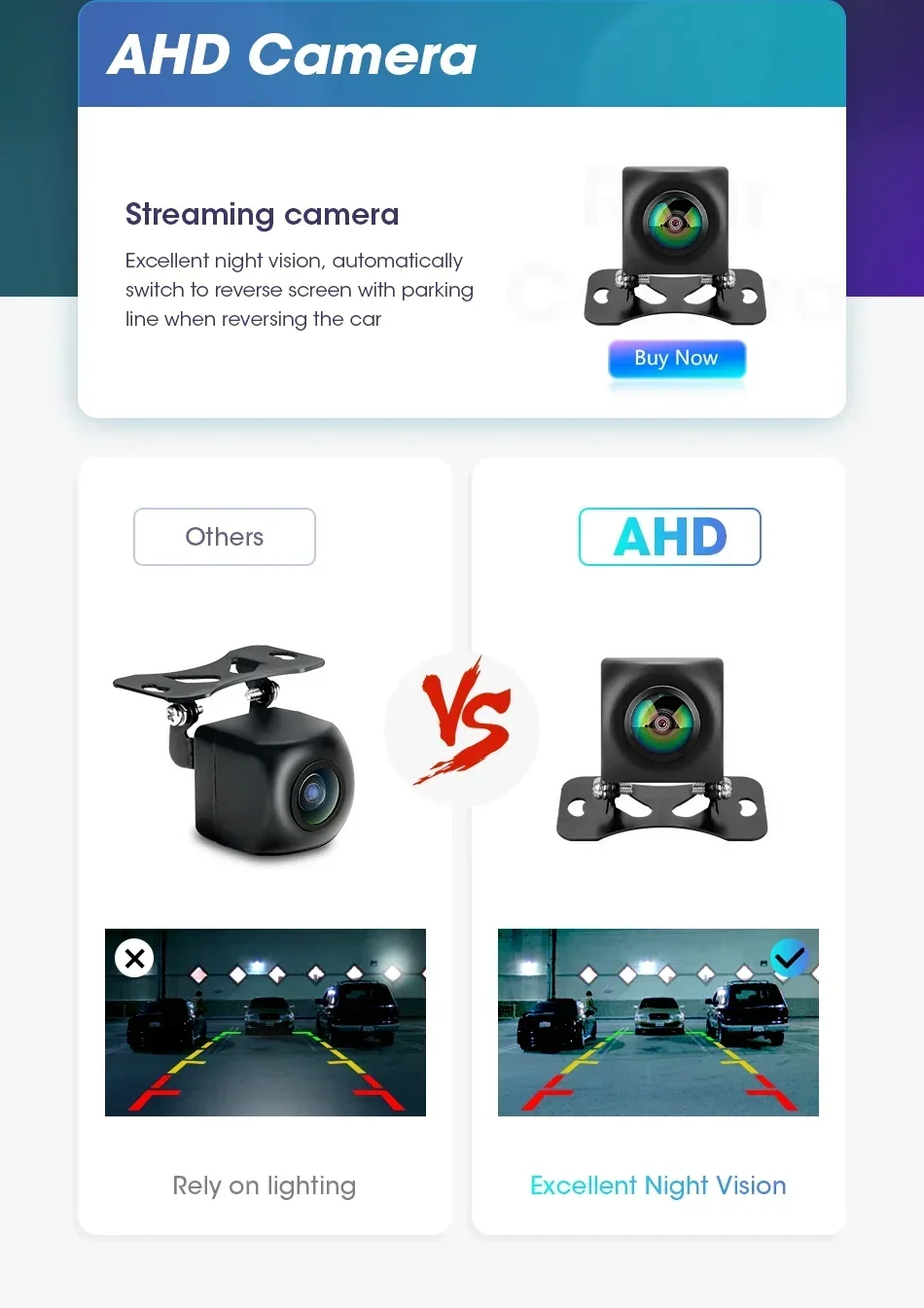
AHD high-definition night vision camera, escort your driving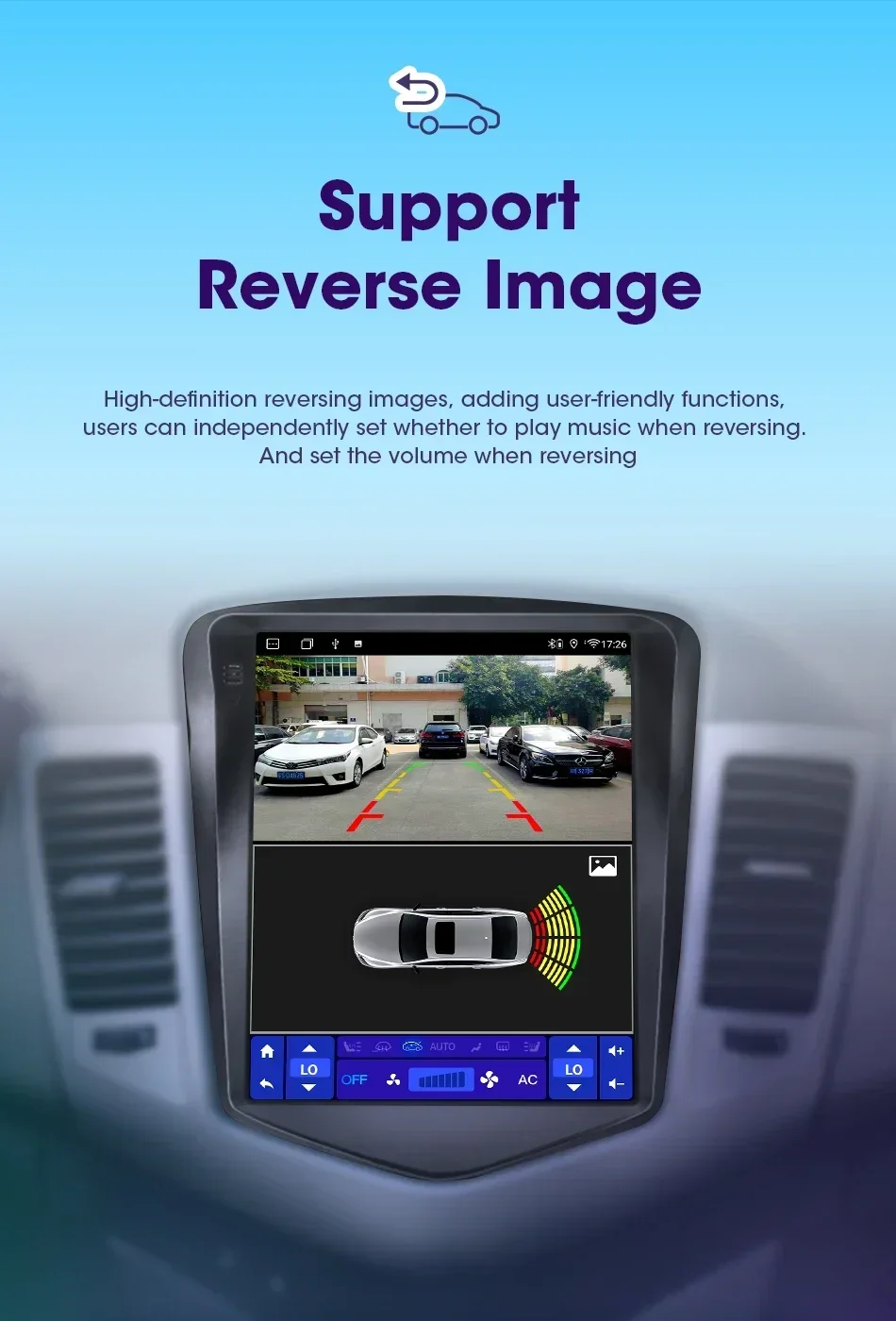
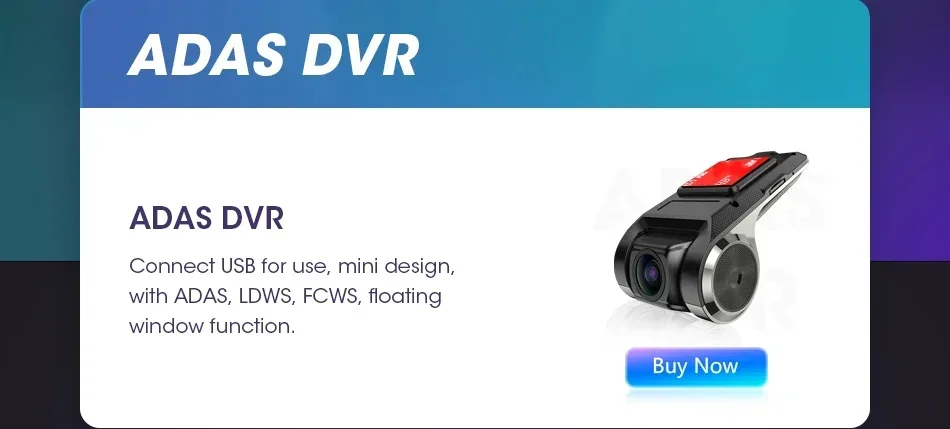
 High-definition driving recorder with ranging function. Protect your driving safety.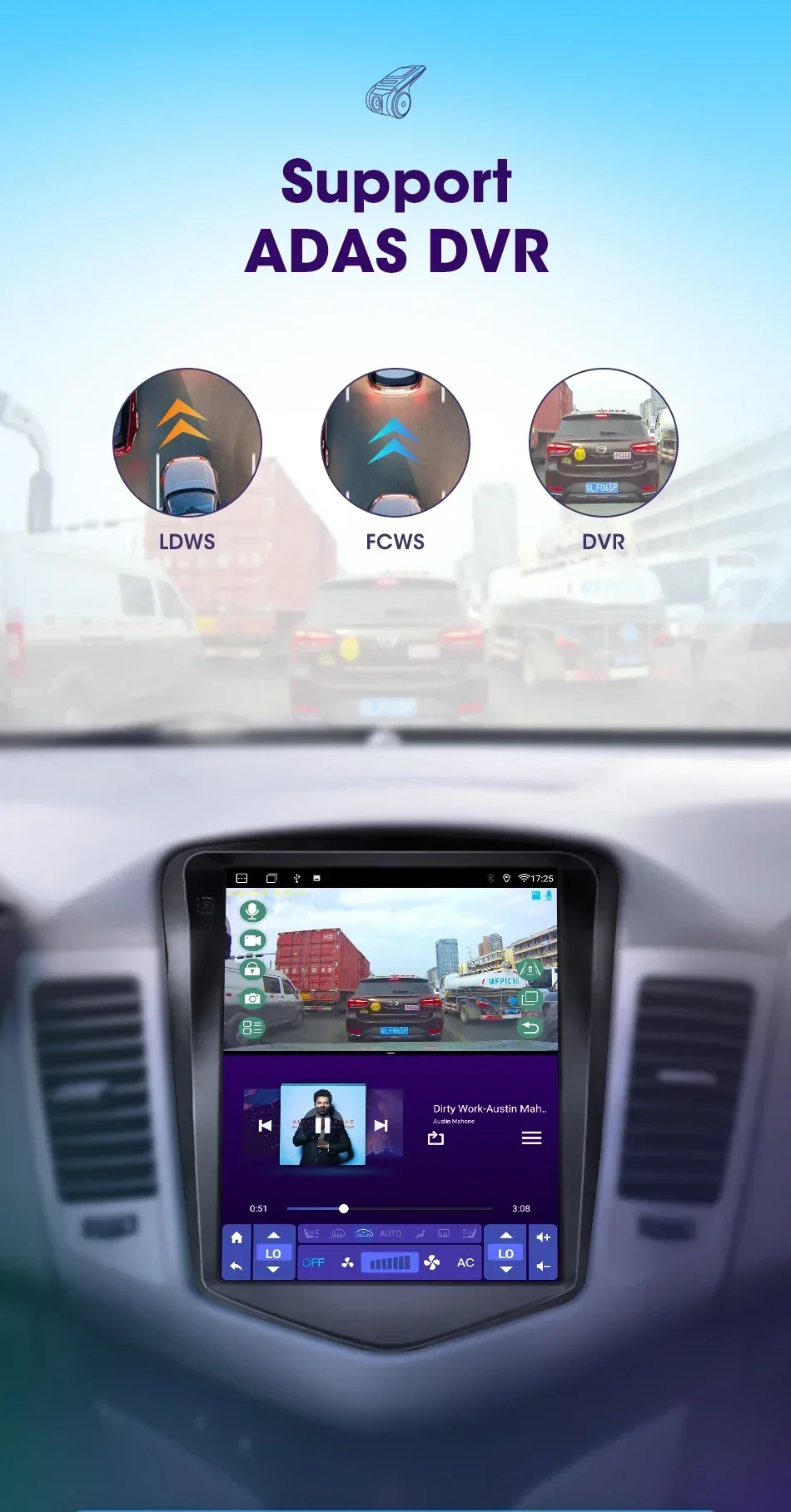
 Can be used in conjunction with our TPMS tire pressure monitoring system to monitor tire temperature and pressure in real time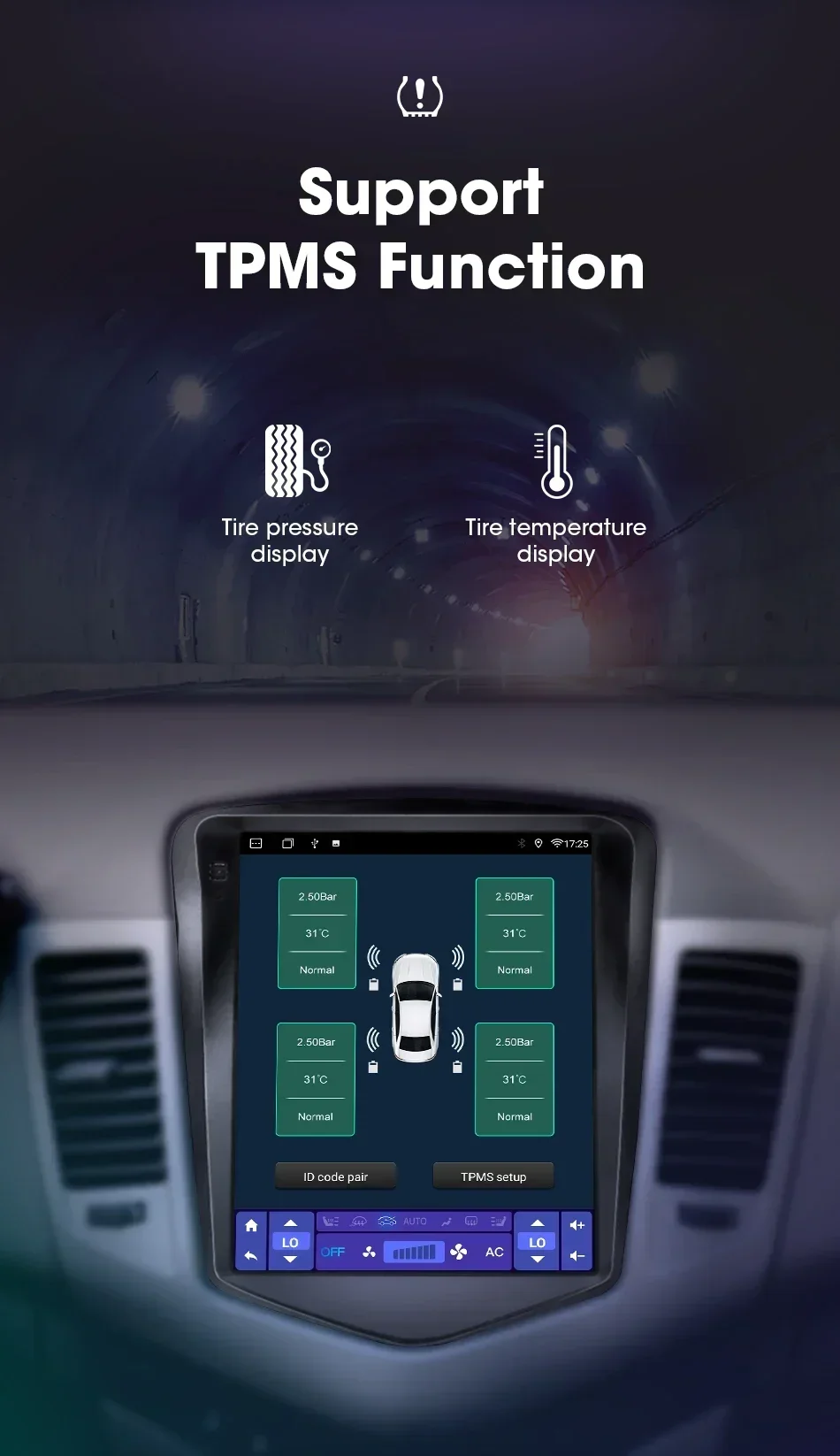
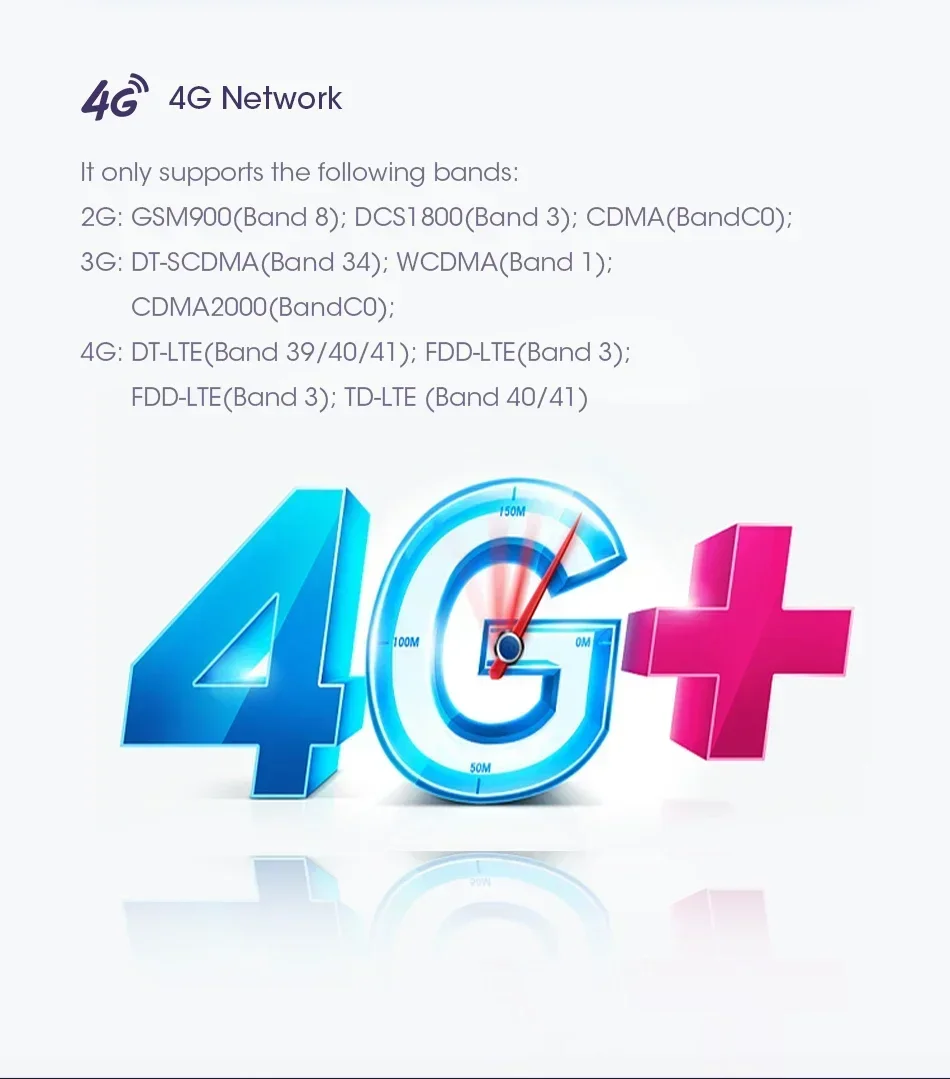
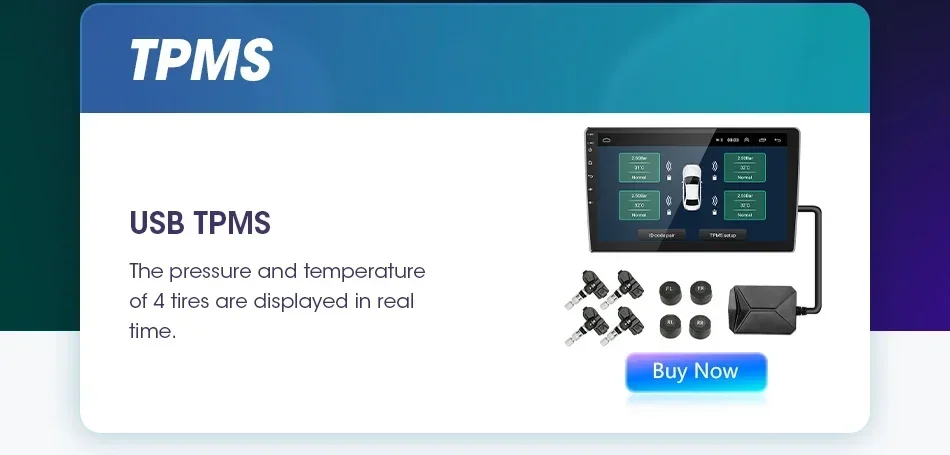 Suitable for 4G/5G network, wireless network makes it more convenient to use
 The 9.7-inch super large screen can meet any of your needs.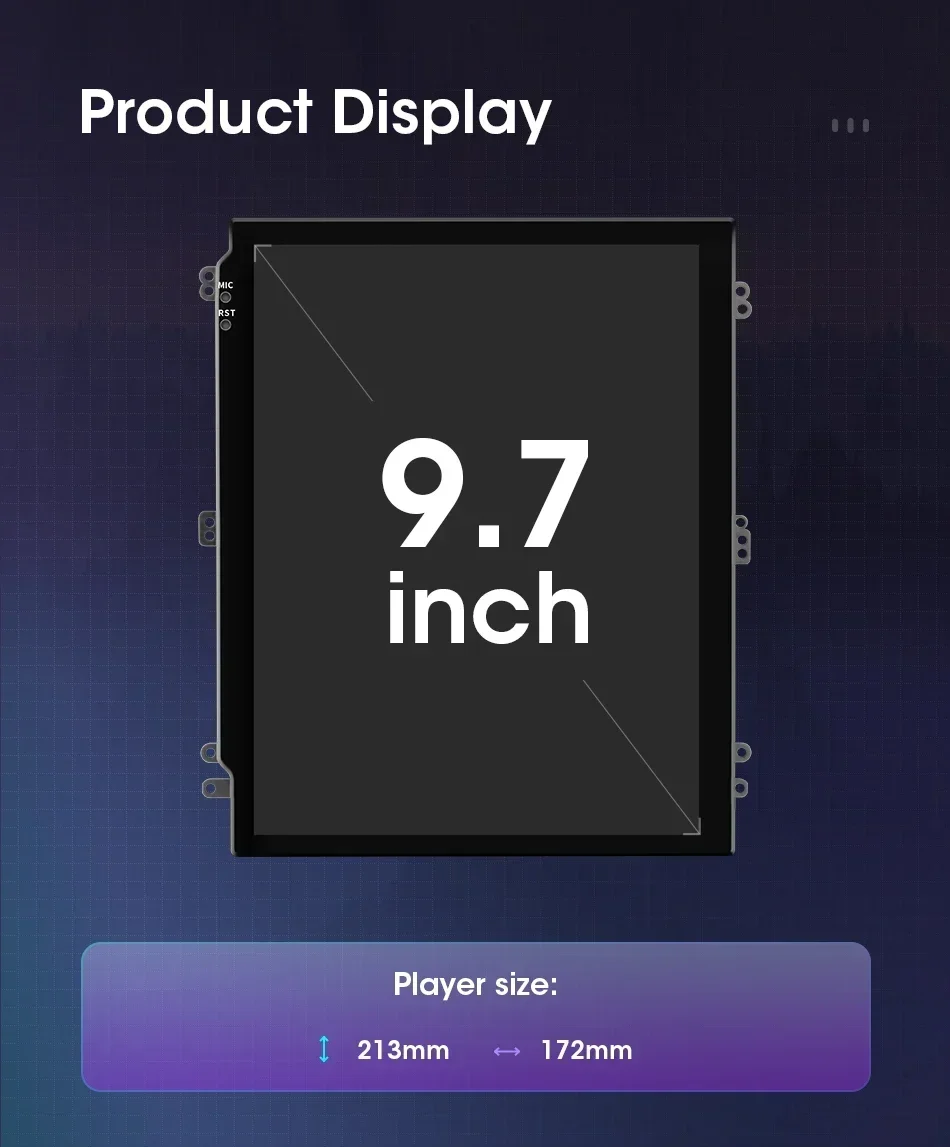
Srnubi's new style Stereo ,The new UI 5.0 design language is adopted to make driving intelligent, technological driving, and driving safe.
Super easy installation instructions, so everyone can easily install.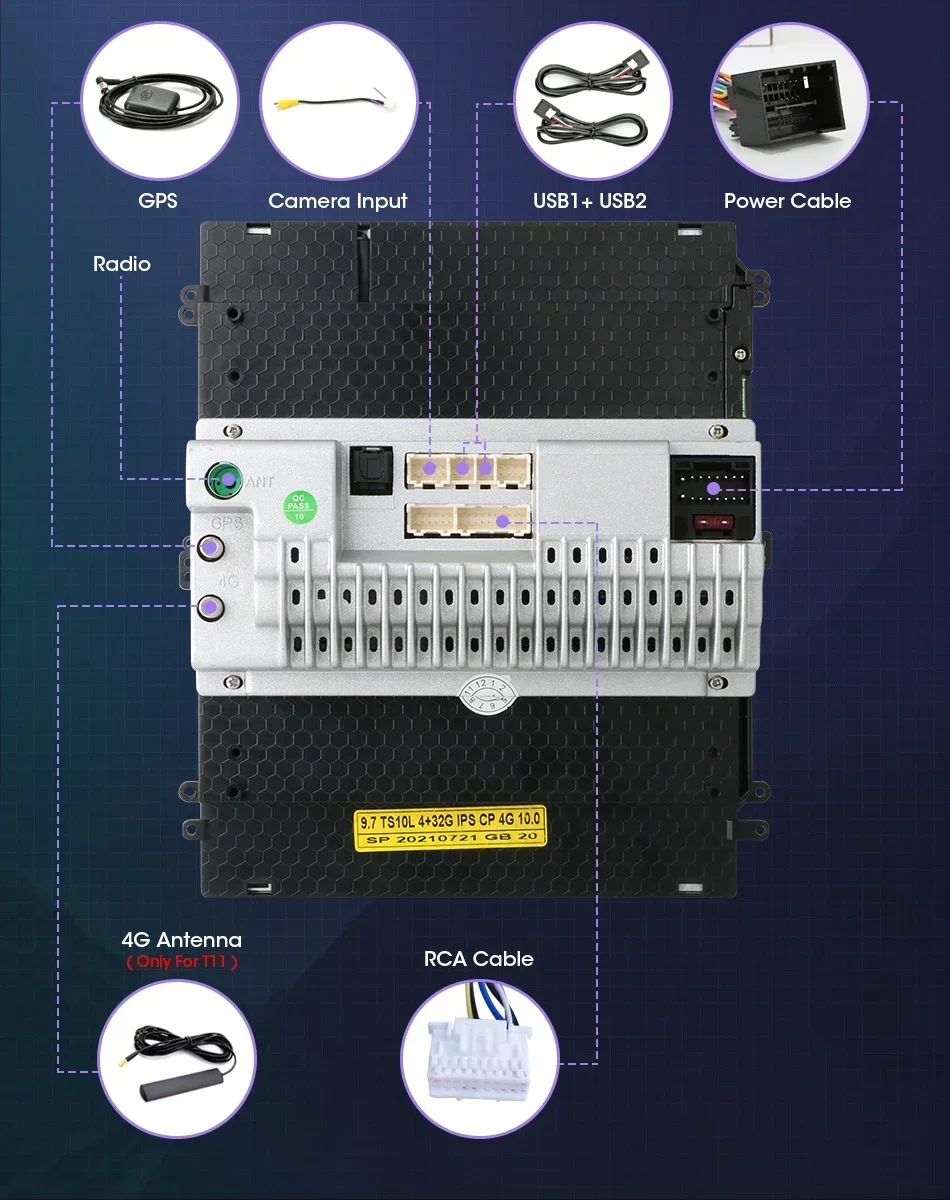
 (5-star feedback ) New radio firmware will be updated every year (the firmware may include system version upgrades and optimizations, function additions and adjustments, motherboard graphics upgrades, voice control), and the new firmware will be sent to 5-star feedback and Friends who follow my shop. I will continue to serve my friends and always provide some coupons.
 FAQ:
FAQ:
1.Why can't turn on the car radio ?
1.1 Please check the Voltage of car radio : 12V
1.2 When you test this car radio,you can combine the red and yellow wires and connect them to the positive side of the power supply.Black line to negative power supply.
1.3Replace the same type of insurance to test the car radio. Note: Please must use our power cables to connect our car radio,it is not possible to insert the original car plug directly into our machine.
2.Why the car radio will show "No Signal" when we reversing?
Please check if the camera's line is properly connected to the car radio. Note:The video port of rear camera must insert the "CAMIN" port of car radio.
3.Why does the camera display "!" and "Can't watch video while driving" when I use USB to watch videos?
Please turn off the "Video Warning" function in the settings,then will be OK.
4.Why can't search FM?
4.1: No radio antenna inserted;
4.2: Please check if the radio antenna is plugged in. Please insert more antennas several times to make it well contacted;
4.3: The signal of your location is not good. Please go to a better place to test again
4.4: The radio antenna on the car is broken/no effect; please replace the radio antenna and test again.
5.Why can't connect the Bluetooth of car radio?
5.1.Open the phone settings interface, open the Bluetooth in the Bluetooth function, search for Bluetooth devices, find the player's Bluetooth model to be paired; if you need a pairing code, enter 0000; if not, try 1234 or 123456.
5.2.Please try to use another mobile phone to test this function. Please check if the Bluetooth receiving antenna is properly connected All methods are correct and still cannot use Bluetooth, Please unplug the plug on the back of the player and plug it in after 3 minutes.
6: Bluetooth signal is weak, WiFi signal is weak:
please check and reconnect the Yellow rear Camera input connector, there are 2 short cables, they are the extension cords of the Bluetooth antenna and the WiFi antenna, or you can extend them to enhance the signal.
7: The navigation map does not work,
check whether the GPS has a signal, click GPS signal detection, if there is a signal, then reinstall a new map or open the mobile WiFi hotspot. If there is no GPS signal, leave the garage and test the GPS interface voltage on the road. The voltage must be 3.3V, otherwise the GPS antenna should be replaced.
8: The screen display is abnormal,
click the one-key recovery button, if it can't be solved, remove the screw on the back, check whether the screen cable is loose, and reconnect the screen cable.
9: Abnormal sound:
1 Check whether the original car cable has been modified by another car owner. If so, please check the speaker cable and reconnect it.
2 Check whether there is an original car or a modif
10:Radio setting interface password:
T6 password: 111333, 1234, 1617, 16176699
K3/T10/T3L/T3L plus: 123456,8888,7890,000000
Programmer interface password: 7890 plus current time. For example, at 11 o'clock it is 789011. If it is 12 o'clock, it is 789012
11:The radio cannot be turned on
11.1. The condition for the radio to turn on is that ACC (G3) and 12V (G2) are connected to the positive pole of the car's 12V power supply, and G1 is connected to the negative pole of the power supply. There may be a very small probability that the power cord does not match your car. You can directly connect these 3 power cords Connect the power cord of the car without the radio
11.2. It may be that the connecting wire of the radio came off during transportation, just open the back cover to check and reconnect the connecting wire inside the radio
11.3. If you can't turn on after checking the above steps, please send a video to us for confirmation. The video needs to show that the power cord is normally connected, and test the connection cord with an electric meter to be 12V.


 Call us: +393312798971