
Countdown banner
Dec 31, 2026 11:59:59
Chatta con Ori, la tua assistente personale!
🤖 Apri OriDec 31, 2026 11:59:59


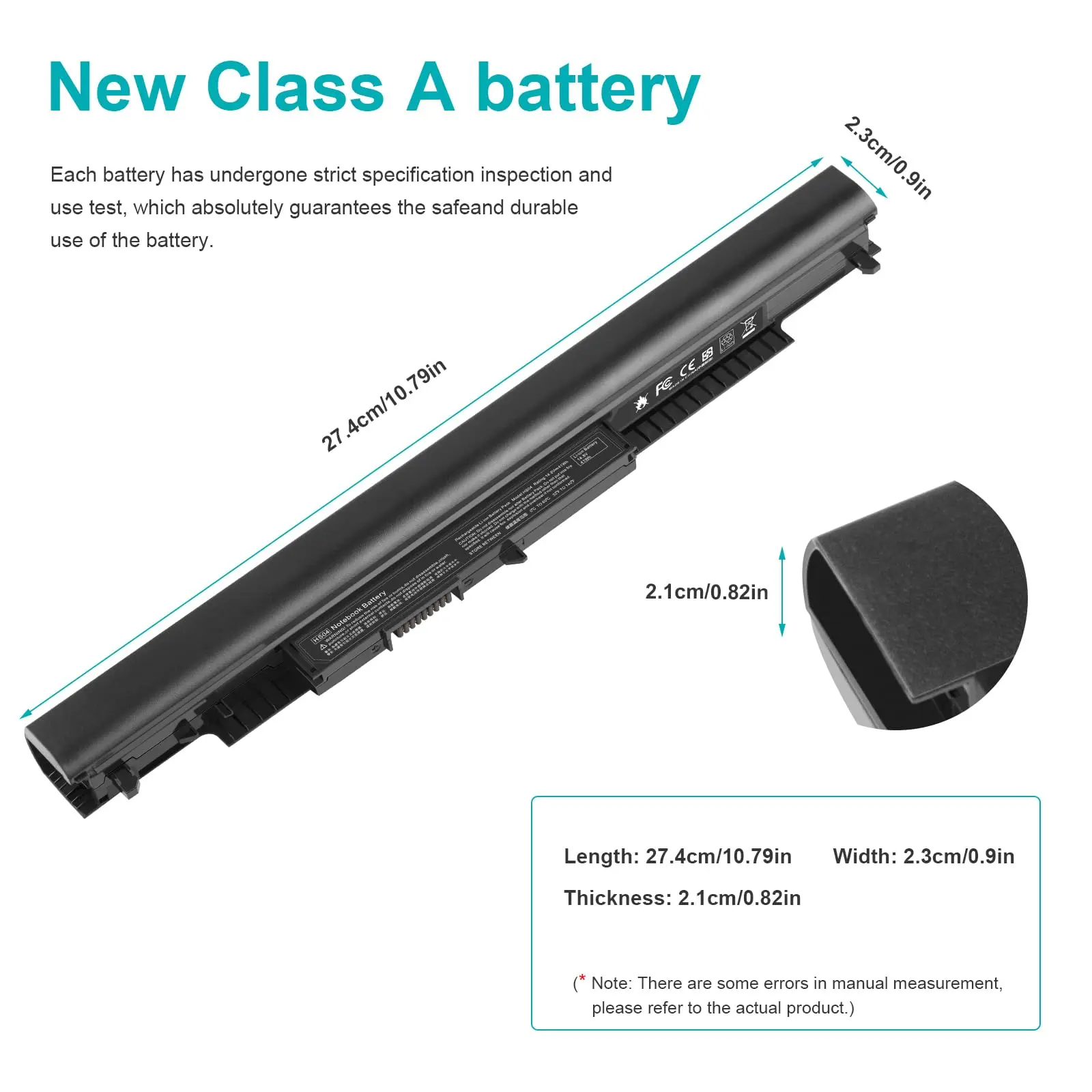
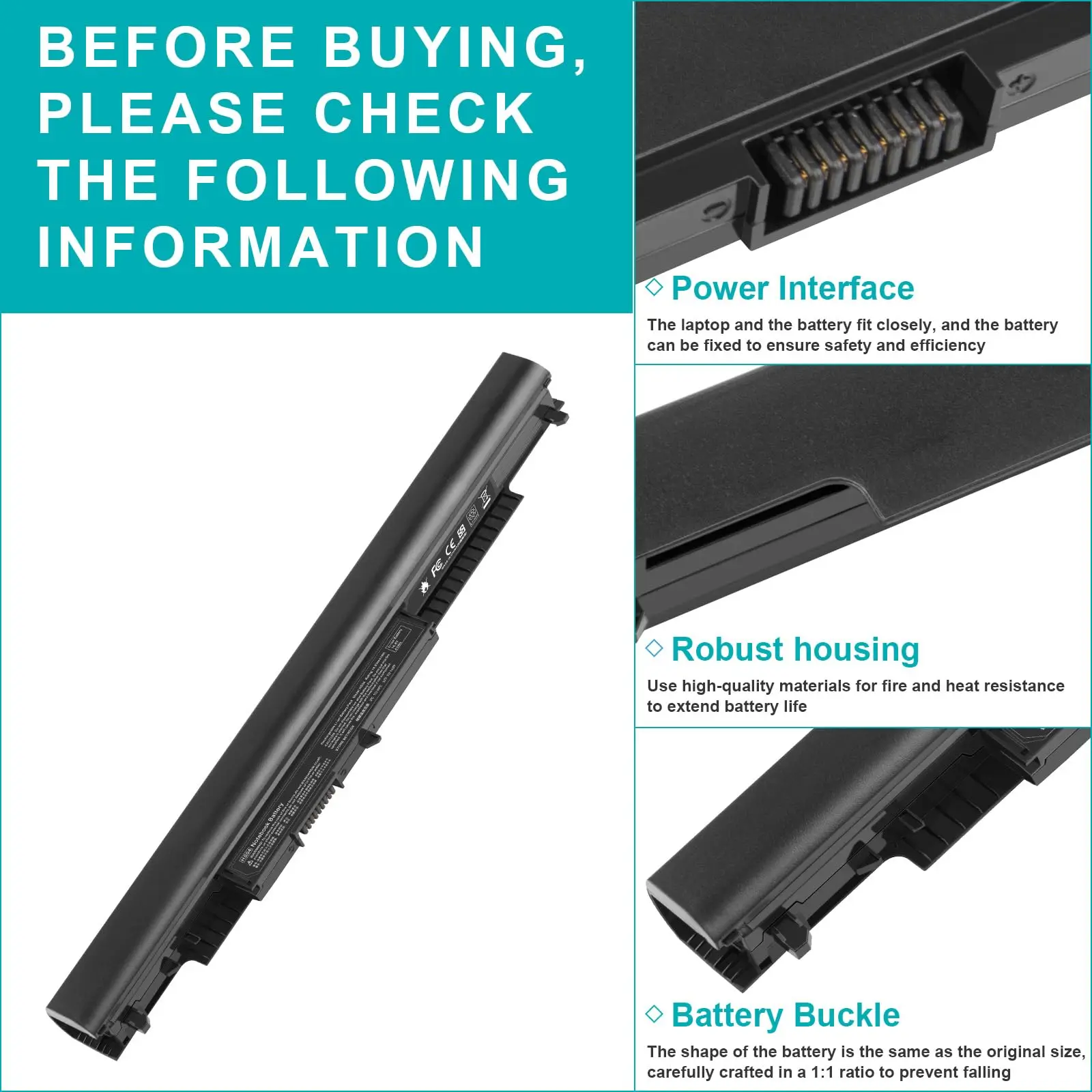
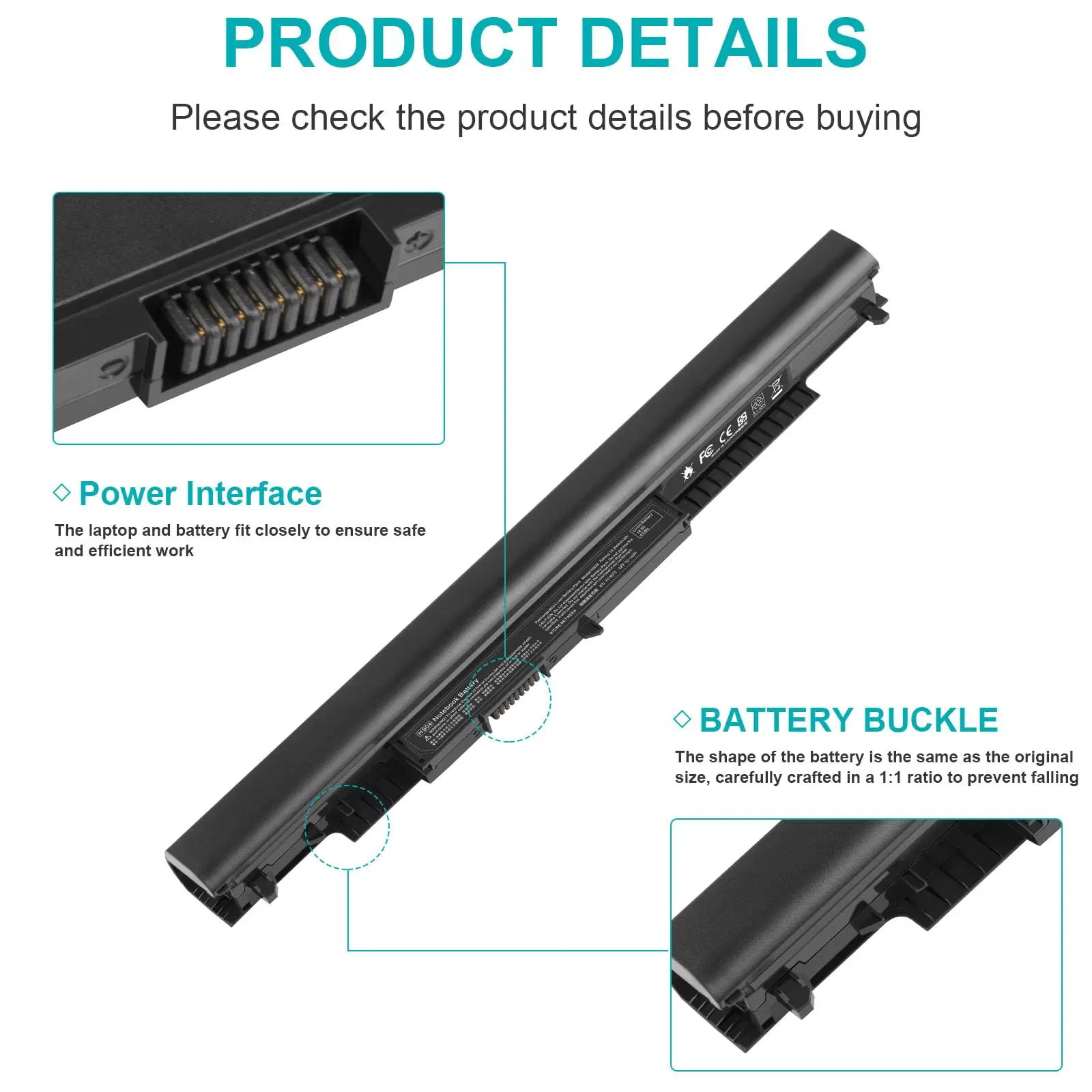
SPECIFICATIONSBattery Voltage: 14.8V/10.95VBrand Name: DIXSGCertification: CECompatible Brand: HPFeatures 1: 100% New from ManufacturerFeatures 10: 2-year warrantyFeatures 2: Grade A++ CellFeatures... Per saperne di più
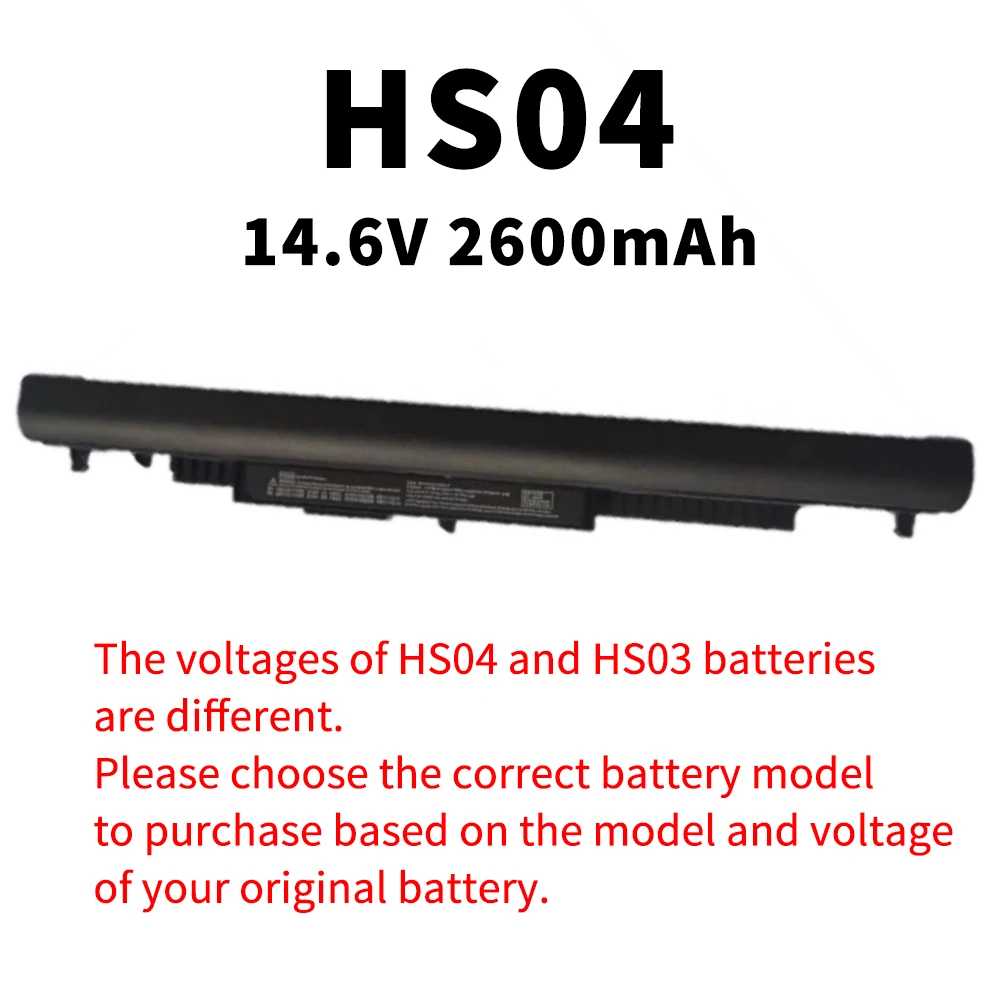
SKU: 14:29#HS04 14.6V 2600mAh
€29,95 incl. I.V.A.
✓ Pagamento 100% Sicuro - Garantito

Do you need a large stock? Contact us.
Do you need a large stock? Contact us.
 Call us: +393312798971
Available on working days between 9:00 am to 6:00 pm
Available on working days between 9:00 am to 6:00 pm
🚚 Consegna e Supporto
Spedizione Gratuita
Reso 14 giorni
Assistenza
Pagamento Sicuro
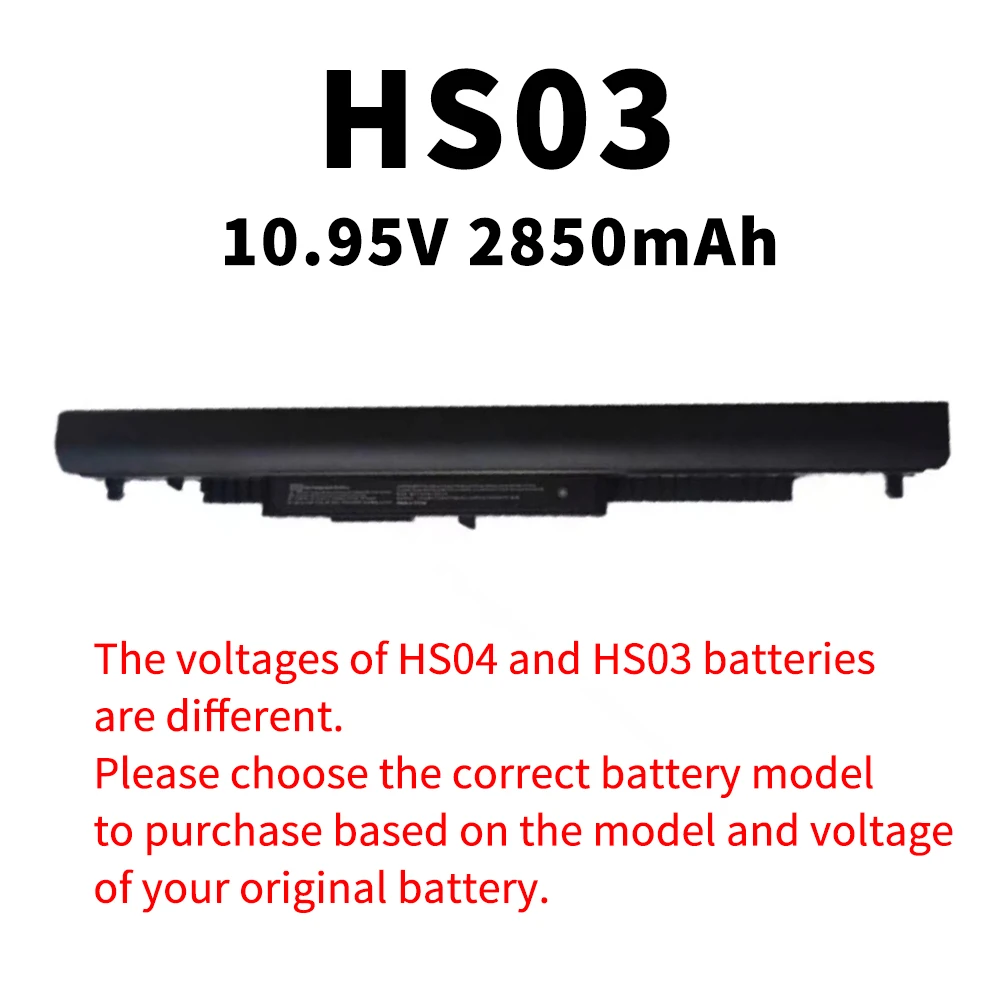
Battery Voltage: 14.8V/10.95V
Brand Name: DIXSG
Certification: CE
Compatible Brand: HP
Features 1: 100% New from Manufacturer
Features 10: 2-year warranty
Features 2: Grade A++ Cell
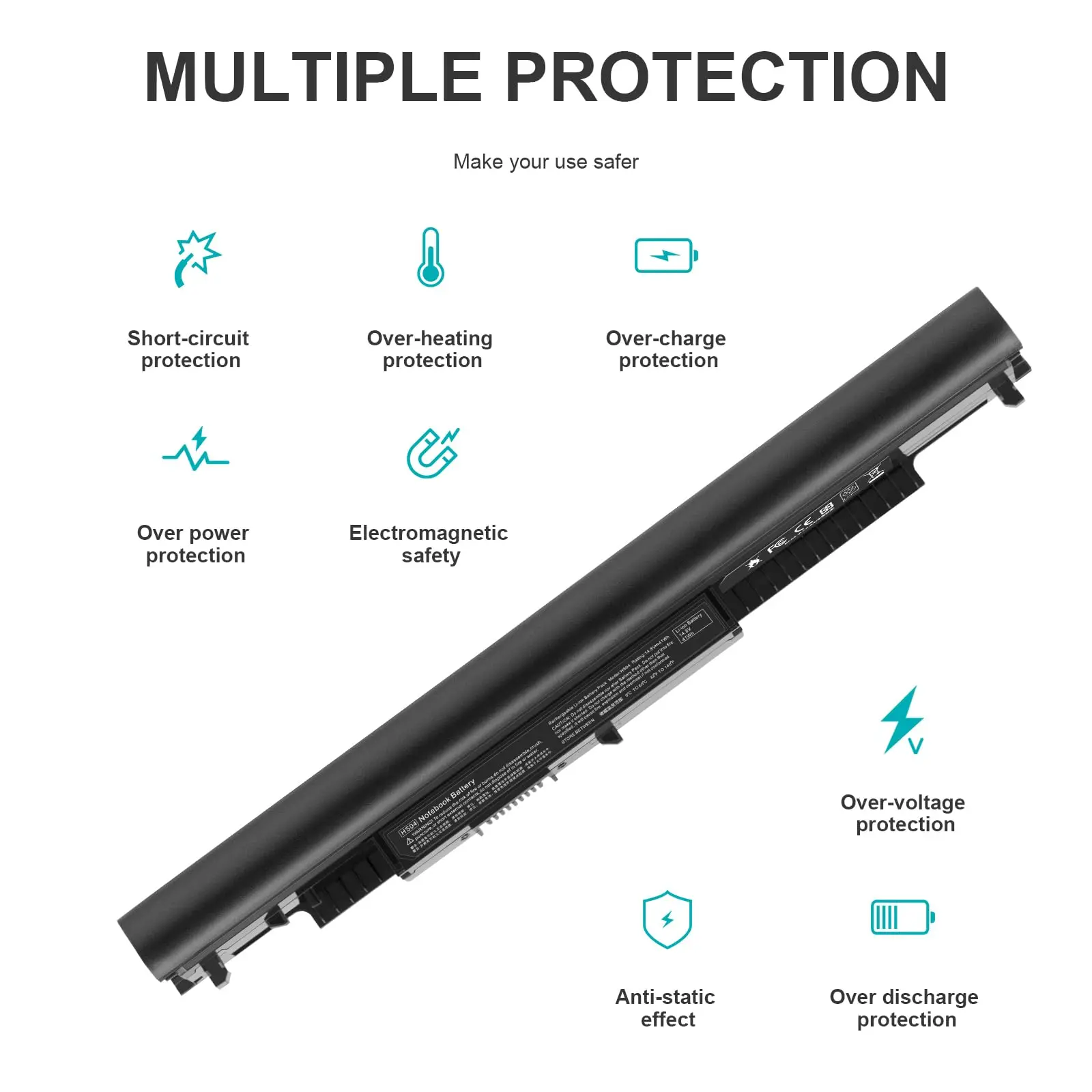
Features 3: Our batteries are designed for maximum safety
Features 4: Overcharge and Overdischarge Circuit Protection
Features 5: Over-temperature and Short-circuit
Features 6: Economical alternative
Features 7: 100% compatible
Features 8: Specifications for safety and performance
High-concerned chemical: None
Model Number: HS04/HS03
Origin: Mainland China
Package: Yes
Part Number: HS04/HS03
Type: Li-Ion
NOTE:The voltages of HS04 and HS03 batteries are different. Please choose the correct battery model to purchase based on the model and voltage of your original battery.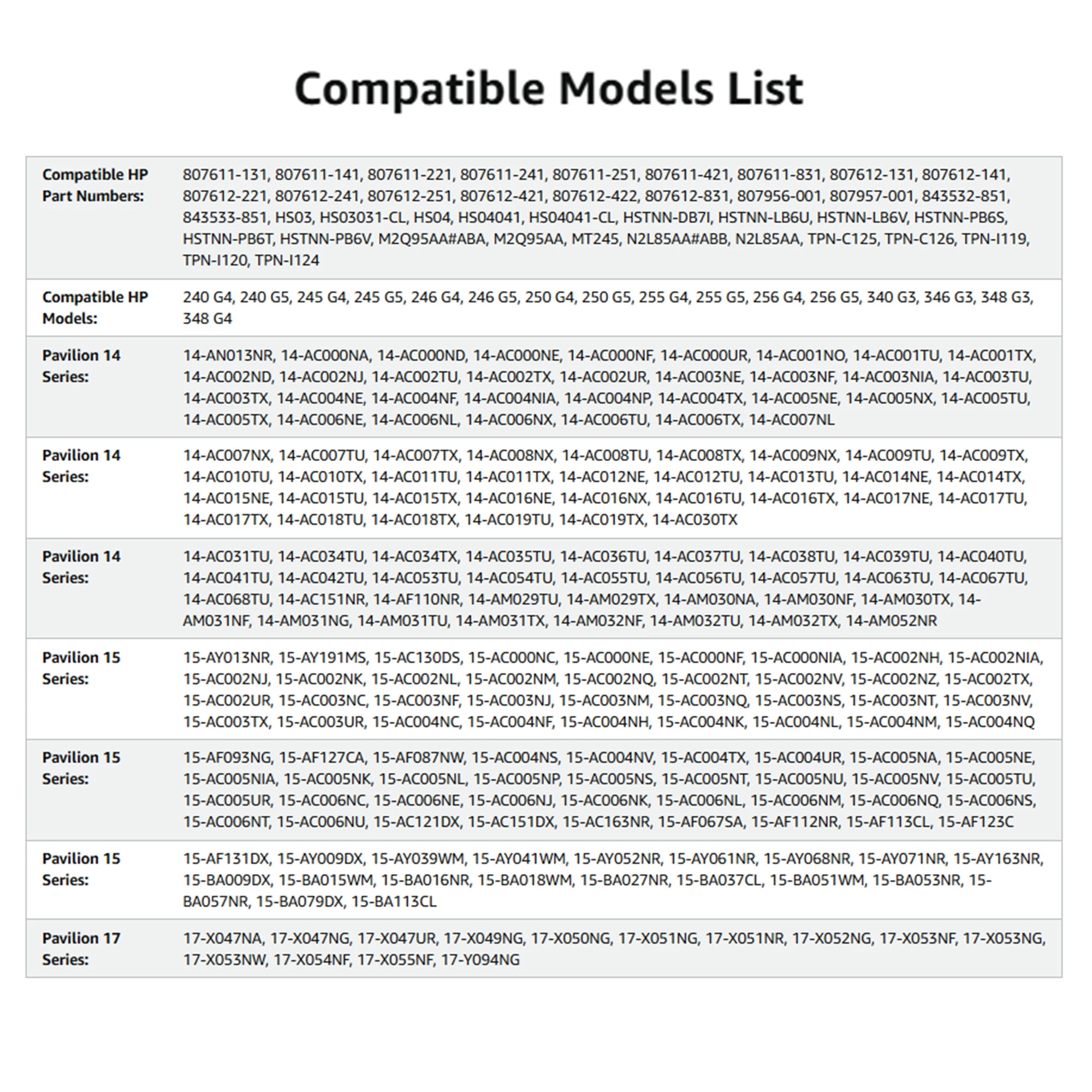

Laptop Battery Maintenance Tips:
1. When using your new battery for the first time, you need to prime the battery by charging it to 100% and discharging it to 20% for 3 times. If you don't know how to install a new laptop battery, you can search "How to install a new laptop battery?" on website.
2. DO NOT let the battery drain to 0%: If you constantly let it drain to 0%, the battery becomes unstable will be seriously degraded.
3. DO NOT keep your battery always fully charged: Just like emptying your battery to 0%, keeping your battery permanently charged at 100% is very harmful. As time goes by, this will increase its internal resistance and reduce its capacity.
4. Perform regular charging cycles: If you don’t use your Laptop battery very often, it is important to cycle it (discharge => charge) regularly, at least once a month. Please store the unused battery fully charged. Do not store at low power to prevent reduce the lifespan of a battery.
5.The battery life depends on how you use your laptop. If you open a lot of software at the same time, in the office, while listening to music, while browsing the Internet, also watching a movie, then the battery will drain fast; If you don't have a lot of software running on your computer, and you're only on standby or browsing the web, the battery will last longer.
Easy Ways To Maximize Battery Life:
1. Change your laptop power plan settings. I would suggest you choose the power saver plan. Then Change advanced power settings, scroll down to find Processor power management. Click the On-battery option and reduce the processor state to 20%.
2. Always keep your laptop neat and clean. The dust easily enters the hardware through the vents which are meant to release the heat generated from various computer components. It then blocks the vents preventing the outflow of the heat. This damages the computer parts including the battery.
3. Close Wi-Fi, Bluetooth, and other settings. You should keep the Bluetooth and WiFi off when you’re watching movies or doing other things which don’t require network connectivity. This can help your computer save precious battery life.


