SPECIFICATIONS
Certification: CE,RoHS
Choice: yes
Color: Black
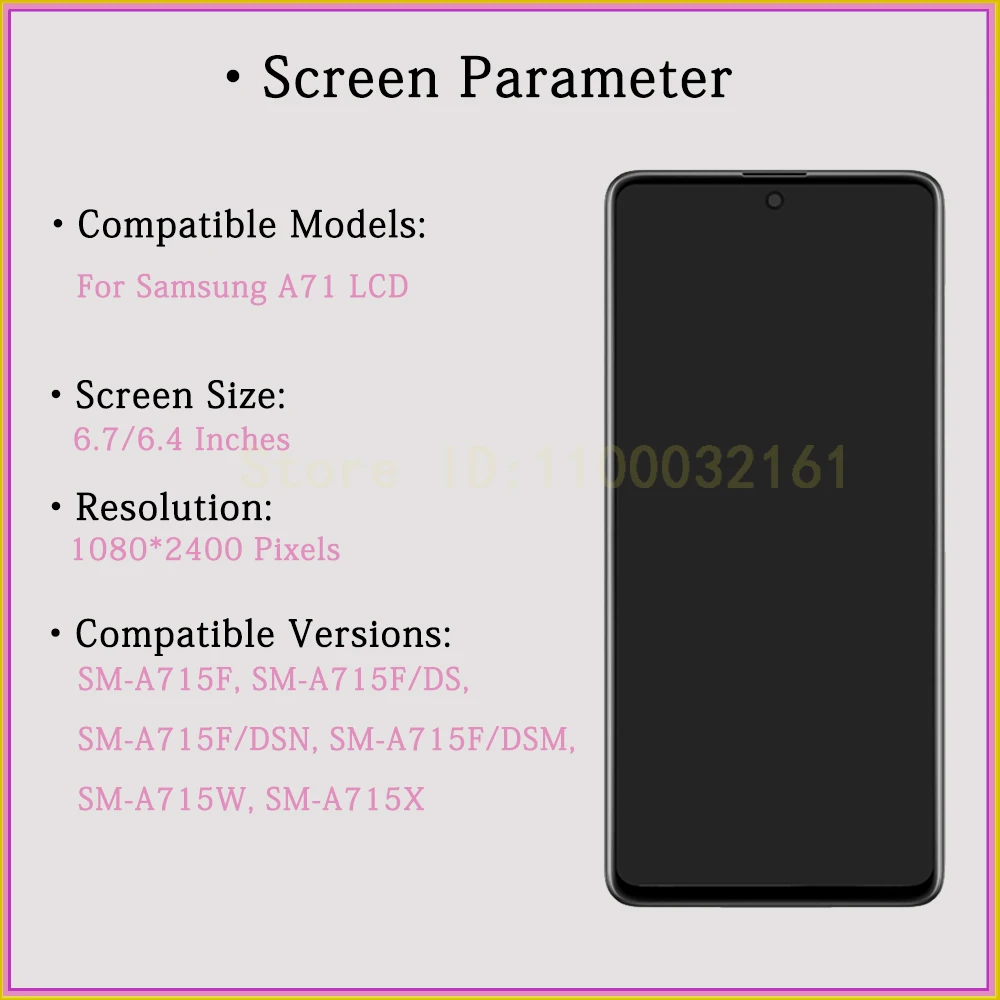
Compatible Models: SM-A715F, SM-A715F/DS, SM-A715F/DSN, SM-A715F/DSM, SM-A715W, SM-A715X
Screen size: > 3"
LCD Kit: Yes
Brand Name: AUMOOK
Compatible Brand: Samsung
Material: AMOLED,AMOLED
Model Number: For Samsung Galaxy A71 A715F LCD Display
Model Number: For Samsung Galaxy A71 A715F LCD Display
Option 1: TFT No Frame For Samsung Galaxy A71 A715F Screen
Option 2: TFT With Frame For Samsung Galaxy A71 A715F Screen
Option 3: OLED No Frame For Samsung Galaxy A71 A715F Screen
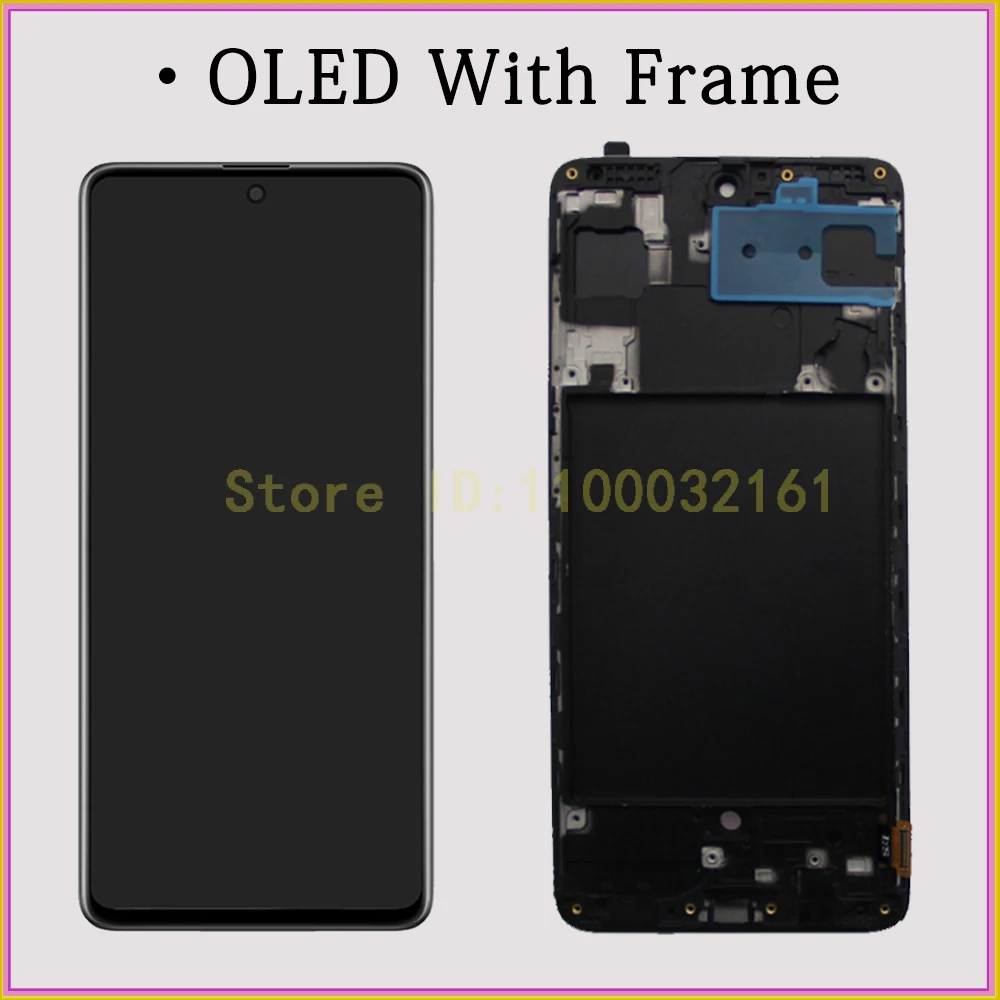
Option 4: OLED With Frame For Samsung Galaxy A71 A715F Screen
Option 5: AMOLED No Frame For Samsung Galaxy A71 A715F Screen
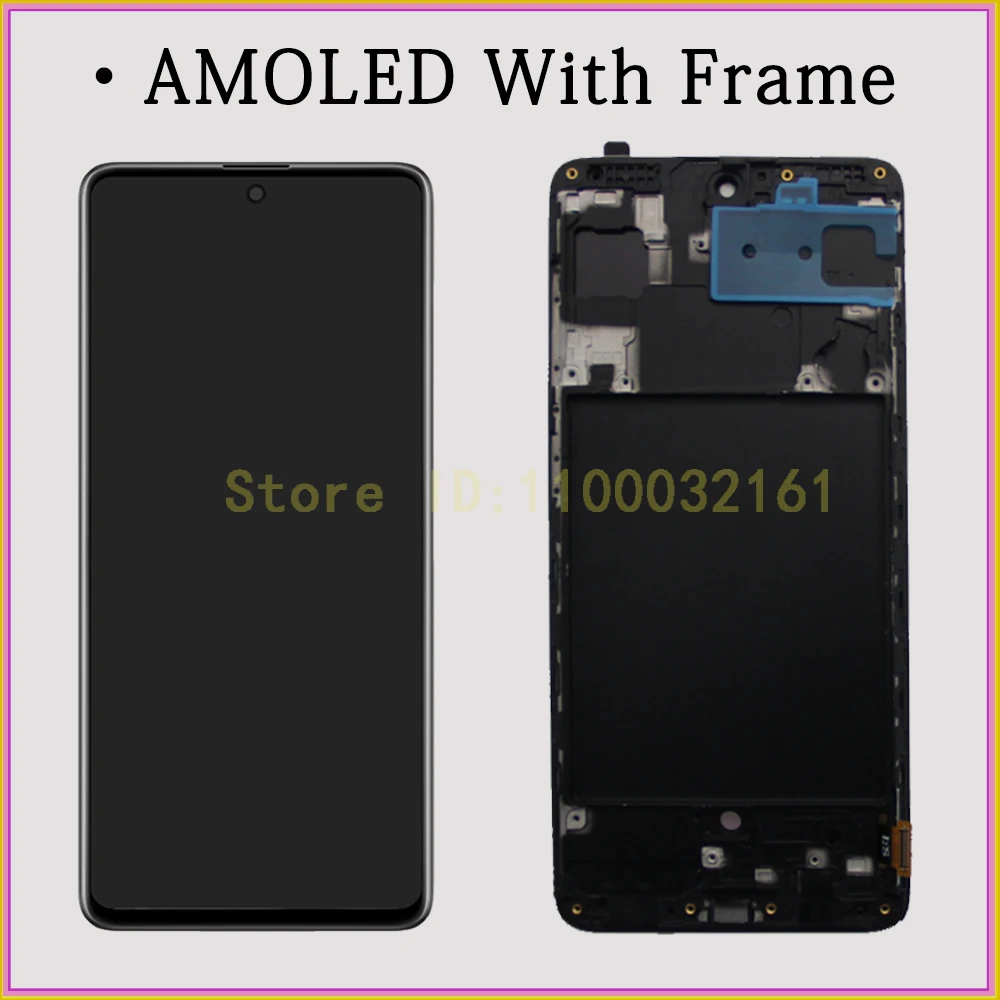
Option 6: AMOLED With Frame For Samsung Galaxy A71 A715F Screen
Origin: CN (Origin)
High impact chemicals: None
Products Features: No lightspot /no scratch/no dead pixels
Quality Control: 100% test one by one
Resolution: 1080 * 2400 Pixels
Service: 15 Days Reasonless Return
Shipping Method: Aliexpress Standard Shipping/Aliexpress Selection Shipping/DHL/FedEx and so on.
Shipping Time: Within 24 Hours After Payment Confirm
Size: 6.7/6.4 Inches
Type: LCD & Touch Screen Digitizer
Touch screen type: Capacitive Screen
Use for: Broken LCD Screen Replacement
Warranty: 6 Months Free Repair
semi_Choice: yes
AMOLED Display For Samsung A71 LCD A715F Screen Digitizer Assembly For Samsung Galaxy A71 Display SM-A715W SM-A715F/DS LCD
·What you get
1.High quality tested LCD in one piece;
2.Six months warranty and lifetime service;
3. Extra discount and surprise voucher for your next order;
·Why it must be us
1.Aumook is a professional and experienced LCD supplier with over 10 years of experience;
2.We have multiple repair shops and partners in the Middle East, Northern Europe, East Africa, North and South America, and Southeast Asia;
3. We have strict testing standards and advanced production technology;
4. We have a professional after-sales team and excellent technical support.
·Warranty not included
1.The LCD has been installed;
2. Artificially damaged.
!!!!!!
When you receive the LCD, TEST it BEFORE INSTALLING.
it is necessary for the warranty
The LCD breaks easily, please be careful. As for insurance, it is better to take it to the repair shop.
!!!!!!
Please inform the repair shop staff that you need to test the LCD before installation!
!!!!!!
·How to test the LCD
Step 1.Turn off the phone and disconnect the battery flex;
Step 2.connect the LCD flex and battery flex to the phone;
Step 3. Turn on the phone, then check the LCD and touch.


 Call us: +393312798971