Use for:Mobile Phone LCD Screens Repair Replacement Parts
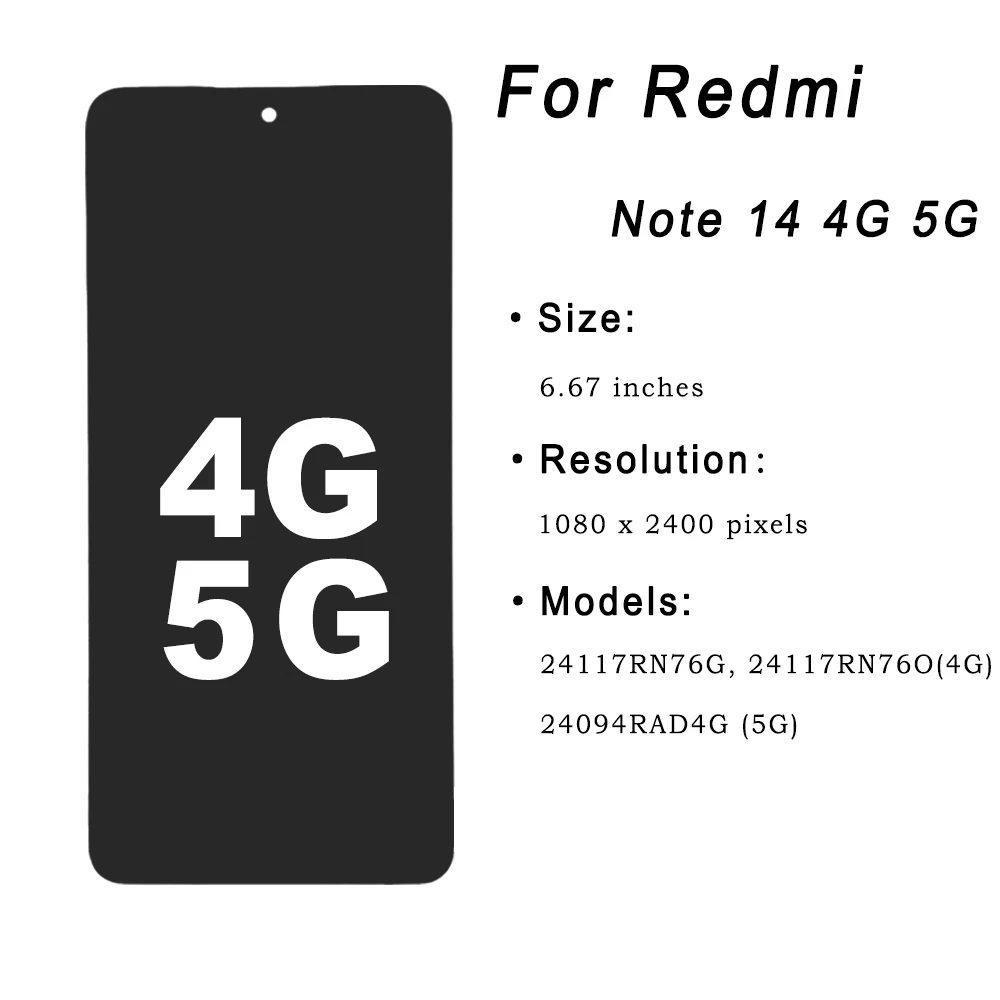
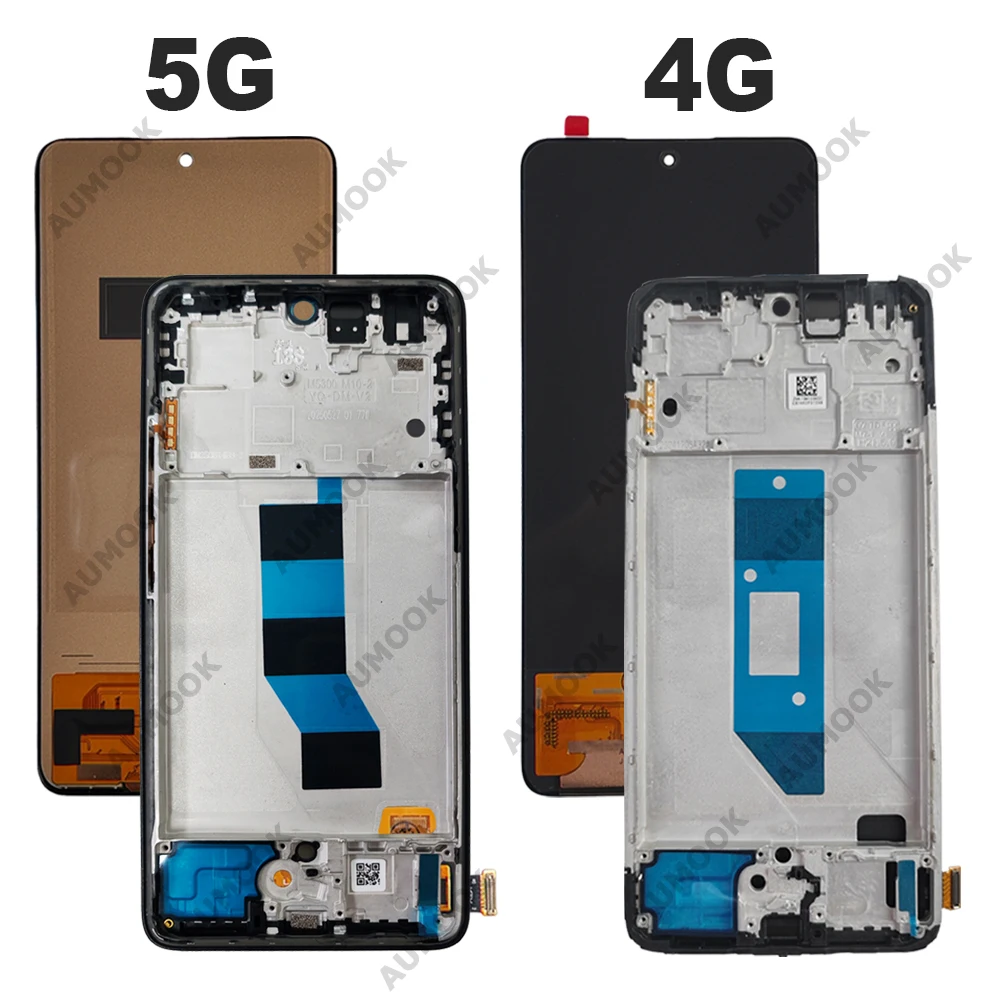
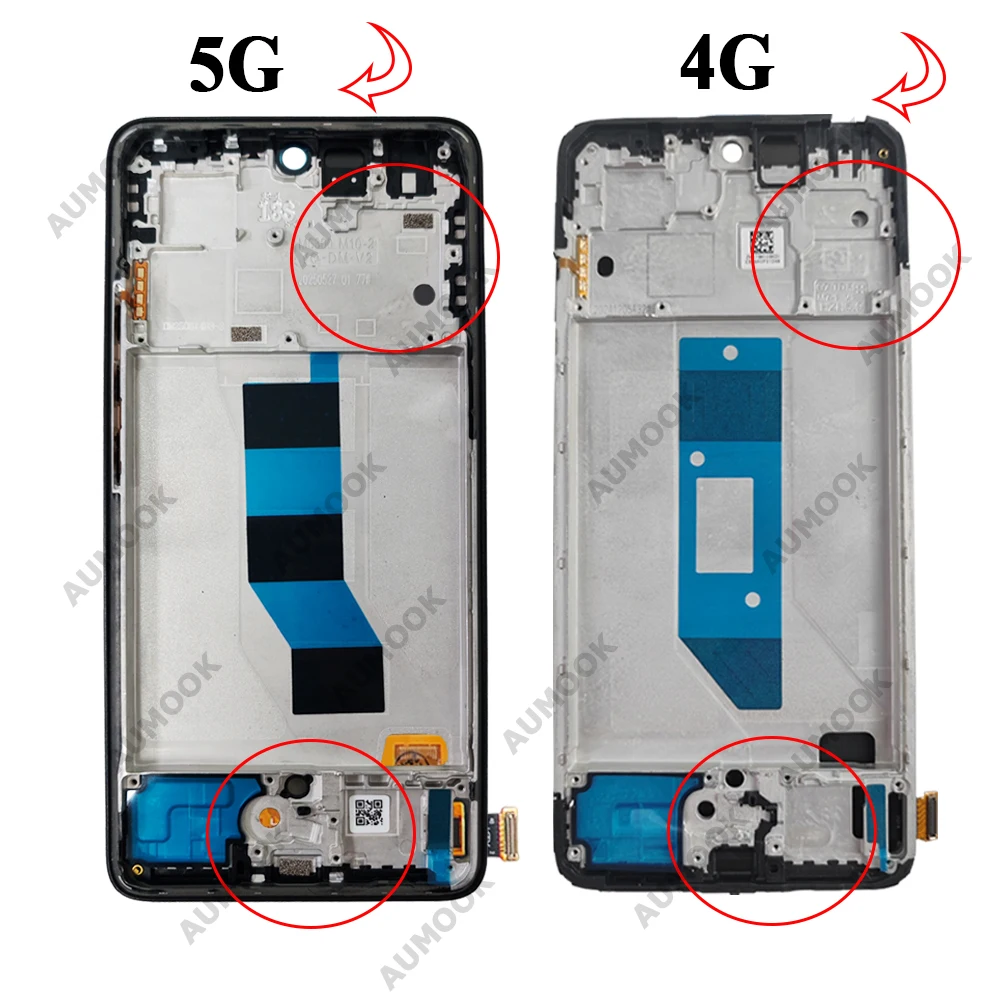
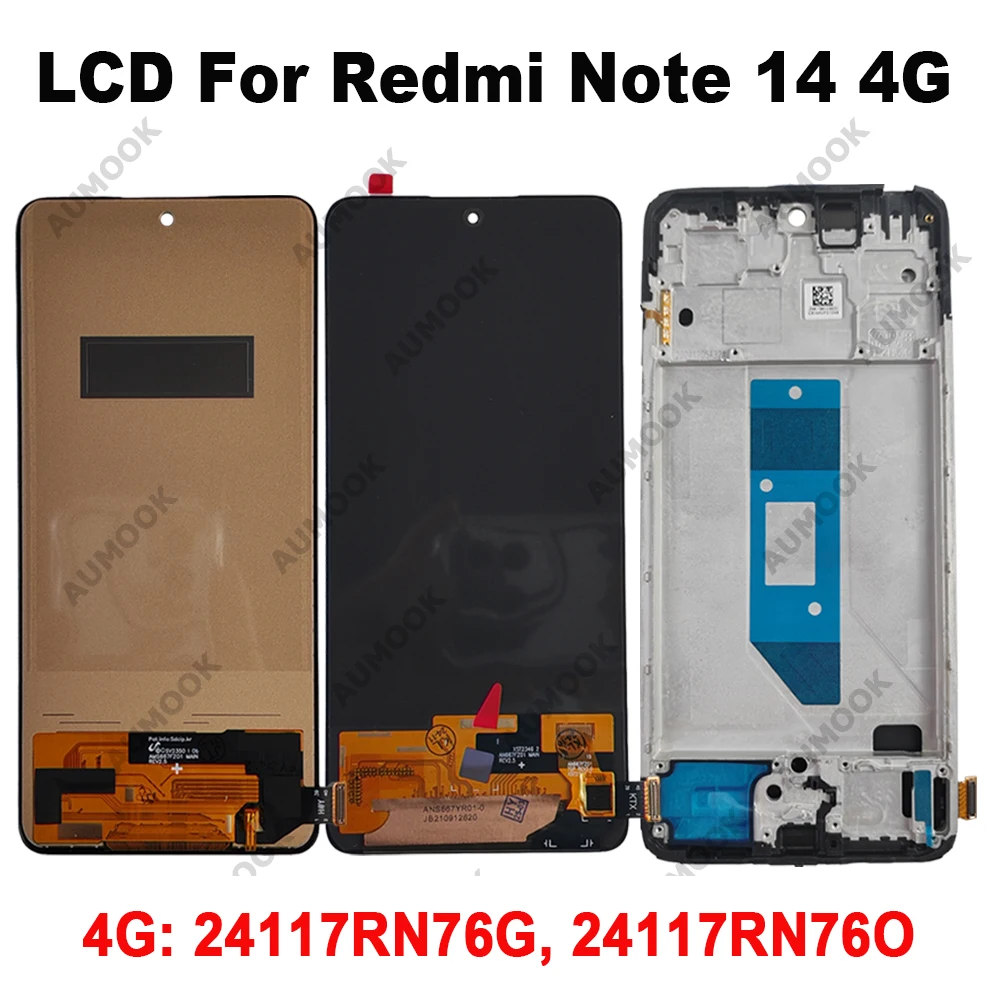
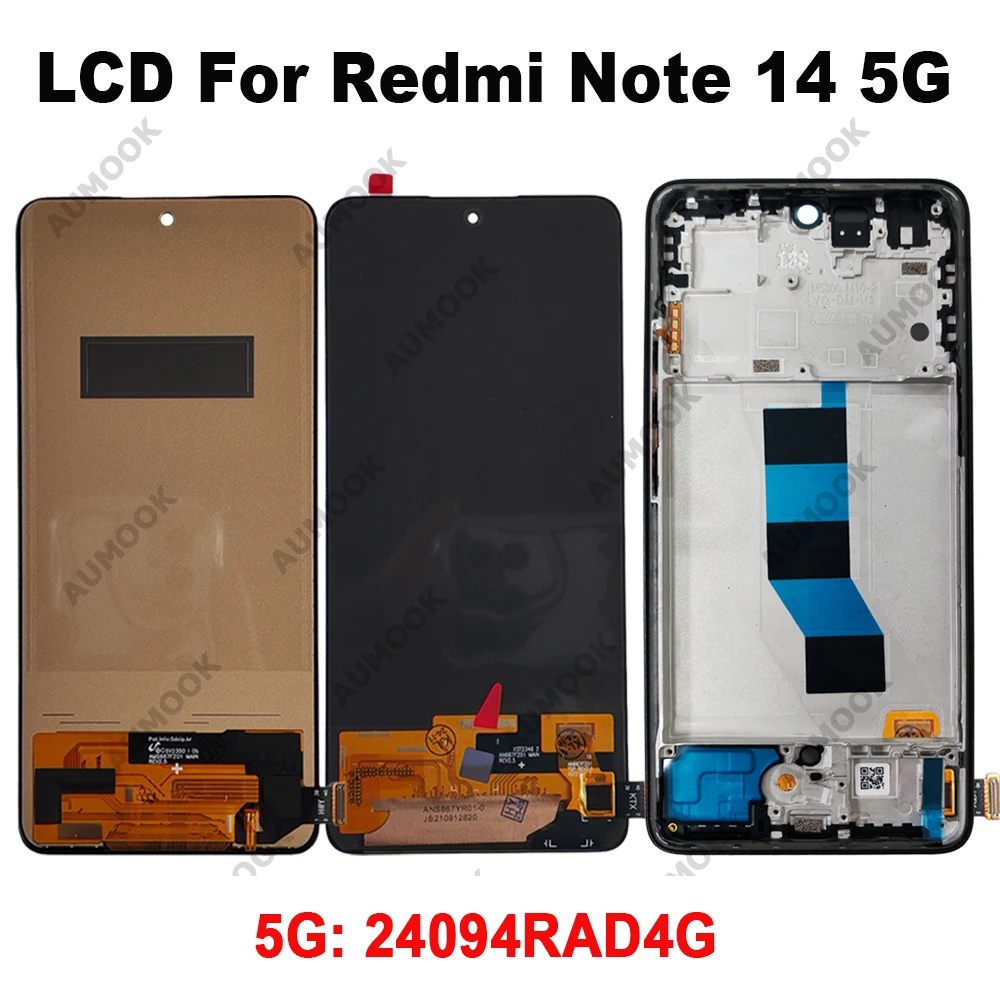
Product Names: For Xiaomi Redmi Note 14 4G 5G
Model Number: 24117RN76G; 24117RN76O; 24094RAD4G
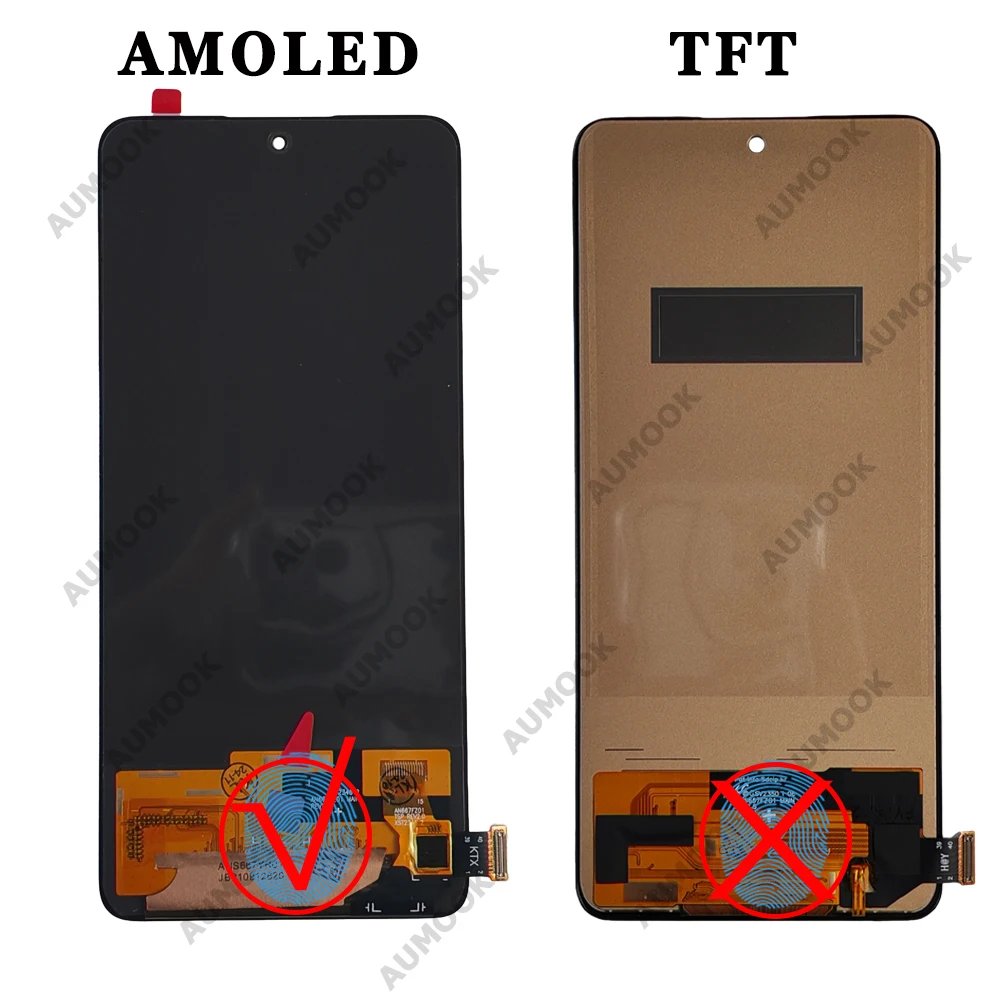
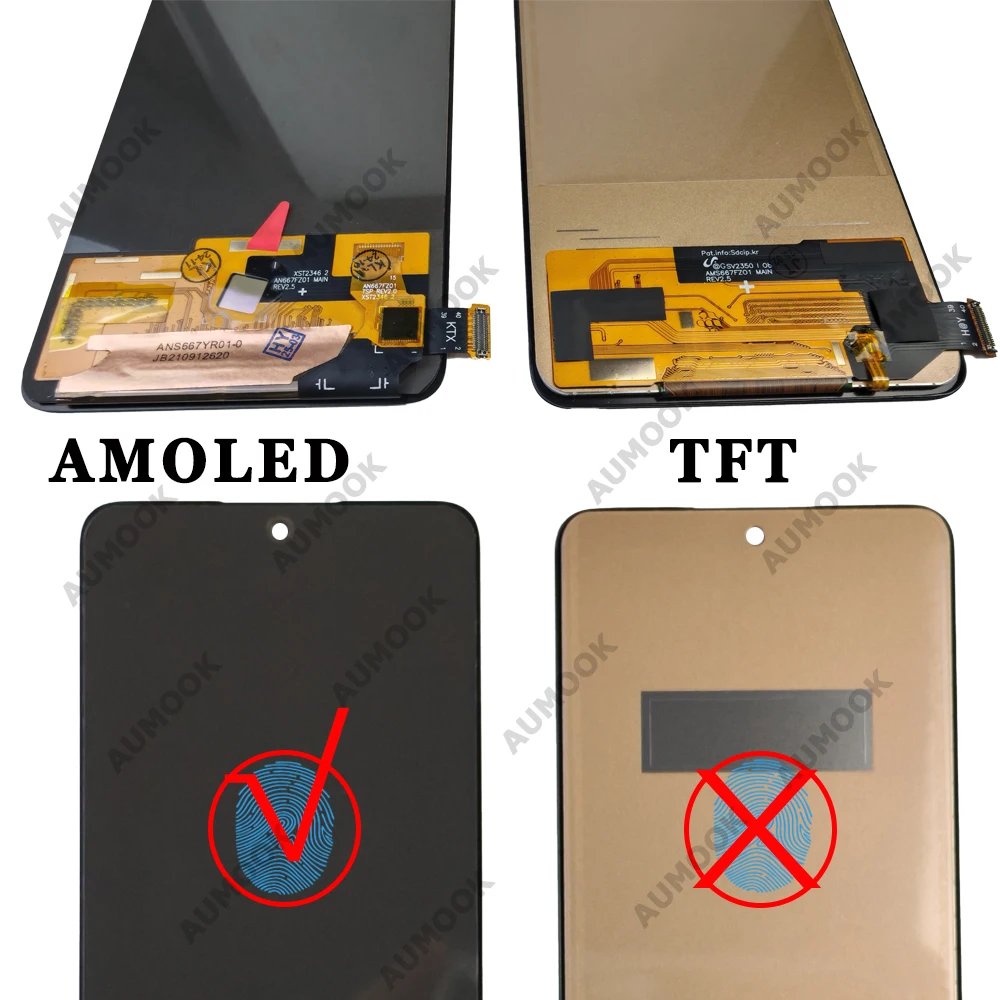
Screen Size:6.67 inches IPS TFT & AMOLED LCD
Feature:AMOLED For Xiaomi Redmi Note 14 4G LCD 24117RN76G 24117RN76O Display Touch Screen For Redmi Note 14 5G 24094RAD4G LCD With Frame

√ Purchasing Tips:
About the different text models on the screen cable:
①.The text model on the screen cable is sometimes different from the actual phone model.
②.This is because multiple models are compatible with each other.
③.Due to different production batches, the models on the cable may not be fully displayed, or there may be only one model.
be displayed, please don't mind ~
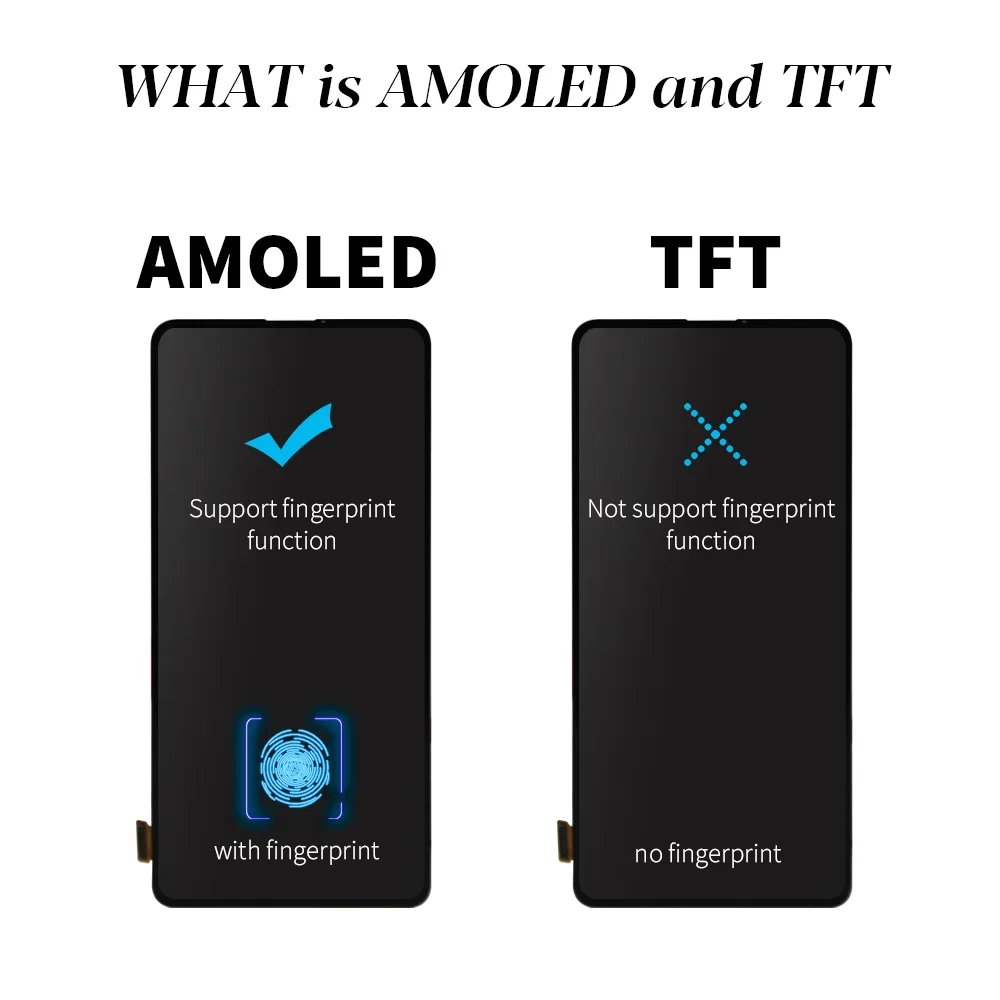
The difference between TFT and OLED:
①. TFT LCD displays do not support fingerprints, the screen will be thicker, the touch is average, and the touchscreen.
sensor is not sensitive
②. OLED/AMOLED support fingerprints (After installation, some screens may need to upgrade their fingerprints).
fingerprint calibration before they can be used
③.New test & No light spot & No scratch & No dead pixels & Quality control performed 3 times before shipping!
About NO Frame / With Frame:
①. LCD with frame, touch screen + display + frame glued together, you only need to replace the entire display part.
With Frame is easier to install it.
②. LCD No frame, touch screen + display glued together, no frame, you need to replace your old frame. No Frame
It is not easy to do. We suggest choosing the LCD with frame.
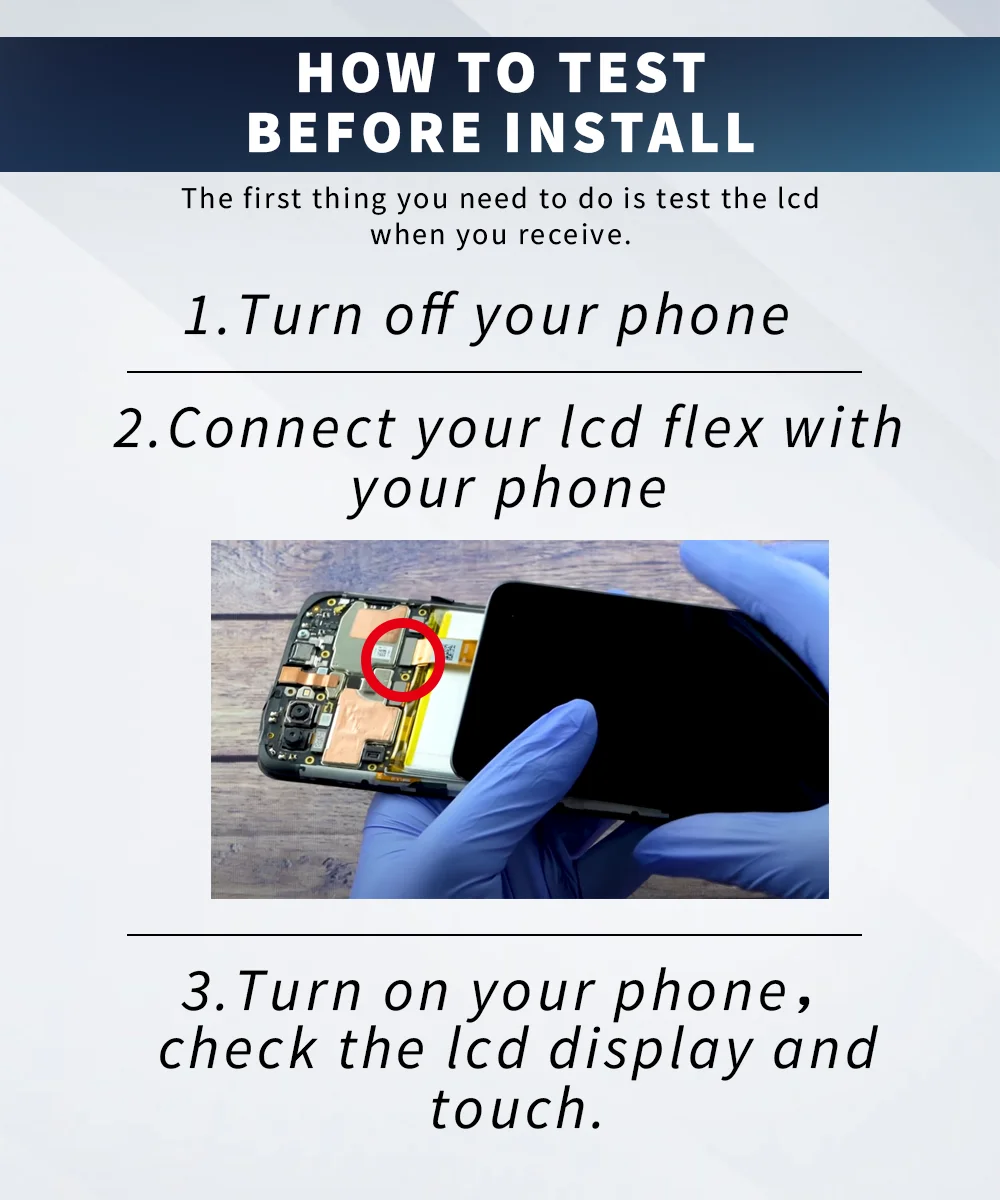
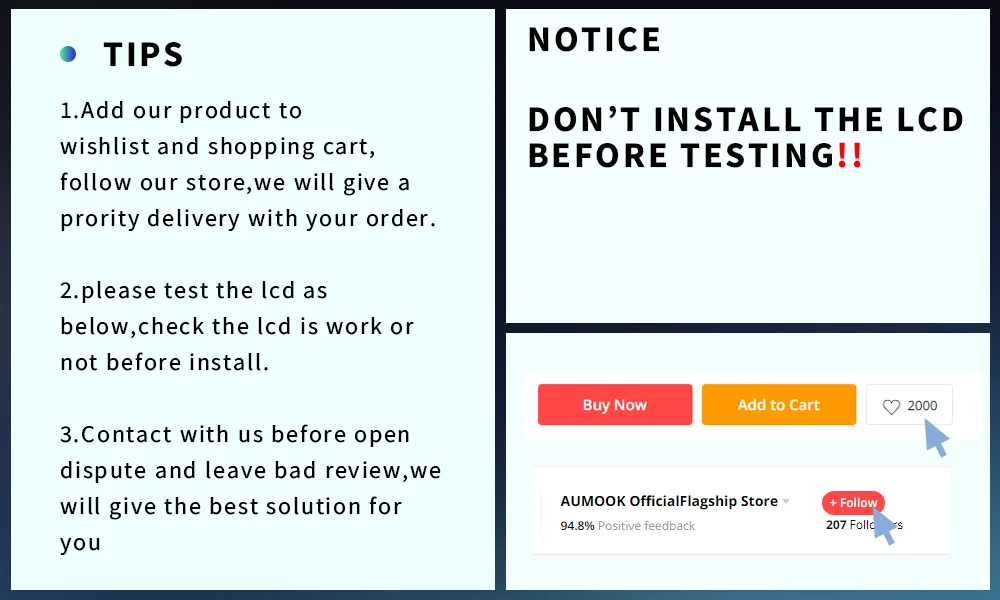
HOW TO TEST:
①. Turn off the phone;
②. Connect the LCD flat cable to your phone.
③. Plug in the new screen, turn on the phone, and verify that the new screen is working properly. Check the LCD.
display and touch
④. After the display is working properly, plug in and install the cell phone!!
About the installation:
①. The LCD screen needs to be tested before installation; connect the LCD to the motherboard for testing;
(If you don't know how to install it, please contact our customer service for a tutorial video).
②. Do not install the LCD screen before testing.
③. Before installing the LCD screen, remove the battery. Be careful during installation.
④. Do not pull the flexible cable located on the LCD.
About the Warranty:
(1) If there is a problem with the product during testing, you must provide photos, videos, and other concrete evidence.
Evidence, especially the special label with the warranty stamp behind the screen, to prove the purchase of the product.
Then we will provide replacement/refund service.
(2) We offer a 6-month warranty for the product.
(3) But the warranty does not include: ①Man-made defects. ②Installation errors
(Note: For safety, it's best to take the product to a repair center!!!)




 Call us: +393312798971


