OSD Language: Chinese (Simplified),Chinese (Traditional),Arabic,Irish,ESTONIAN,Belarusian,Bulgarian,Icelandic,Polish,Danish,German,Russian,French,Korean,Dutch,czech,Latvian,Lithuanian,Romanian,Norwegian,Portuguese,Japanese,Swedish,Slovak,Slovenian,THAI,Greek,Spain's Basque,hungarian,Italian,English
OTA Upgrade: Automatic software update via WiFi or LTE
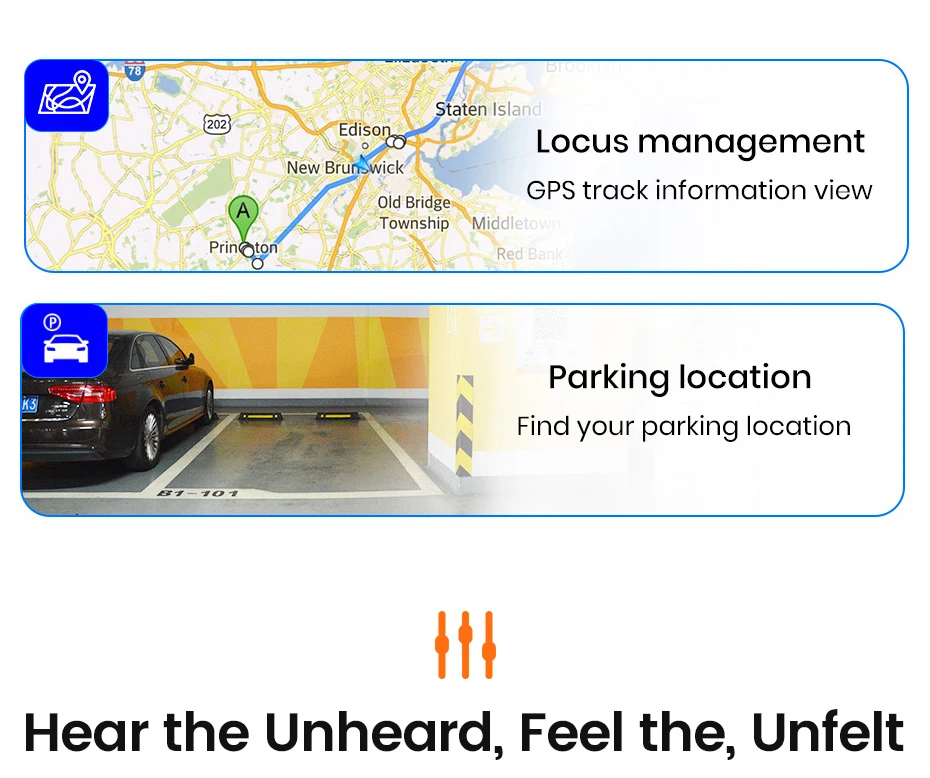
Online/Tracking APP: Support,Check the track information and parking location on the mobile phone(need to buy code)
Operating System: Android
Origin: Mainland China
Out Power: 4*45W
Preset Station: Set by yourself
Processor Speed: 1.3~2.7Ghz
Processor Type: 4/8-core
RAM: 2G/4G/6G(optional)
ROM: 32G/64G/128G/256G(optional)
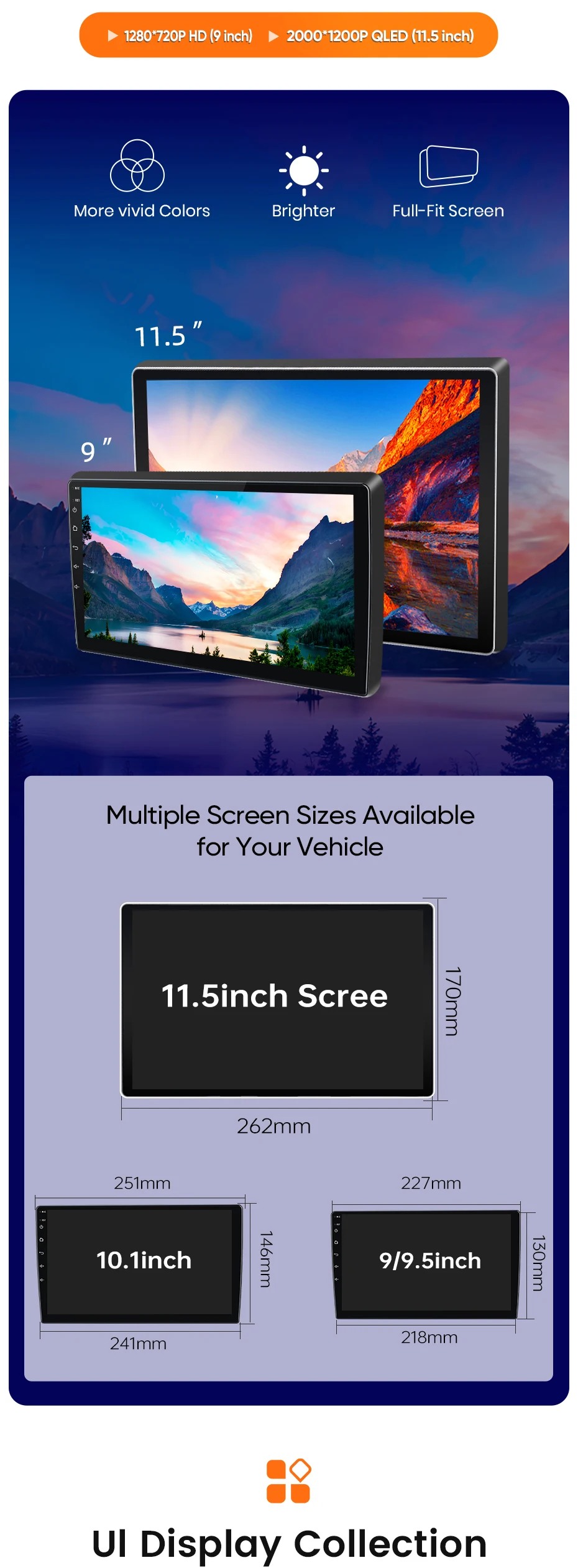
Resolution: 1280*720P/2000*1200P
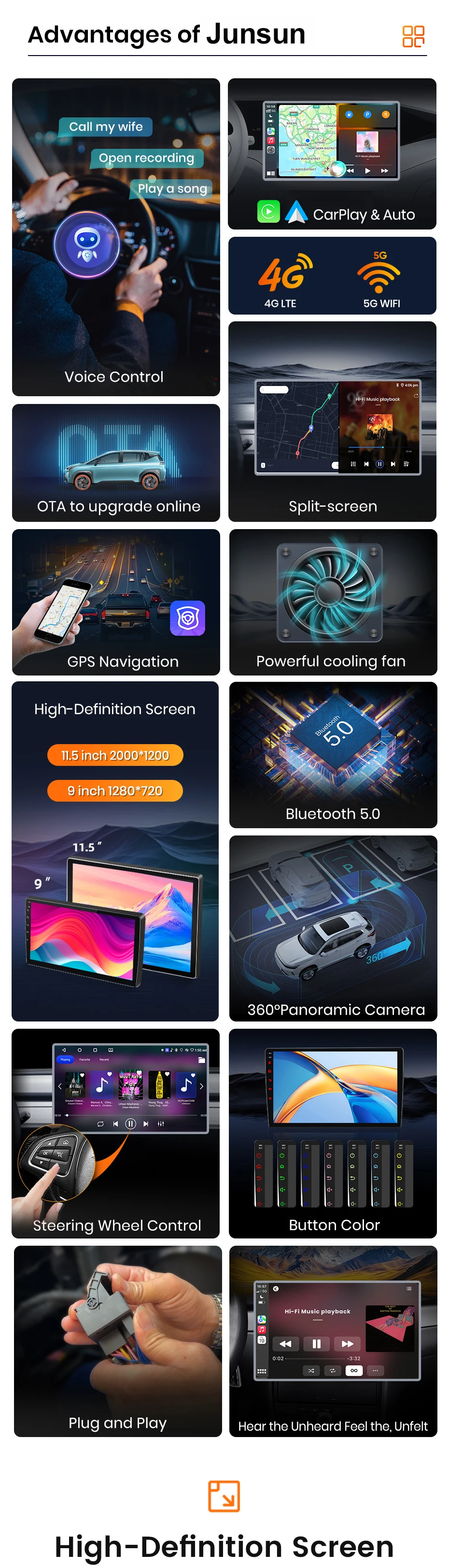
Special Features: Built-In Speaker/Microphone,wifi function,Support 3G Network,Support 4G Network,Support Can-Bus,Built-in GPS,Mobile Phone,MP3 players,dsp,CarPlay,android auto,Split Screen,Support steering wheel control
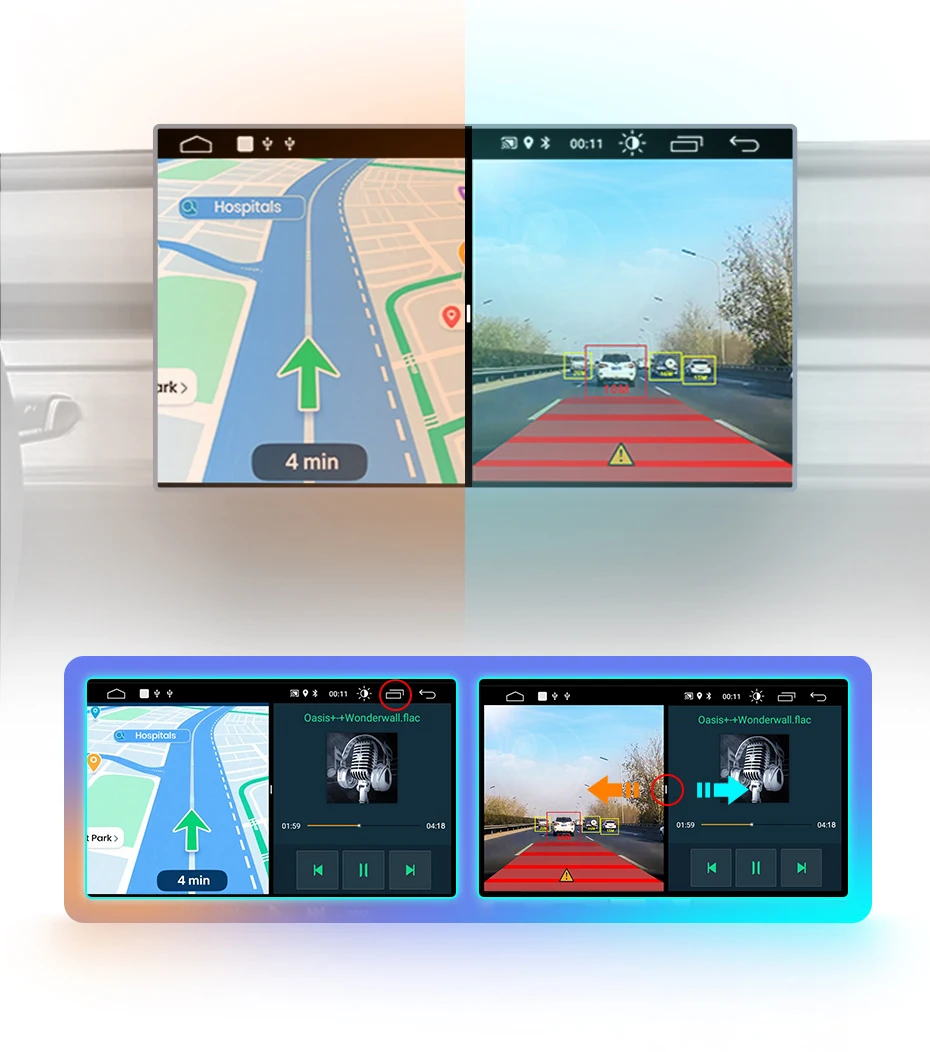
Split Screen: Support,displaying the navigation interface and other applications on the same screen simultaneously
TF/Micro SD Slot: 2
Tuner Type: 4745/MT6625N
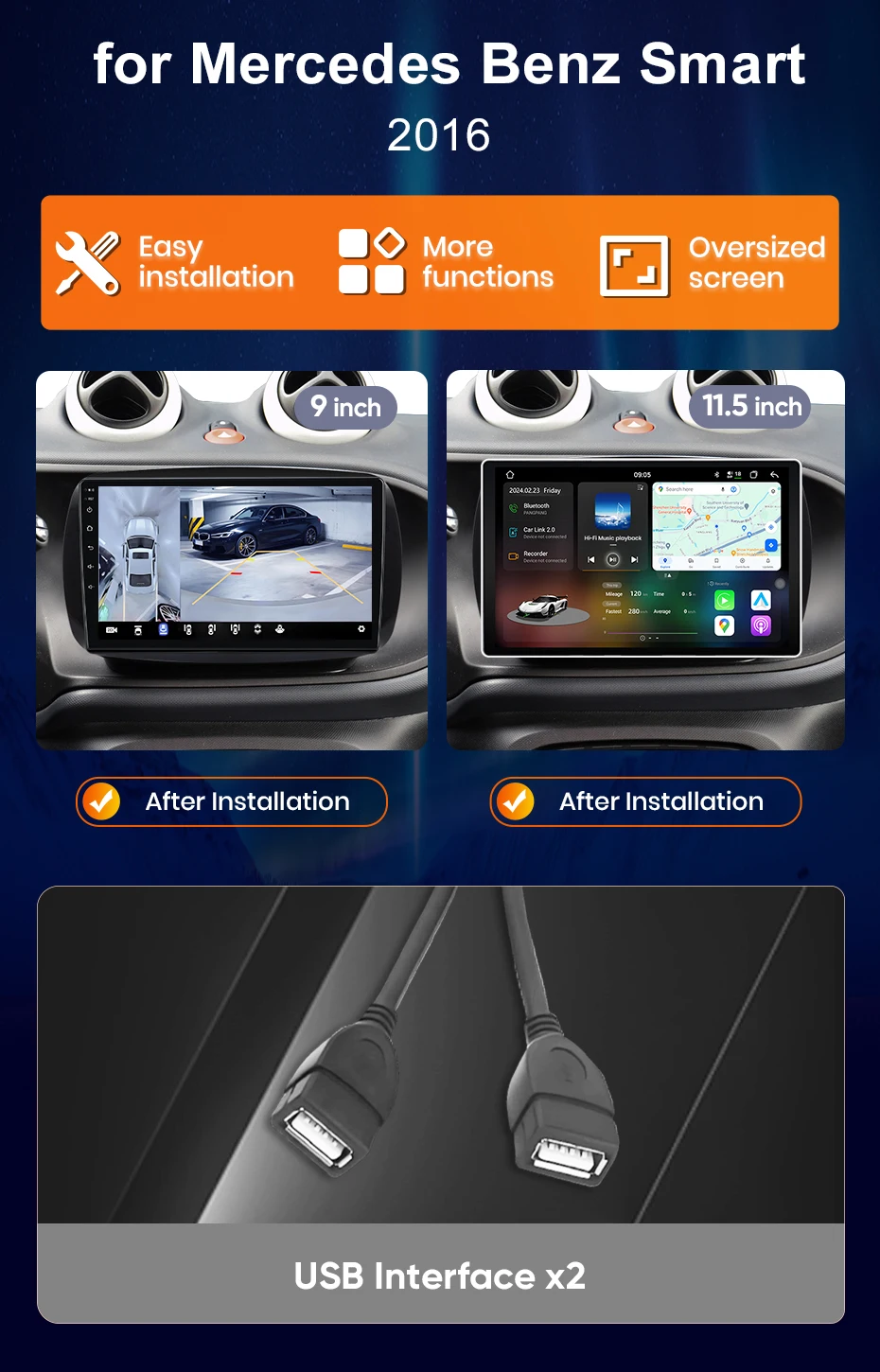
USB Port: 2*USB ports (4 pin usb port+6 pin usb port)
Voltage: 12 V
Warranty: 3 years
voice control: Support,but you need to purchase an activation code to use it
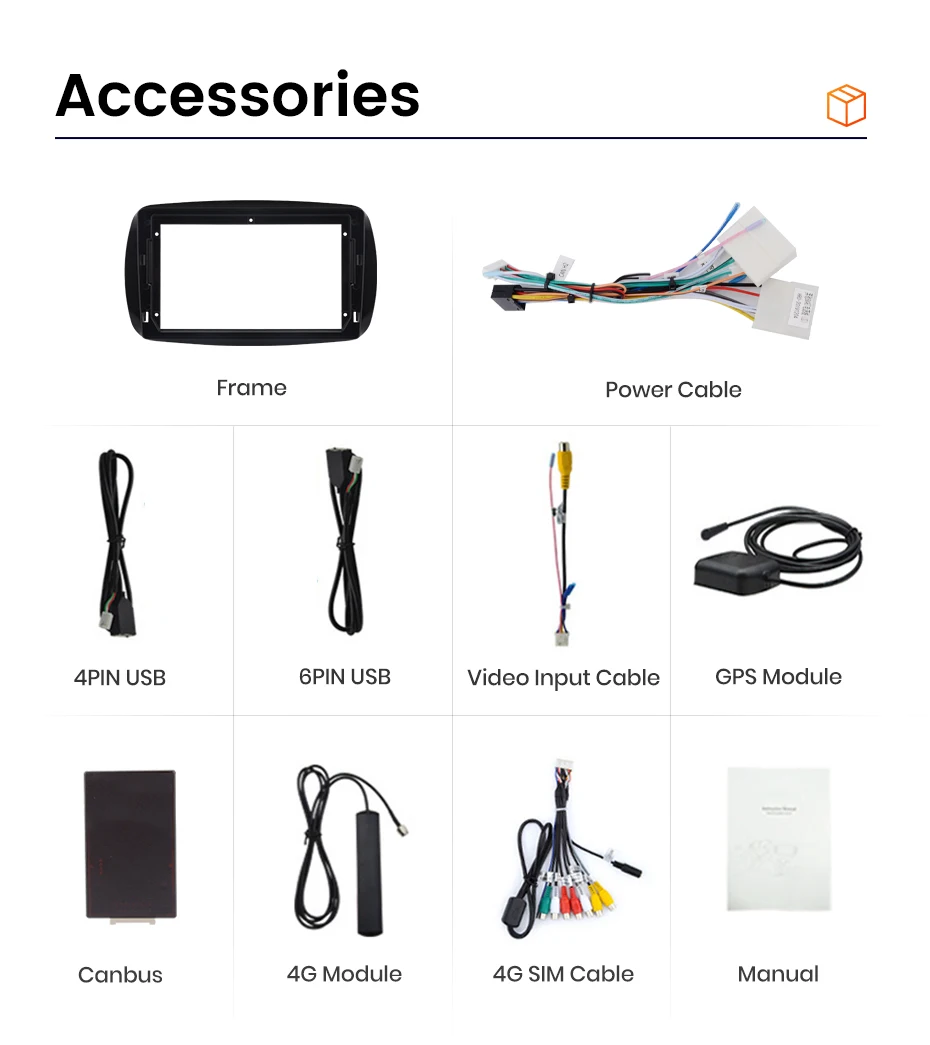
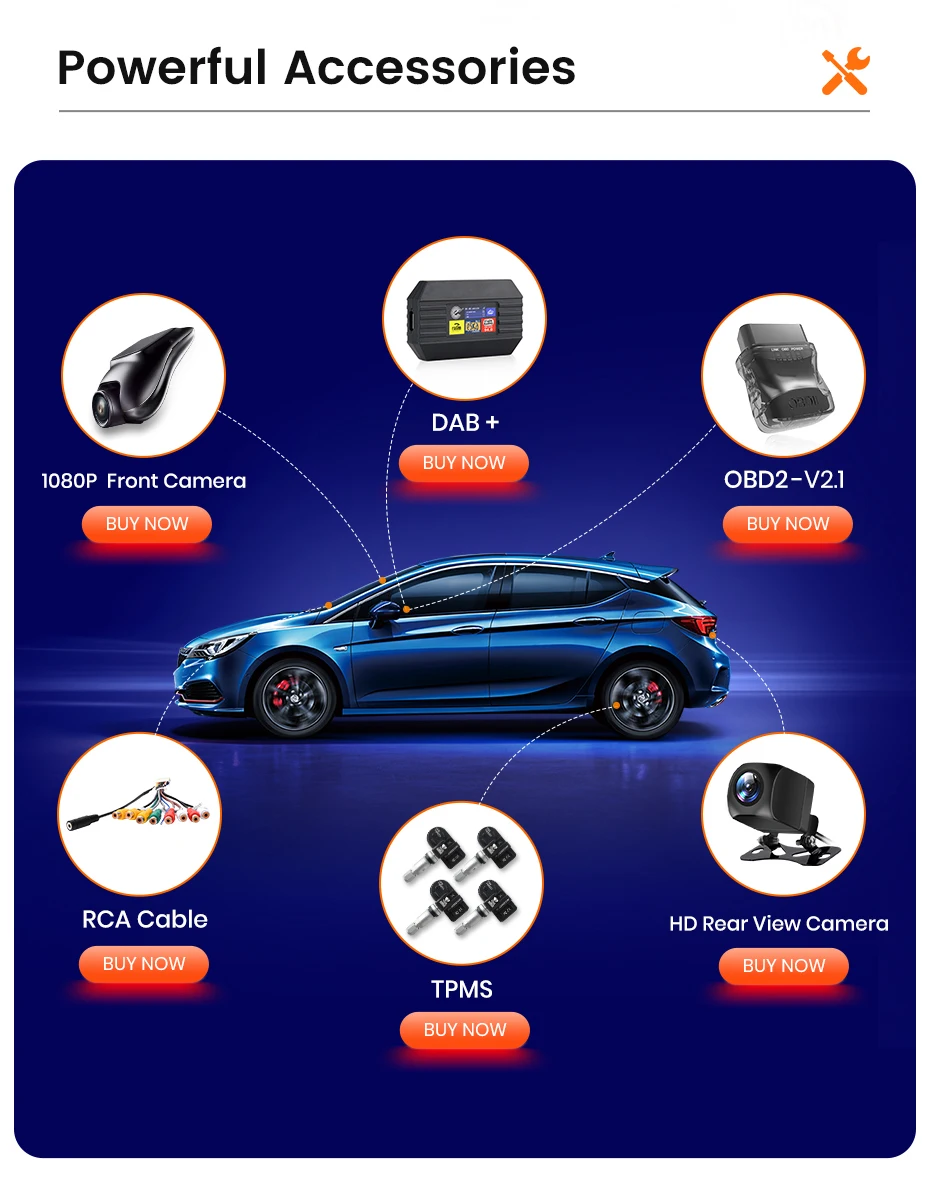
The in-vehicle device comes with all necessary accessories, which vary by model. The picture below shows the accessories of the PX2 4G version. Please note that the 4G module is only included with the 4G version of the radio.
Core Features — Revitalize In-Vehicle Smart Experience
📌 Powered by the Android system, it supports wireless CarPlay/Android Auto and screen mirroring, paired with a high-definition touchscreen for smooth operation. Equipped with 4-8 core processors and flexible storage, it enables efficient multitasking. Boasting stable Bluetooth, convenient updates, and a built-in GPS (with an external antenna) to ensure navigation in weak-signal areas (offline maps require pre-download). It can also connect to various expandable accessories (sold separately) for enhanced convenience.
Version Recommendations — Precisely Fit Your Needs
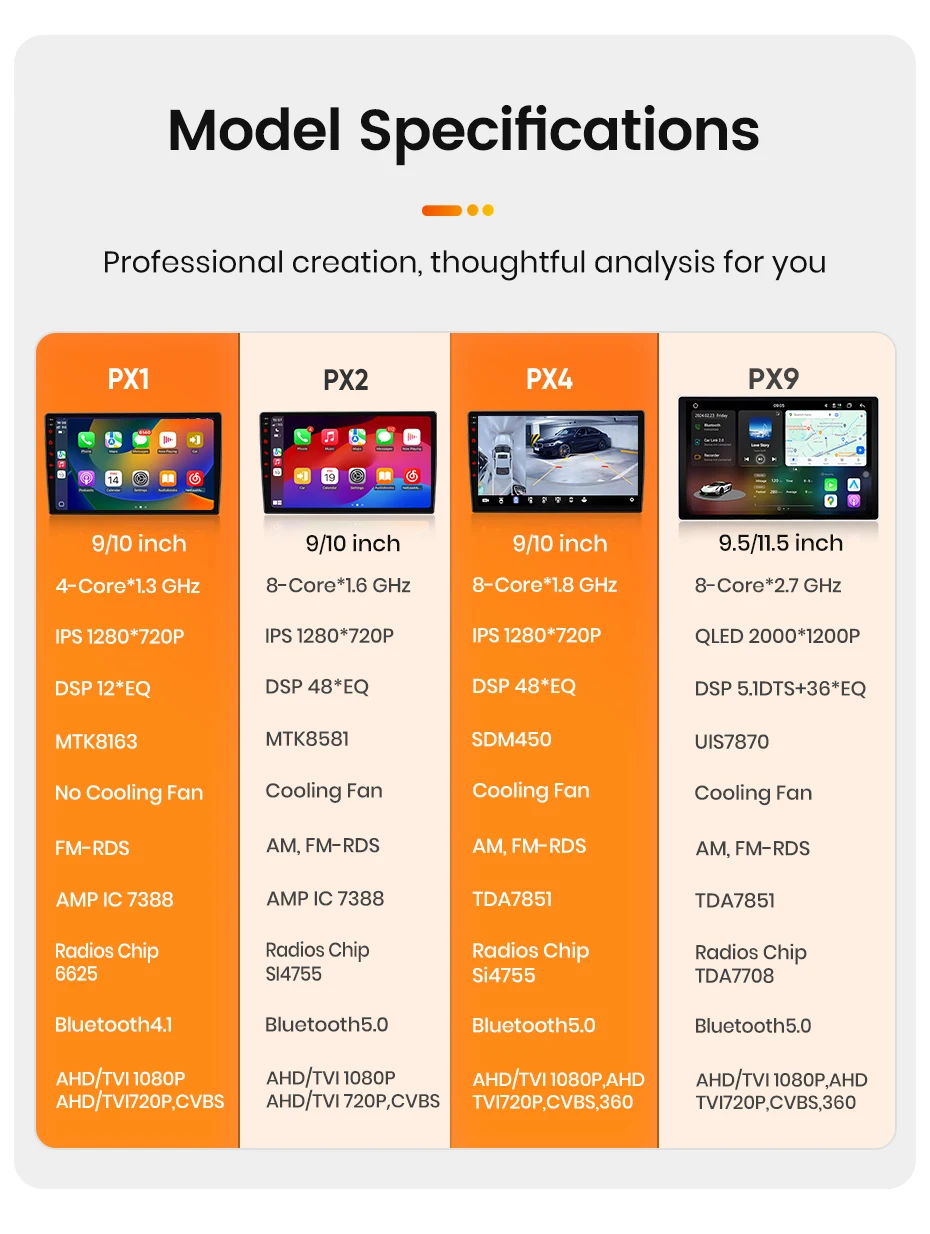
✨PX4 4G: All-round flagship with a 1280×720P IPS screen + 360° panoramic camera, supporting 4G . It balances performance and cost-effectiveness, ideal for frequent travelers.
✨PX1 WiFi Basic: Economical and practical, featuring a 12-band equalizer + basic functions. It meets core needs at a low cost, suitable for budget-conscious users.
✨PX2 4G: Cost-effective upgraded model with a high-definition screen + 4G. It enhances audio, video and network experiences, perfect for daily commuting and navigation upgrades at a low cost.
✨PX9: Which well-known brands of car radios have such high-end configurations? This is the best car radio version. As a high-end flagship model, it is equipped with 4G network, cinema-level sound effects and top-tier performance, bringing a luxurious in-vehicle experience to users who pursue ultimate quality.
Junsun in-vehicle screens come in multiple sizes to fit different vehicle models, with varying resolutions and excellent image quality—both small and large screens deliver sharp clarity.
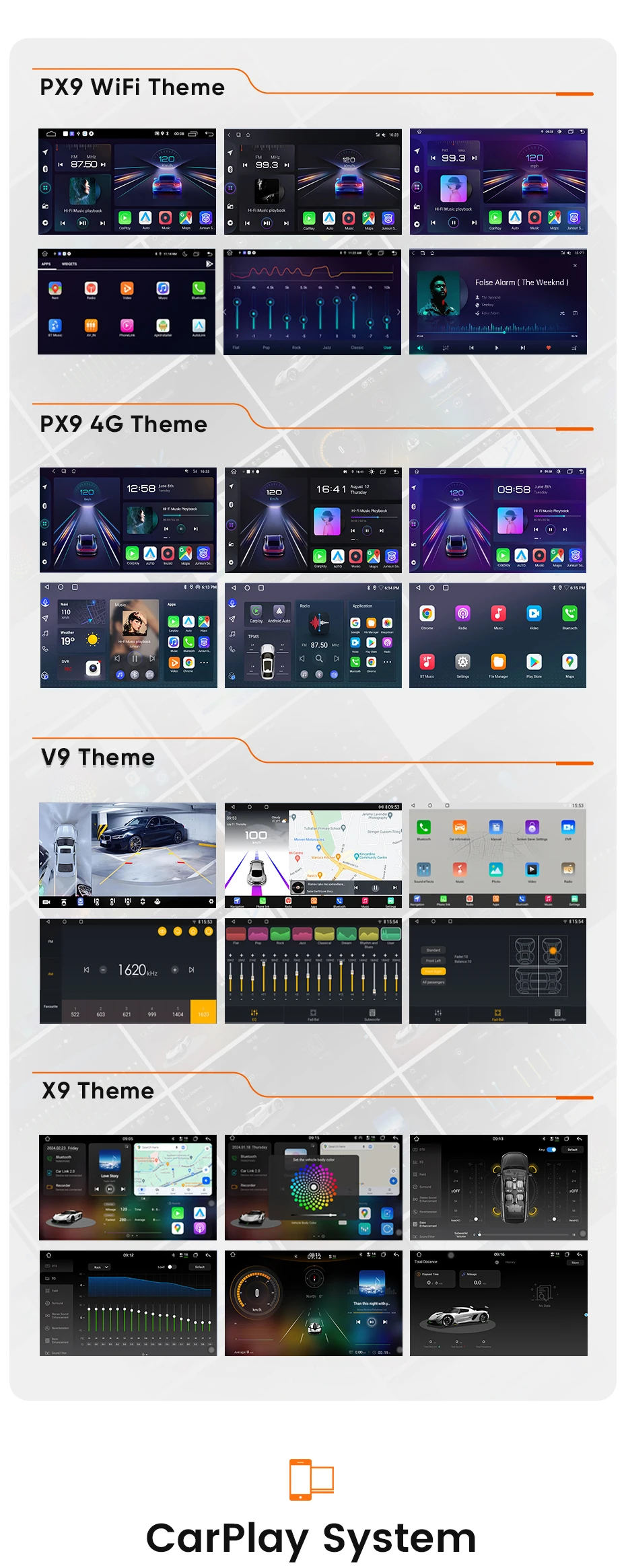
The Junsun in-vehicle system offers diverse themes, allowing for customized interfaces and enhancing driving and journey enjoyment.
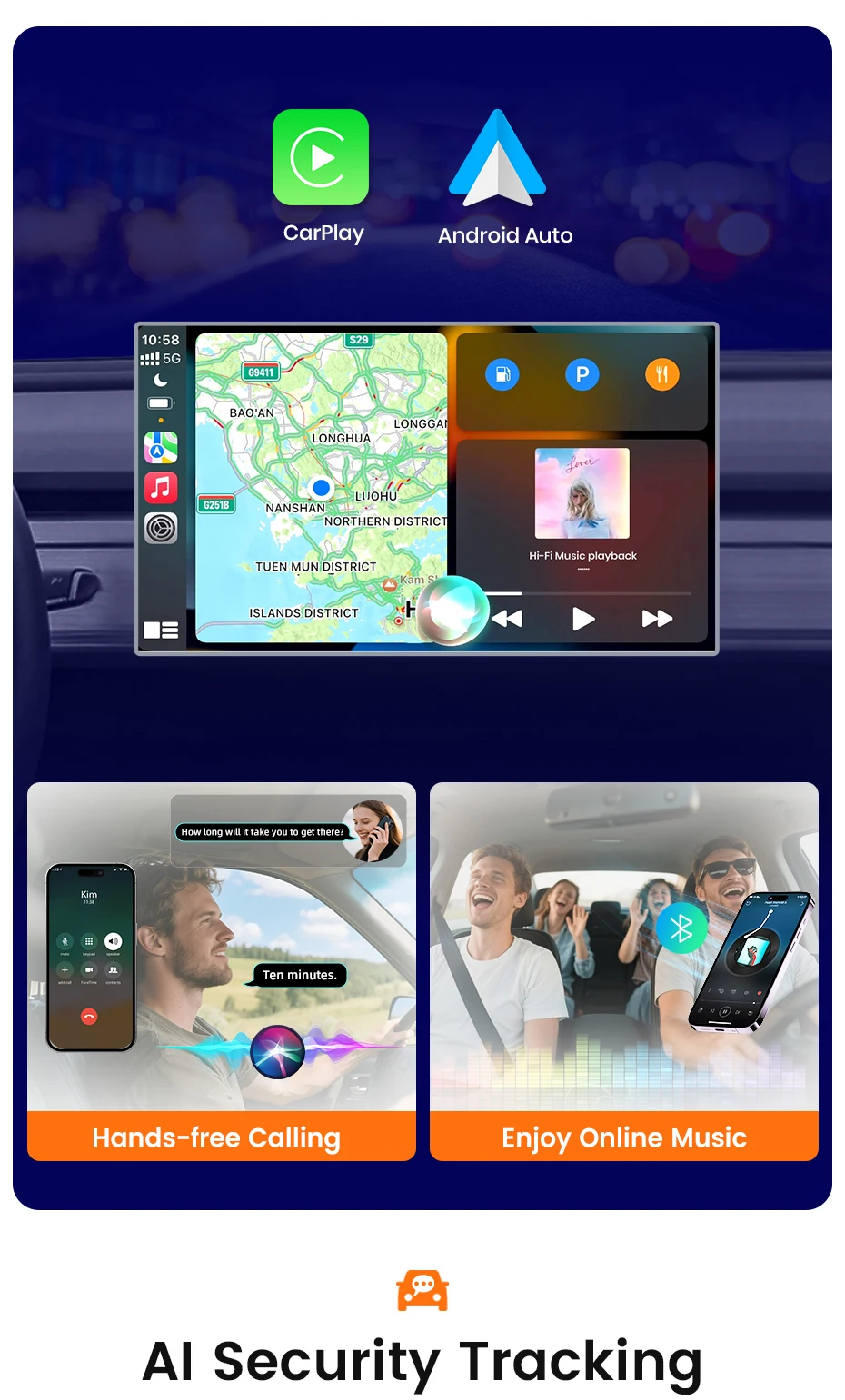
The Junsun car radio supports CarPlay and Android Auto, enabling easy connection between mobile phones and the in-vehicle system.
Junsun in-vehicle devices optimize driving experience with two functions: trajectory management and parking location.
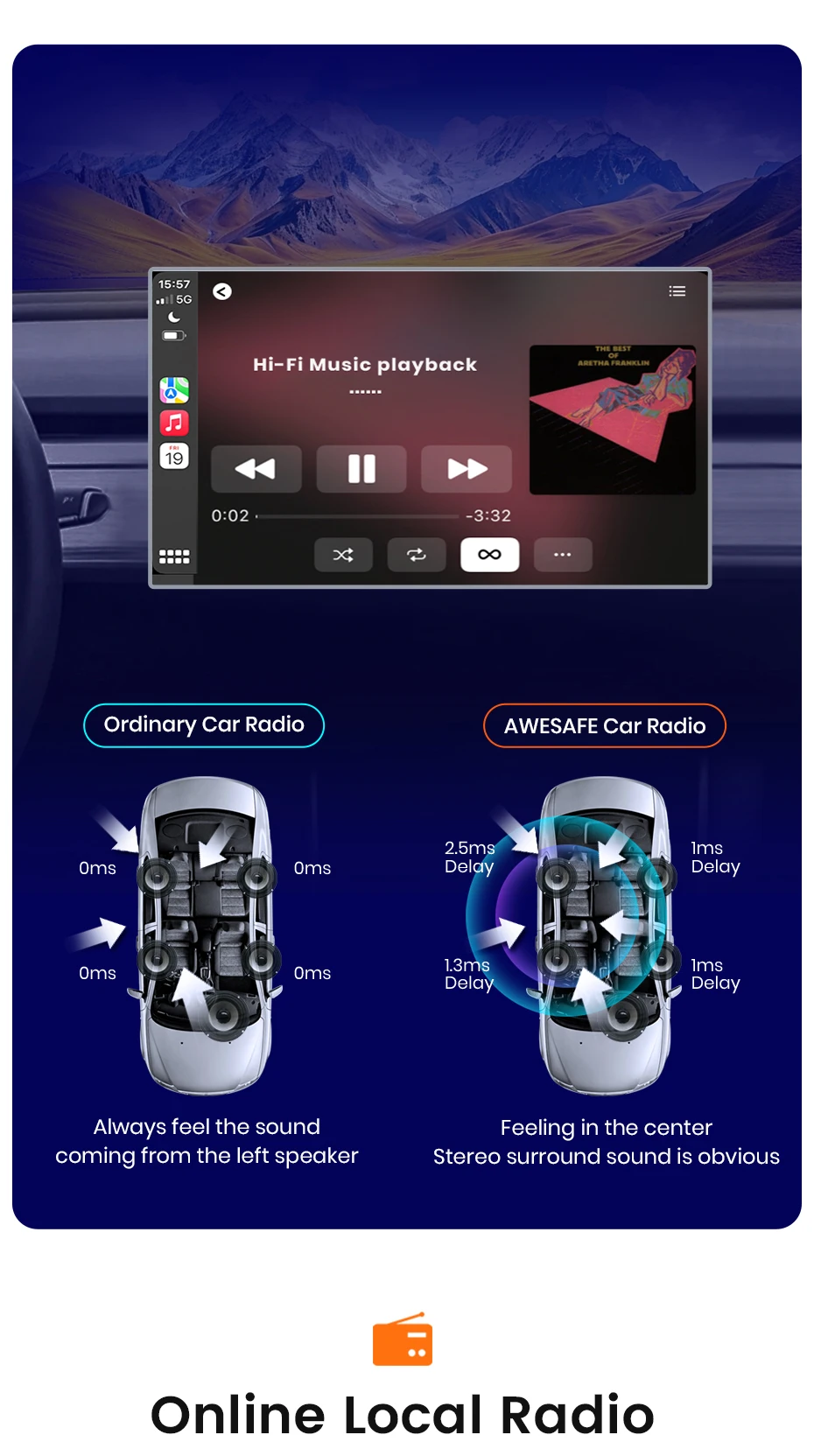
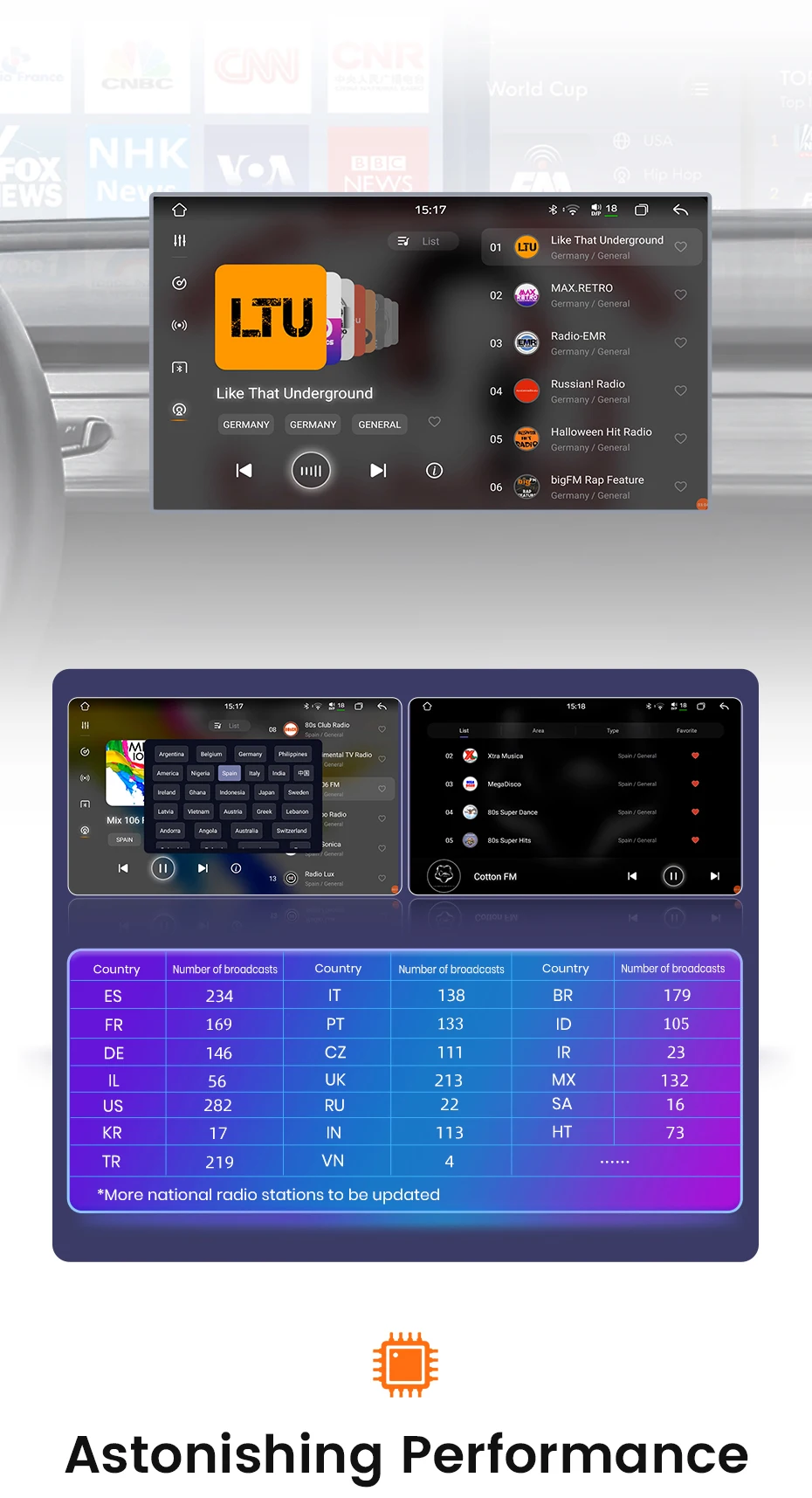
The Junsun car radio creates stereo surround via precise position delays (1ms, 1.3ms, 2.5ms) and features "Online Local Radio", offering superior sound and functionality beyond ordinary models.
The Junsun in-vehicle device offers a "treasure trove" of global radio stations covering over 20 countries and regions, solving the worry of having no good content to listen to while driving.
We offer a diverse chip matrix, covering different performance levels, adapting to various needs, creating an exclusive high-level intelligent experience, and leveraging cutting-edge technology to unlock more possibilities for in-vehicle devices.
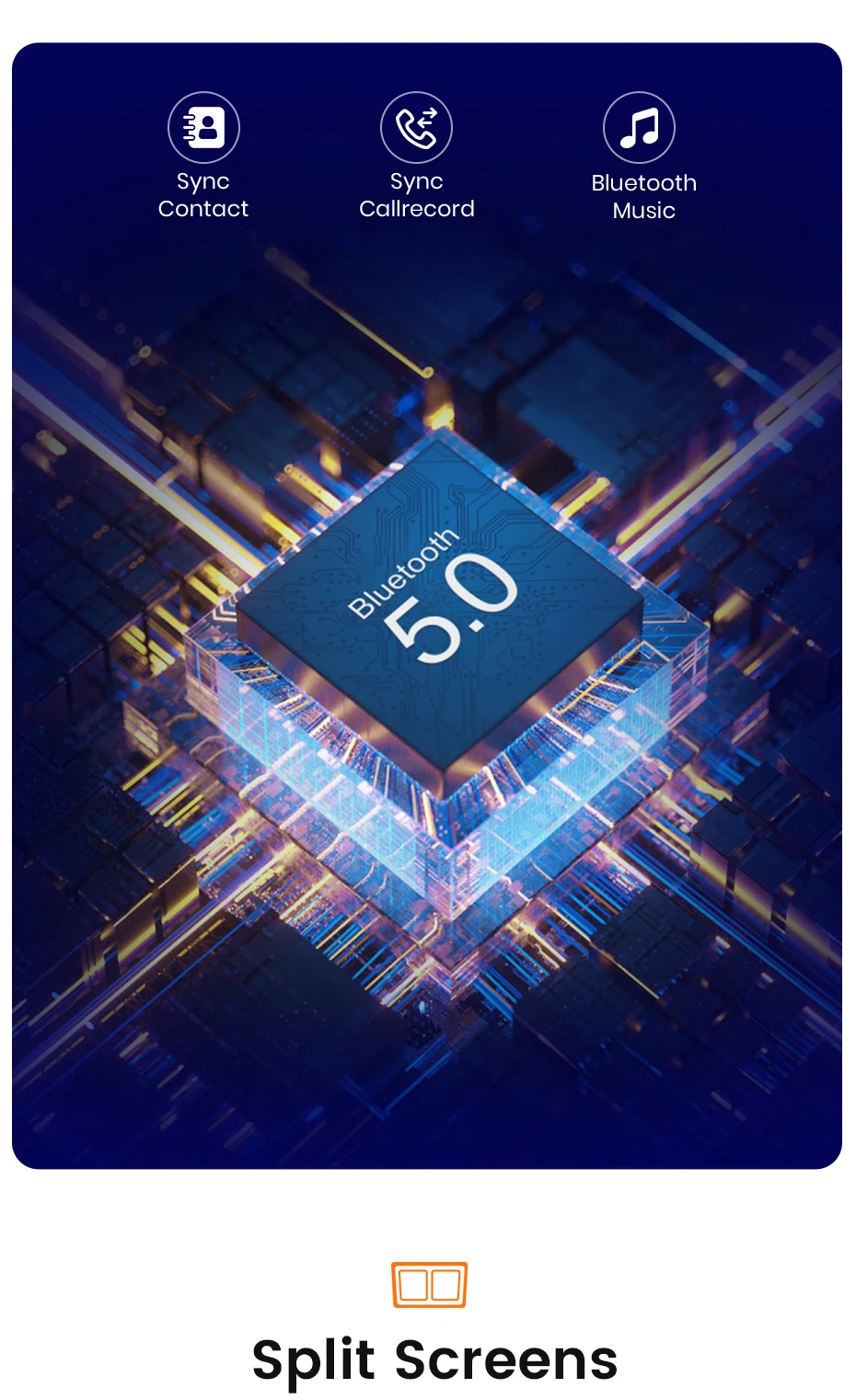
With Bluetooth 5.0 and split-screen, Junsun in-vehicle devices balance communication and entertainment efficiently while driving, delivering a convenient, rich experience.
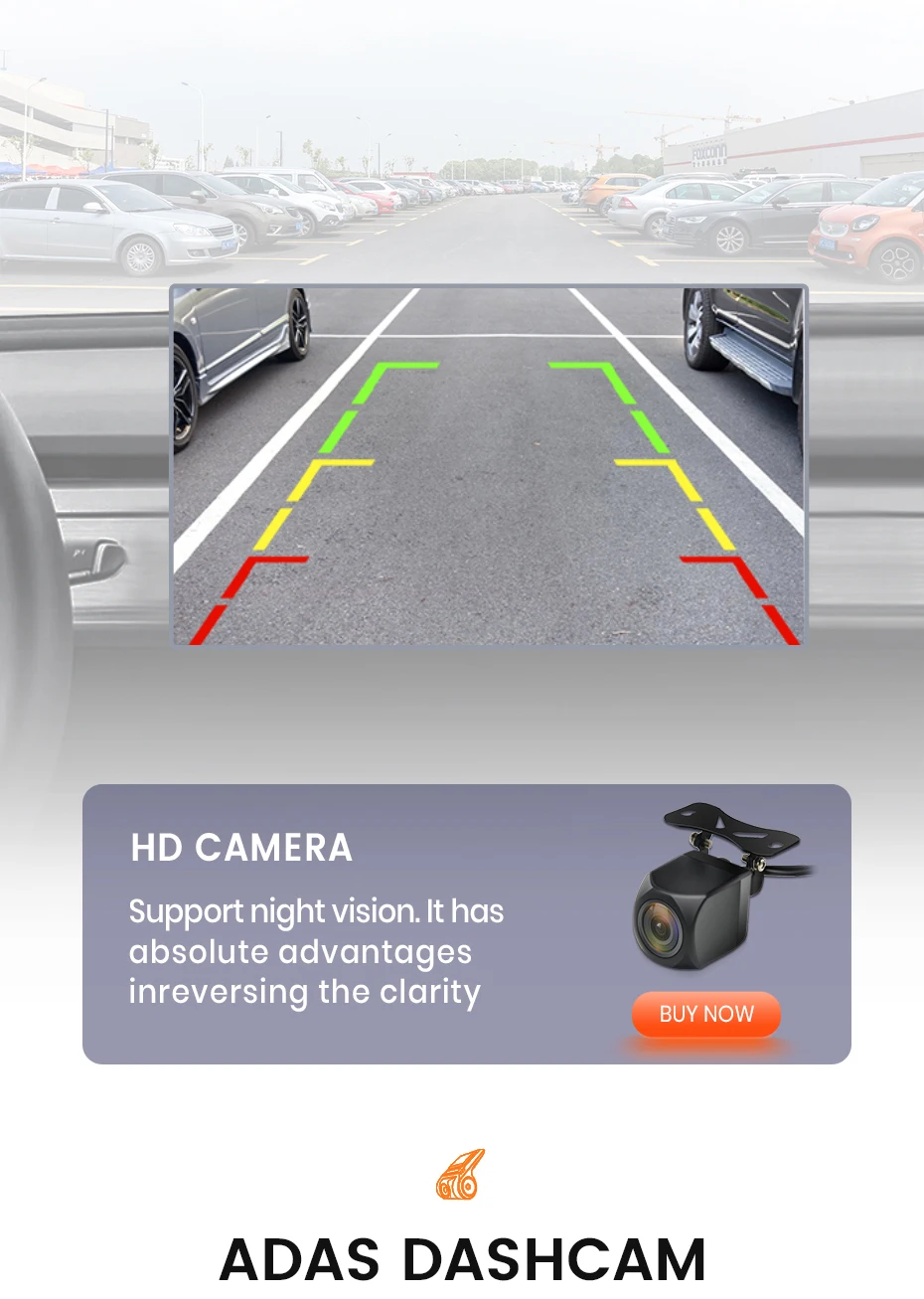
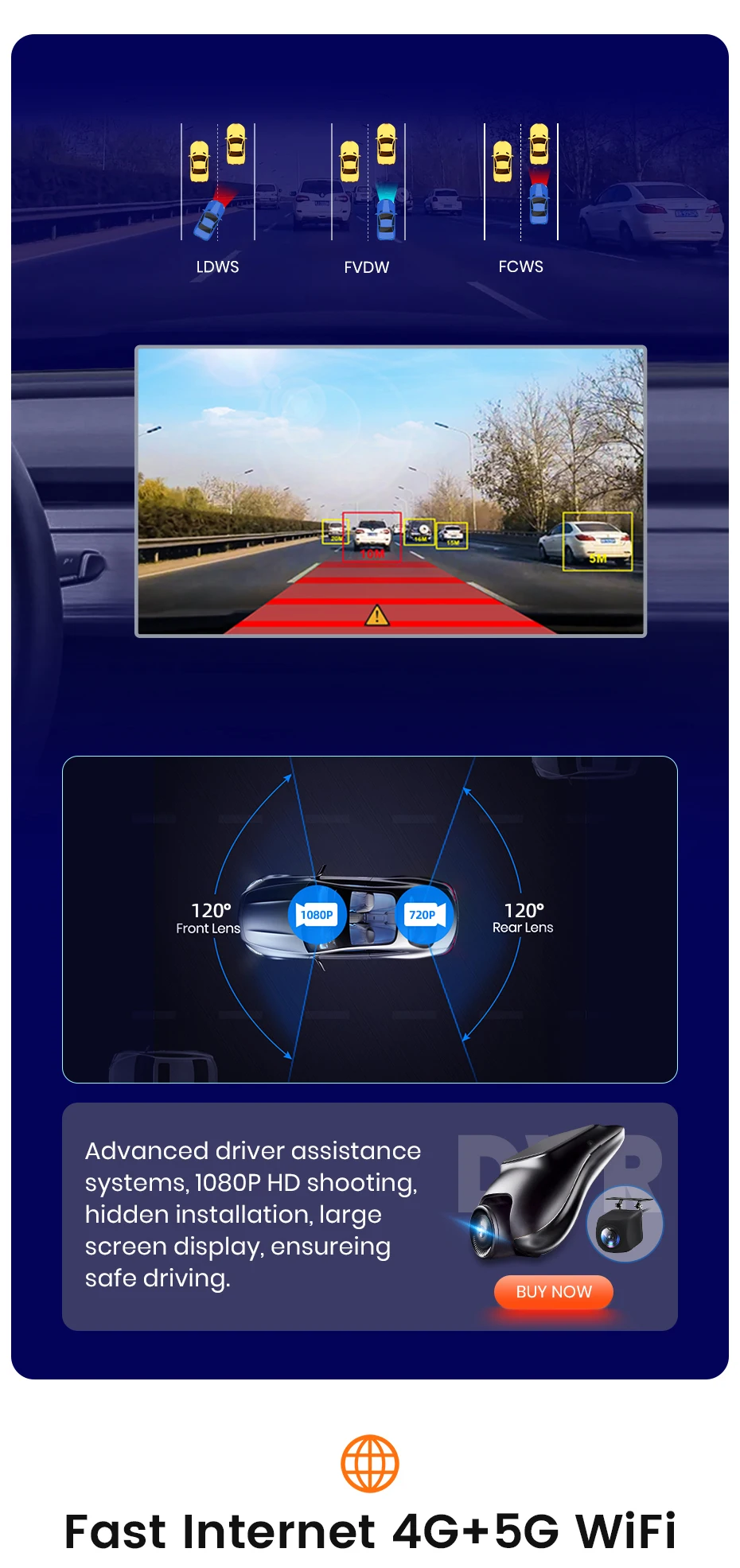
The Junsun in-vehicle device is compatible with DVR and features multiple warning functions, building a driving safety protection net.
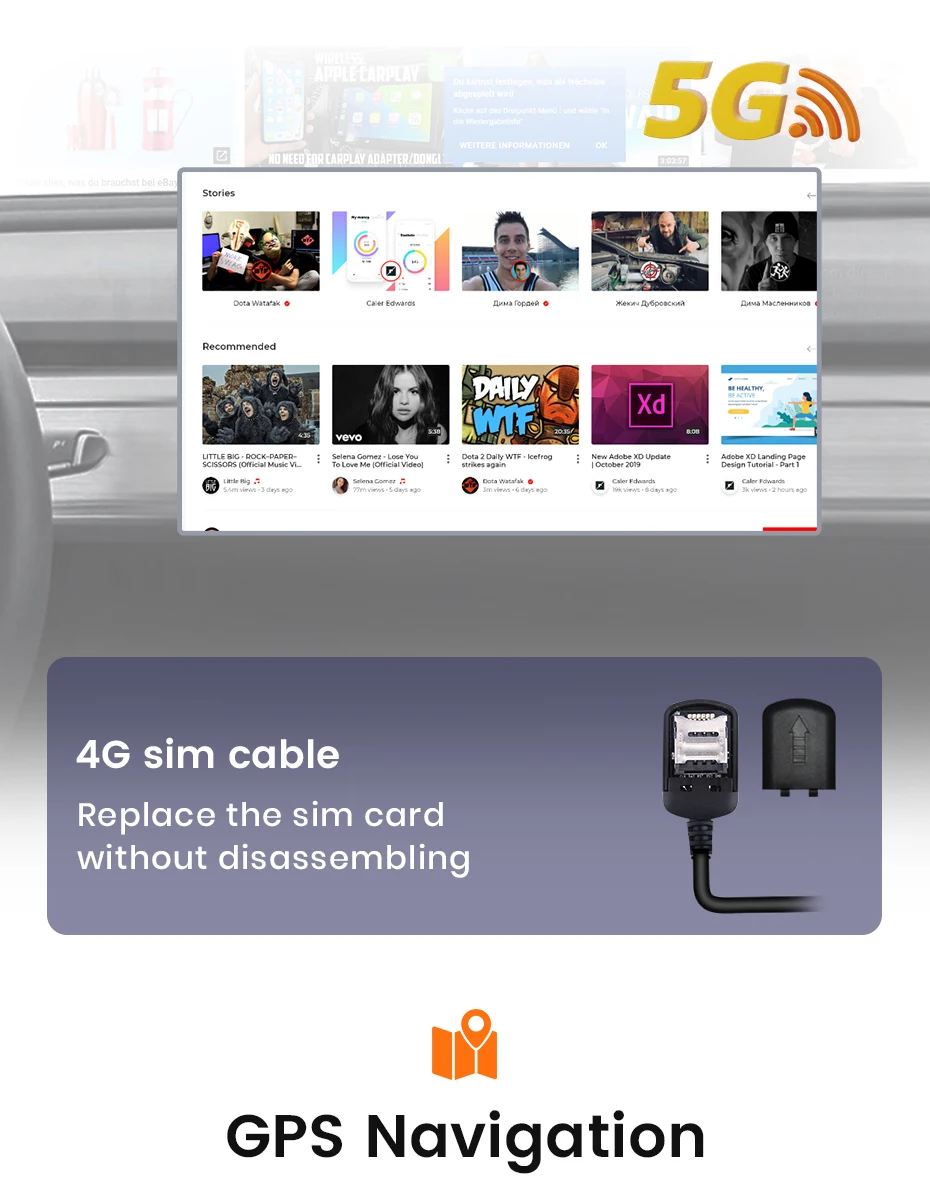
The 4G version of the in-vehicle device has a full network card slot for easy in-car internet access, enabling rich in-car entertainment during trips and commutes.
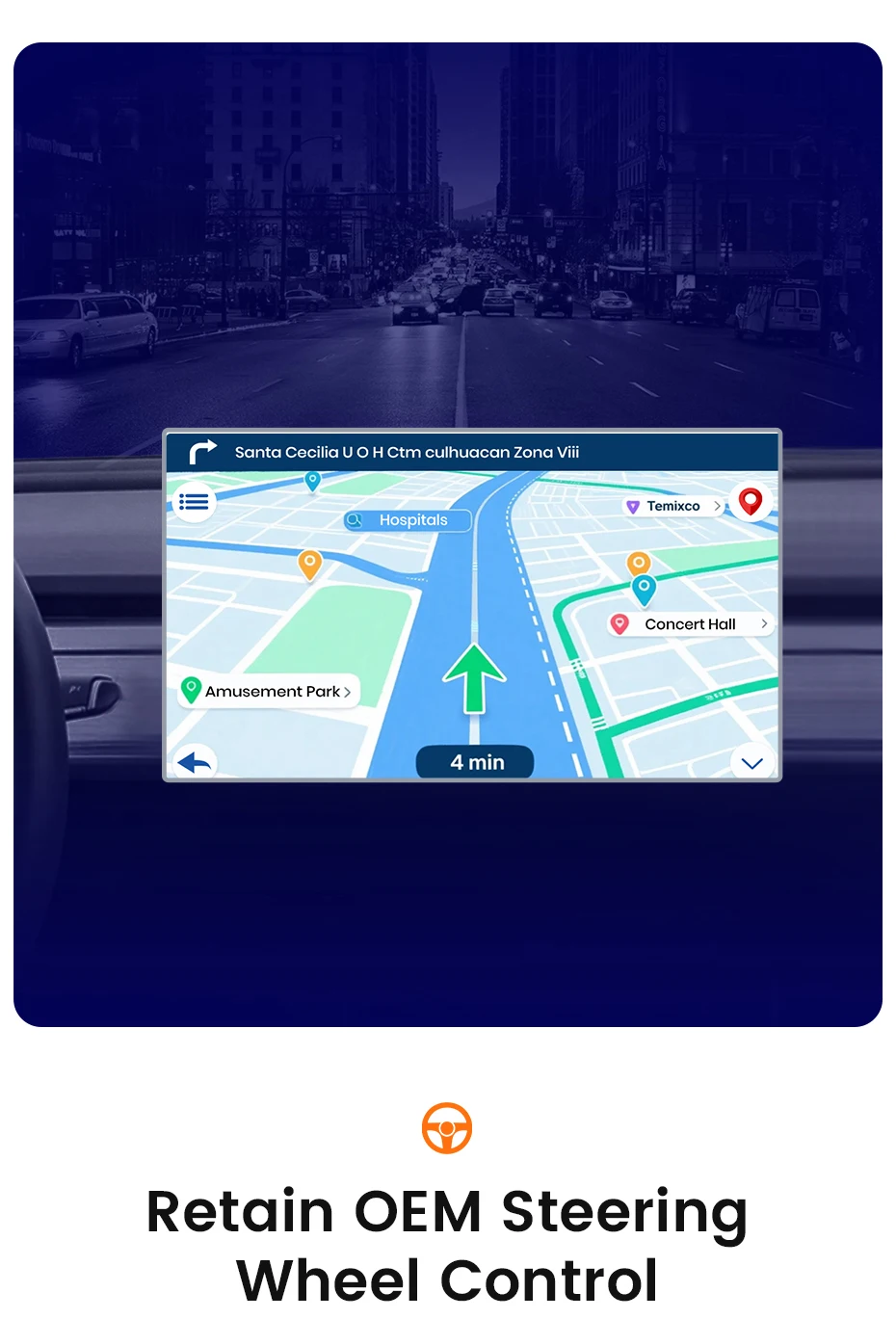
Junsun in-vehicle devices support precise GPS navigation for clear route planning.
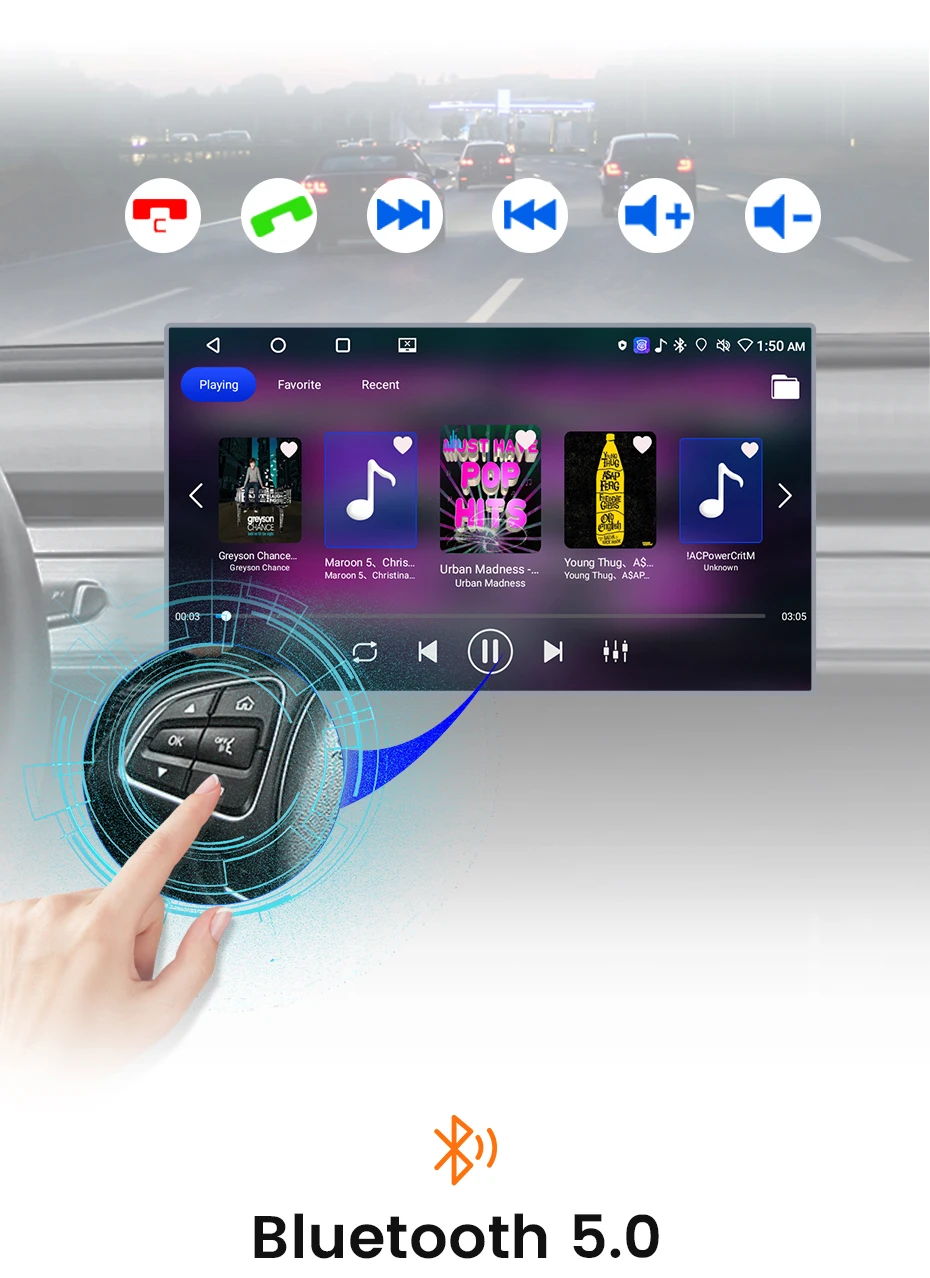
The device supports steering wheel control for hands-free operations, enhancing driving convenience, safety, and comfort.
Junsun in-vehicle devices, with Bluetooth 5.0 and split-screen, enable efficient balance of communication and entertainment while driving, unlocking a convenient and rich in-car experience.
🛒Junsun in-vehicle devices support practical accessories such as AHD rear-view cameras, ADAS recorders, and tire pressure monitoring. These additional devices work from both safety and convenience dimensions, adding more comfort and leisurely enjoyment to your driving experience.
Common pre-sales inquiries:
1. Does it include a rear view camera?
The product accessories do not include a rear view camera. If you are interested in a rear view camera, please purchase separately;
2. Does it support original/external microphones?
Please note that the accessory does not include the original microphone adapter.There is a microphone built-in the radio, If you want to use an external microphone, you can connect it through an RCA cable.
3. If you do not like the product, is it possible to return?
If you are not satisfied with your purchase, you have the option to return the product. Please send it to our warehouse in Russia, Spain, France, Poland or China. Regarding the refund, if it is not possible to process the refund through AE, we will refund the amount to your card. Please rest assured that we highly value our reputation and strive to provide the best possible service to our customers.
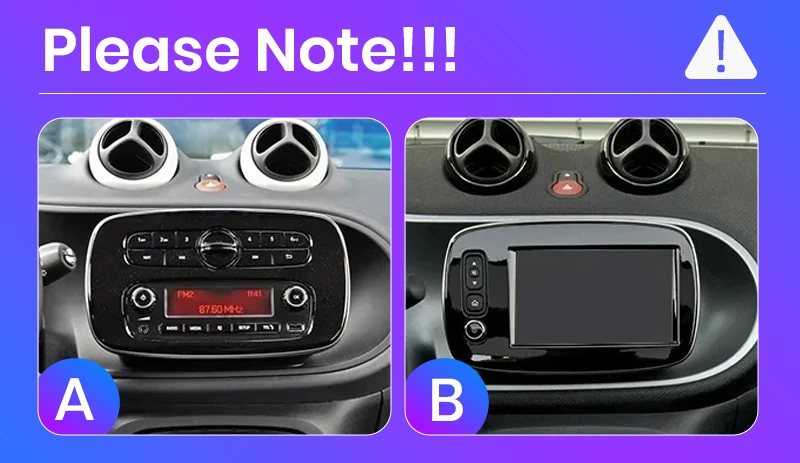
4. How can I determine if my car model is suitable?
Please click on the product link to view the page and confirm the model year first. Check if the central control image of the car matches your vehicle and the attentions in the page. If it is suitable, please feel assured to make the purchase. If you are unable to confirm, please contact our customer service for assistance.
Common post-sales inquiries:
1. How to connect the rear view camera?
1) Red cable ② is connected to the backup light "+" 2) Black cable ① is connected to the “GND“ 3)The reversing detection cable ④(Brown color) is connected to the red cable ③ which extending from the video input cable, please follow the picture below to connect.
2.Why does the steering wheel control not work?
Please confirm if the accessory includes a Canbus first
1)There is no Canbus in the product, if you purchased PX1/PX2/PX4/PX9, Please enter Car Settings-General-SWC Type-Learing Type 2)There is no Canbus in the product, if you purchased PX2, Please enter Settings-Car information-SWC-Learing Type 3) There is Canbus in the product, please check the 8pin interface of canbus cable connected first and then choose canbus type,the steering wheel controls will work.If you do not know the canbus model, please contact customer service.
3.How to connect wireless Carplay and Android Auto?
For the first connection, need to turn on the phone’s Bluetooth to pair with the car’s Bluetooth. After the pairing is successful, the car radio will automatically jump to the Zlink or AutoLink interface At this time, the phone pops up a message prompting "use carplay with Zlink or AutoLink Then turn on the wifi of the mobile phone, and the carplay will be connected
4.How to connect wired Carplay and Android Auto?
Please use your original data cable to connect the phone to the 4 PIN USB cable, then turn on the Carplay/Android Auto function on your phone and the "AutoLink" or "ZLINK5" icon on the device to connect.
5.How to change the Boot Logo ?
Due to copyright issues, logo cannot be displayed.If needed,please contact customer service for methods to modify the logo.


 Call us: +393312798971