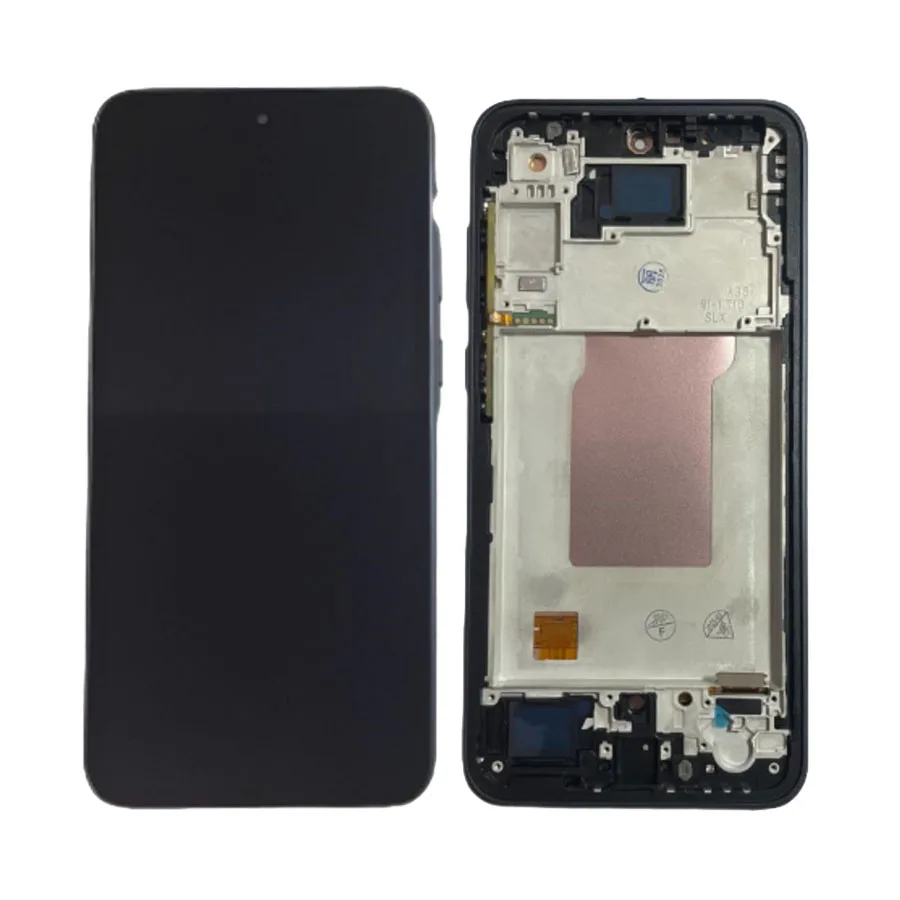
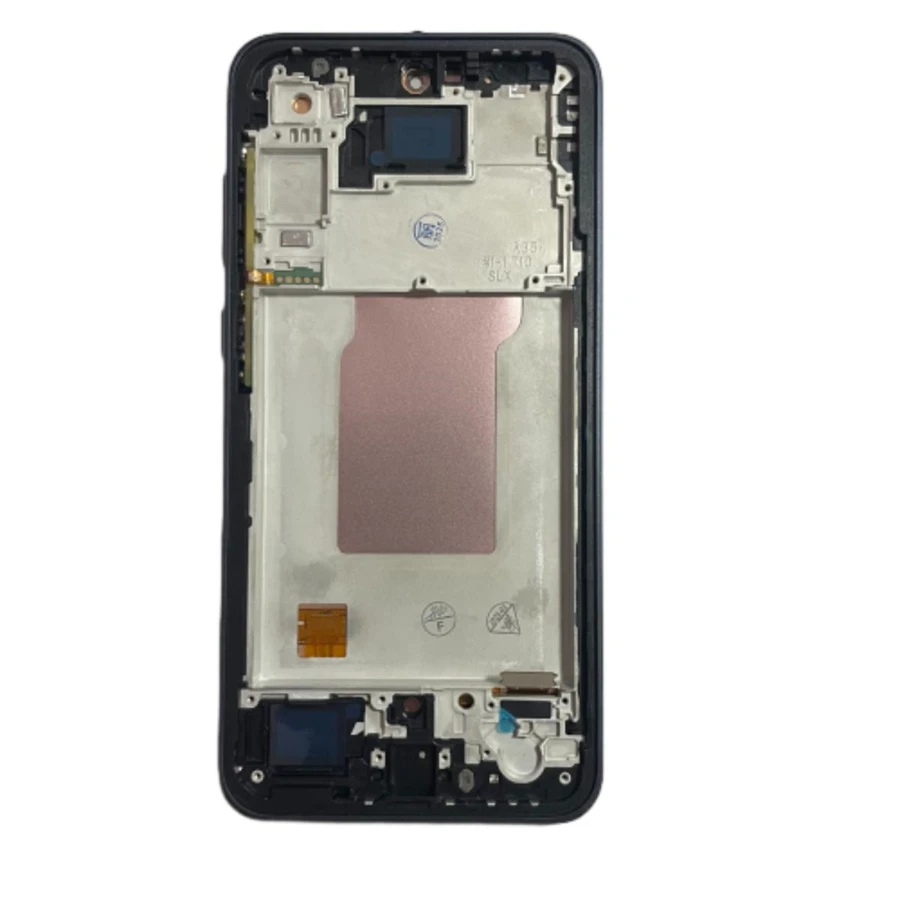
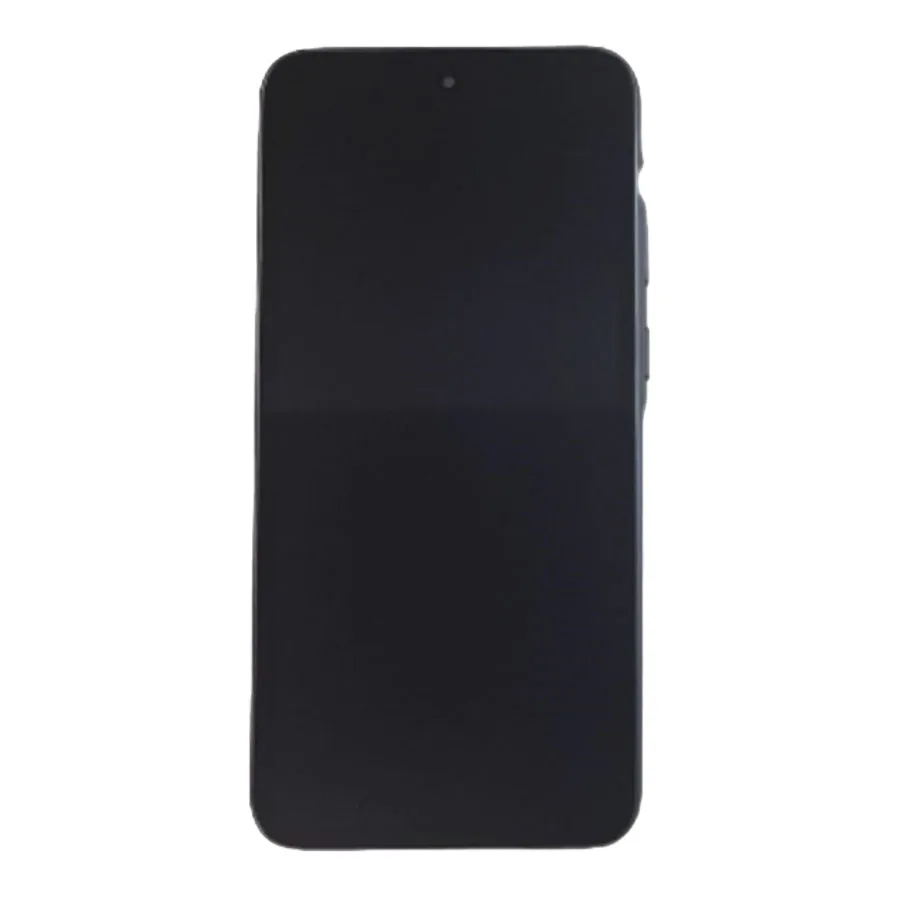
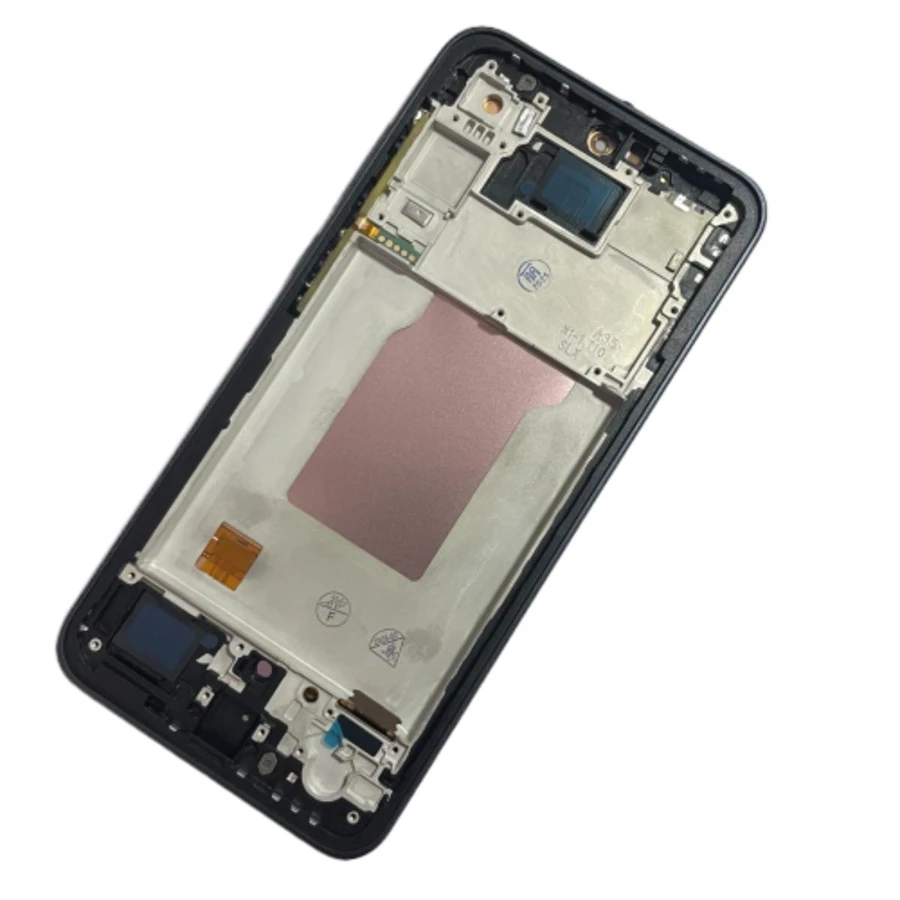
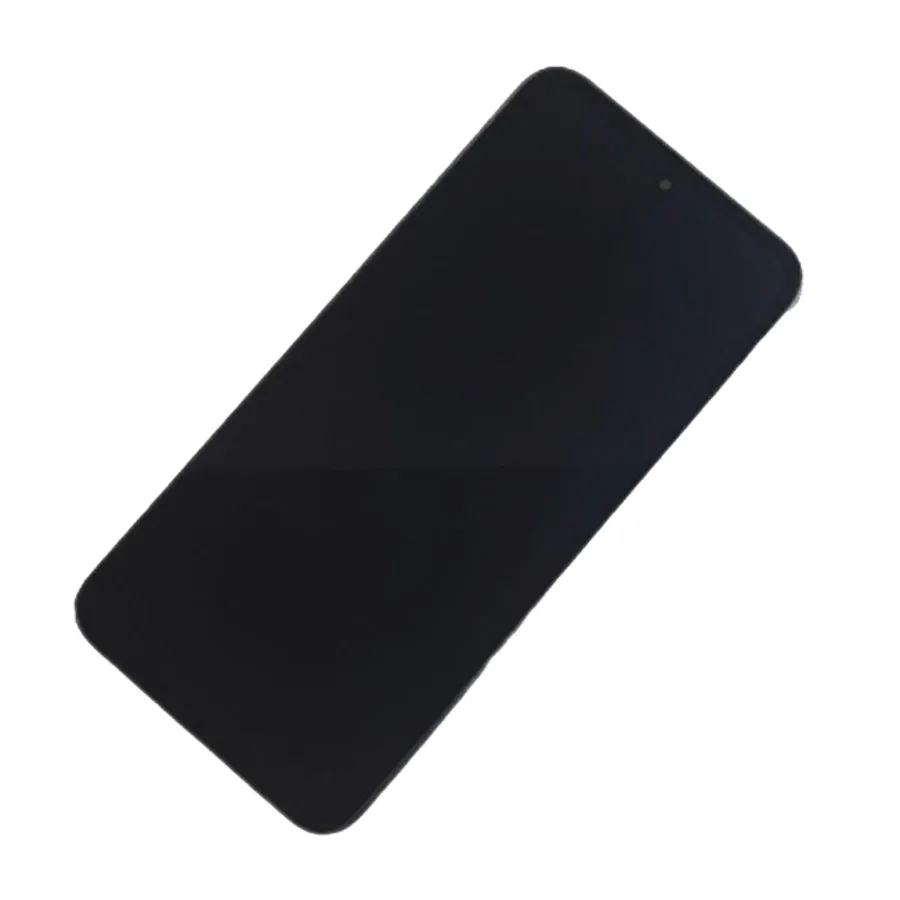
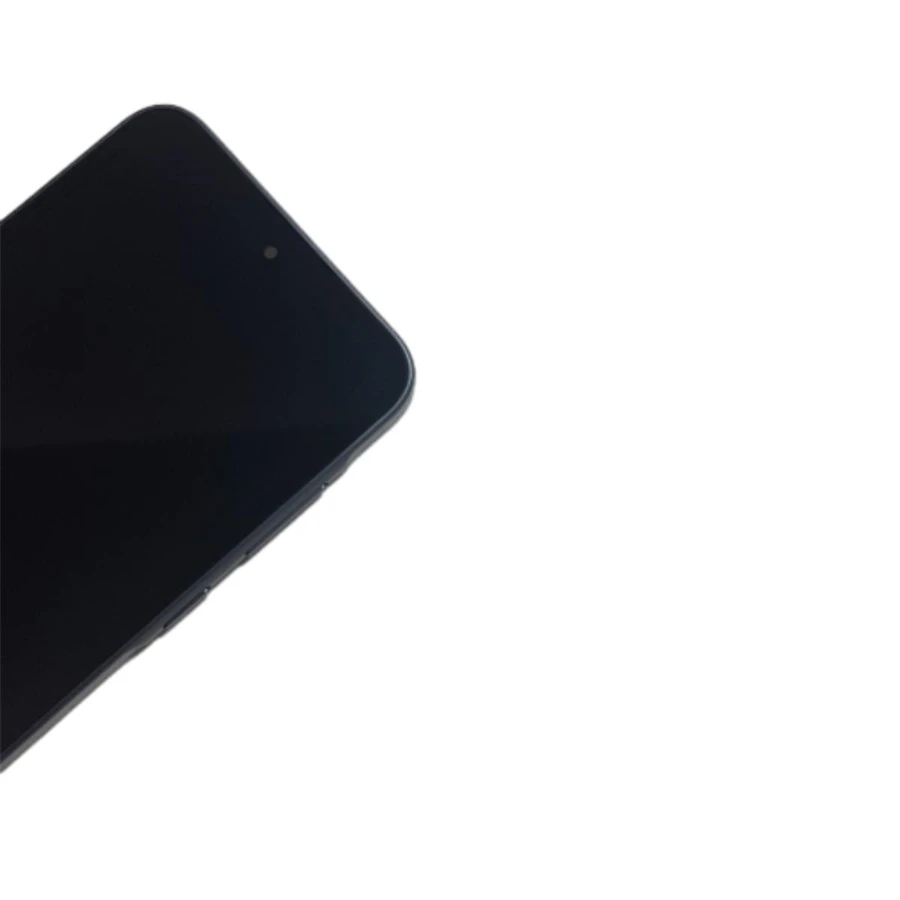
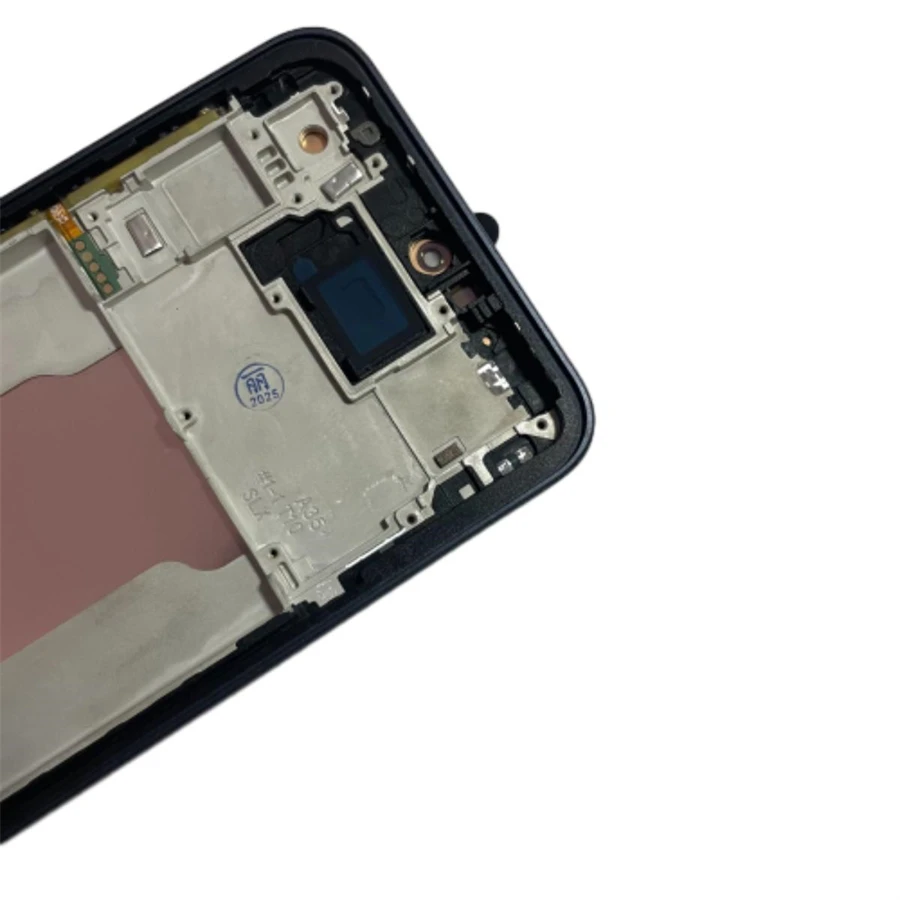
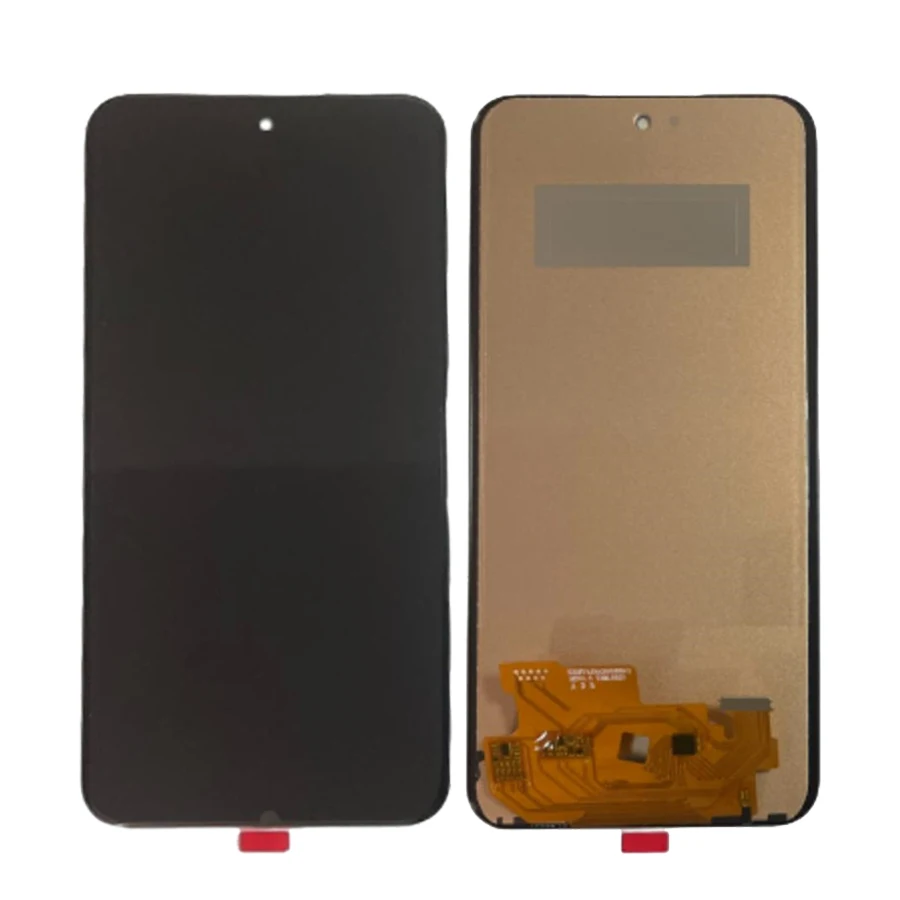
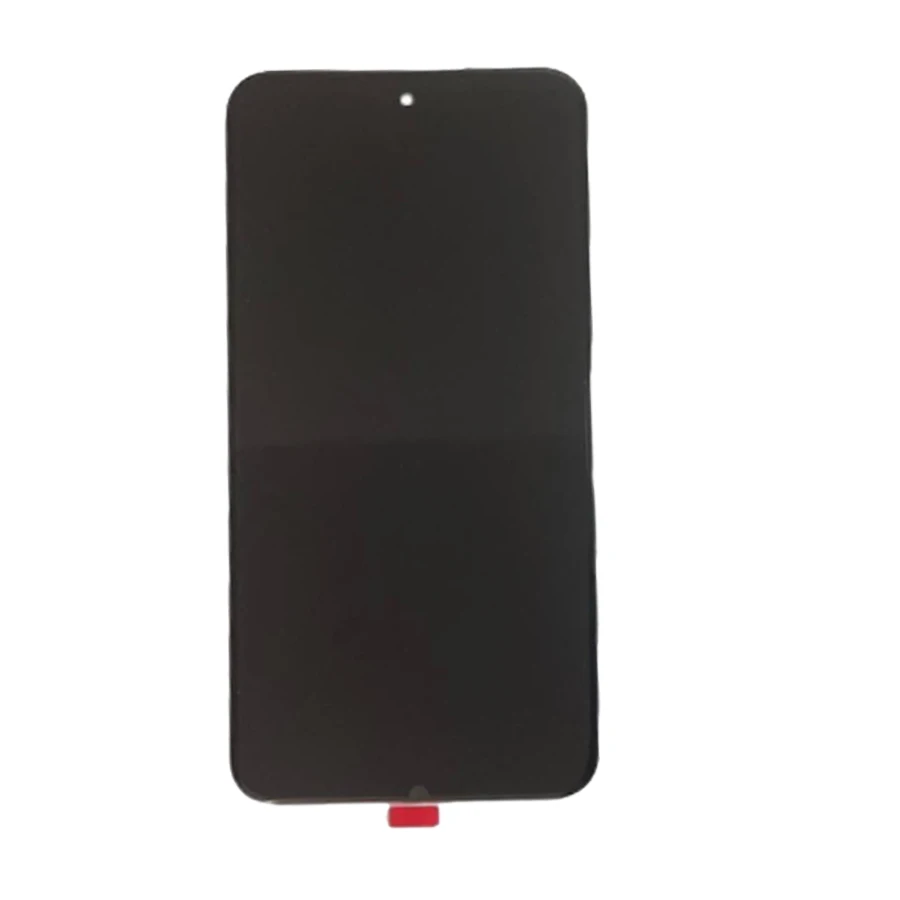
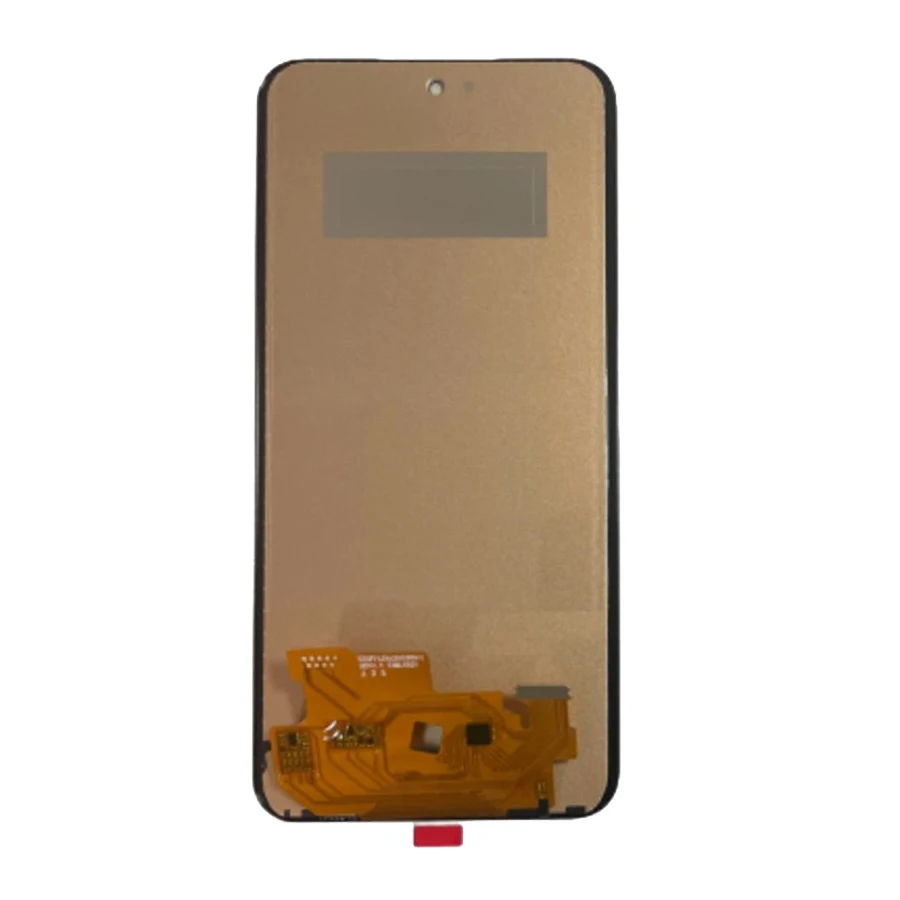
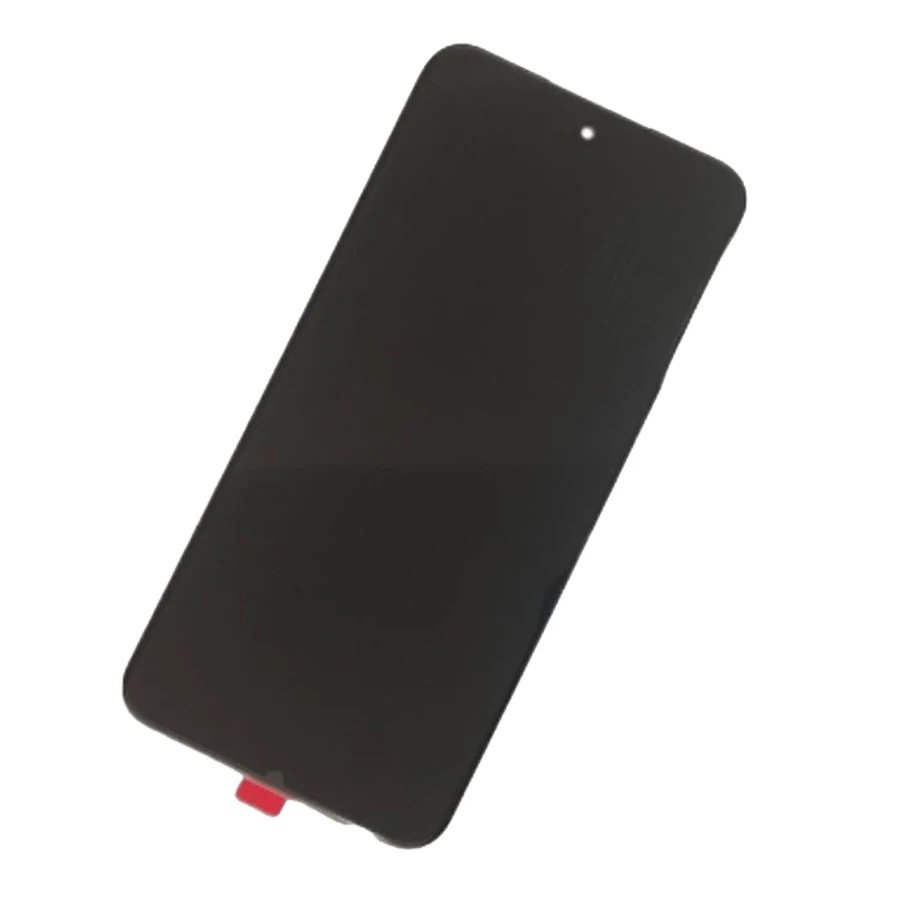
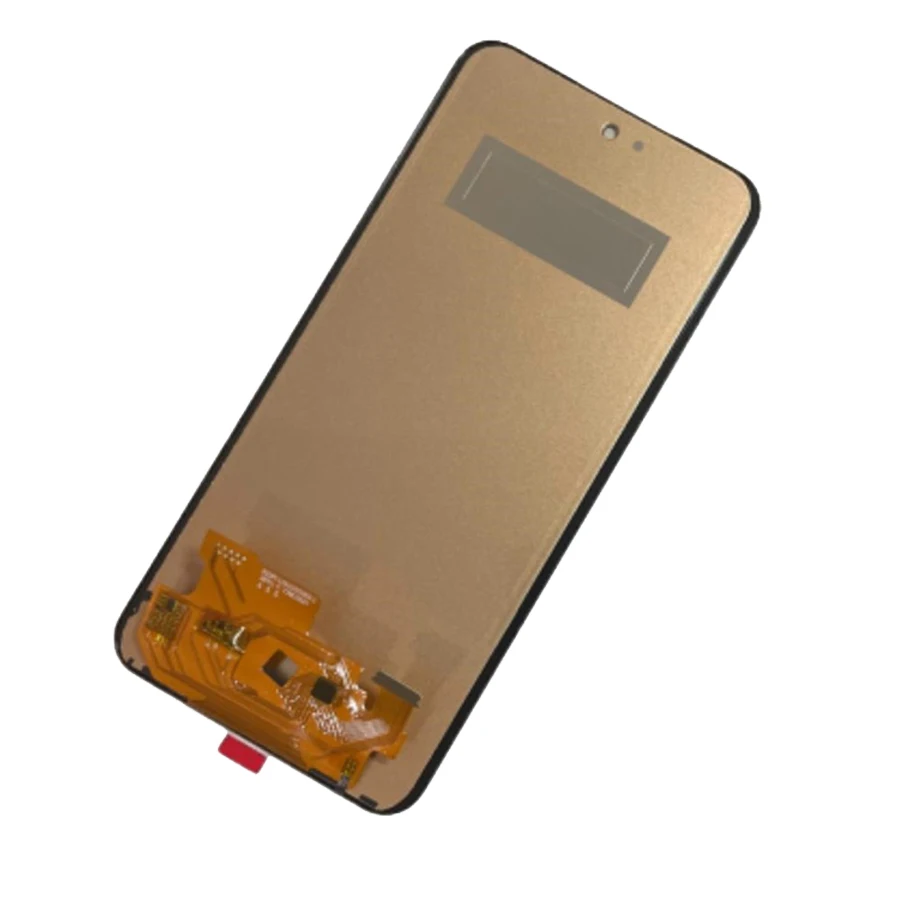
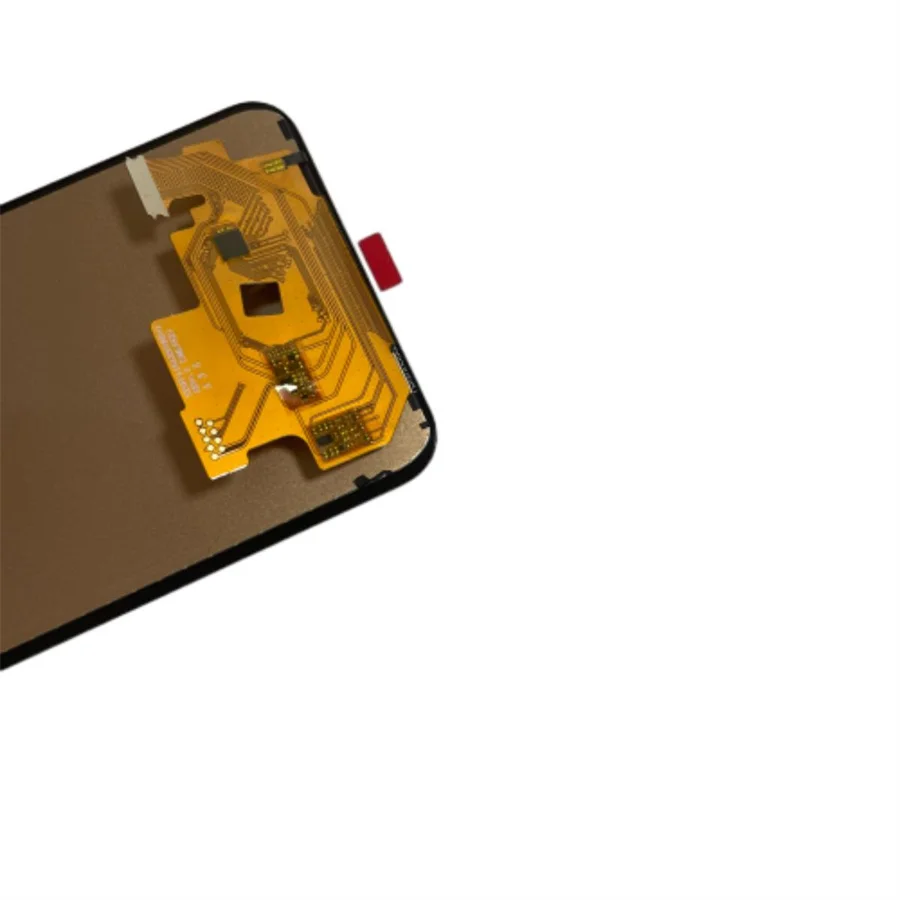
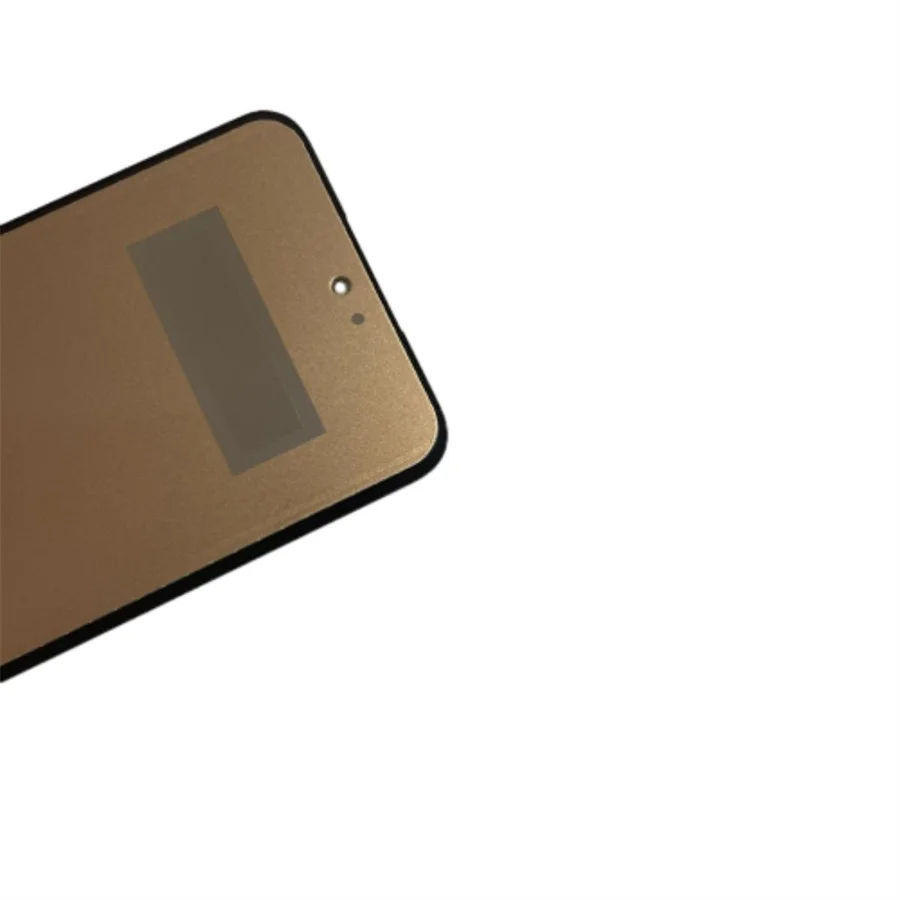
Super AMOLED Pantalla A35 5G Samsung LCD A356B A356E A356U Display Touch Screen Digitizer for Samsung A35 LCD Replacement Parts
Compatible Models: A35 5G A356 A356B A356E A356
Product Quality: This is an LCD display and touch screen
Product Testing: We will test it one by one and make sure it works well
Service: Best after-sales service, we offer wholesale prices, we provide product warranty service
Note: When you want to install the screen, do not press hard on the edges of the screen. This easily crushes the screen.
Package Included
1pc for Samsung Galaxy A35 5G LCD screen replacement
1pc tools
LCDs are fragile and, if improperly installed, will not work. To protect your rights, follow our suggestion!
1. When you receive the package, pleaserecord a video while opening the packageIf the product is broken, please provide us with this video. We will refuse any compensation if only photos are provided, without video.
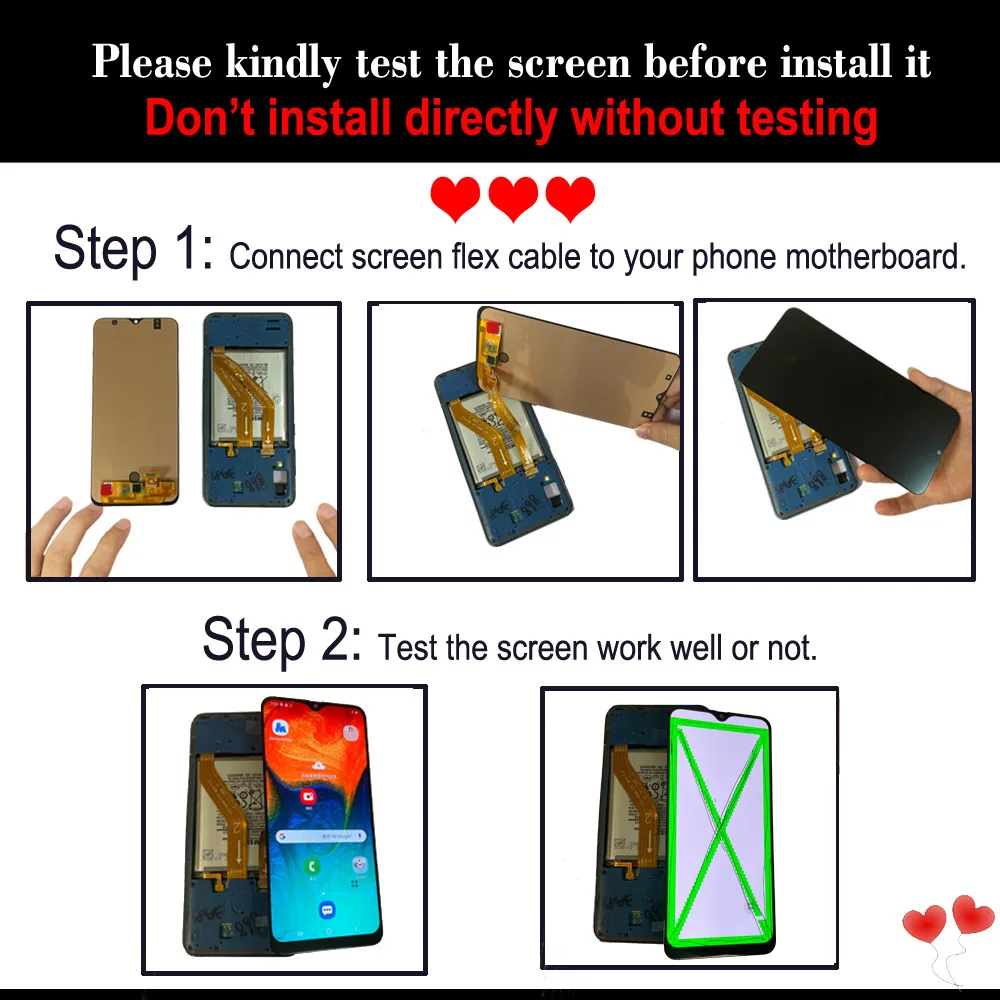
2.Pleasetest the LCD screen before installation, record a video when you test it, make sure it works well, then install it. If the LCD screen does not work, please provide us with this video. We will offer you a solution!
3.The LCD screen is fragile, very easy to break, pleasebe careful when testing or installing!
4.Pleaseturn off the device and remove the battery.before testing or installing the LCD screen! Otherwise, it won't work!
Product Showcase
Pre-sale FAQ
Q1: How do I choose the correct model?
Check the exact model number in your phone settings or on the back of the phone/box.
Compare it with the model shown in our title and description.
If possible, send us a picture of your phone model and we will confirm it for you.
Using the wrong model may lead to no display, no touch, or other issues, so please double check before purchasing.
Q2: What is included in the package?
Normally, the package includes:
1 × LCD/OLED display assembly (with or without frame, as shown in pictures)
1 × Set of basic repair tools
Other parts like front camera, earpiece speaker, fingerprint sensor, small flex cables, etc., are not included unless clearly stated. You need to transfer them from your old screen.
Q3: What is the difference between "with frame" and "no frame"?
With Frame: The display is pre-assembled on the middle frame/bezel. It is easier and safer to install, suitable for beginners.
No Frame: Only the display module. You need to separate the old screen from your original frame and glue the new one on. This requires more skill and tools.
If you have no experience in repairs, we recommend choosing the "with frame" option if available.
Q4: Does this screen support fingerprint recognition / Face ID?
Generally, AMOLED and OLED support the fingerprint function, while incell and TFT quality do not support the fingerprint function.
The screen itself does not contain Face ID or fingerprint data. These security features are usually linked to the original sensor of the phone.
For fingerprint: You need to transfer your original fingerprint sensor/Home button to the new screen.
For Face ID: It depends on the front sensor/face sensing flex, usually not included.
If you keep your original sensors and install them correctly, the fingerprint/Face ID can still work.
Installation & Usage FAQs
Q1: Why do I need to test the screen before complete installation?
Before gluing or closing your phone:
Connect the new screen's flex cable to the motherboard.
Power on your phone and test: display, touch, colors, front camera, fingerprint area, etc.
If all is well, then fully repair the screen.
This step can prevent unnecessary damage during installation and help us judge whether the issue is from the screen or the phone's motherboard.
Q2: The touch screen is not working or only partially working. What should I do?
Power off your phone and carefully reconnect the display flex cable.
Check if there's any dust or damage on the connector.
Test the screen again before inserting it into the frame.
If the touch still doesn't work and there is no physical damage (cracks, flex cable bends, etc.), please contact us with a clear video. We will provide a solution (technical support, replacement, or refund according to our policy).
Q3: The screen is black / no picture, but I can hear sound.
Possible reasons and checks:
The screen's flex cable is not fully seated or is loose → Re-seat and test again.
The old screen was broken by heavy impact, and the motherboard might also be affected.
If the old screen can still show picture but the new one can't, please send us a video showing:
Phone model
Working old screen
The new screen not working after correct connection
We will help diagnose the problem.
Q4: There are lines, flickering, or color spots on the screen.
First, reconnect the screen's flex cable and check again.
Ensure the battery is powered off before connecting to avoid static damage.
If there are still lines, green strips, flickering, or shadow and the glass is not broken, record a clear video and contact us.
Differentiating whether the problem is from the screen itself or the motherboard.
Q5: The new screen is installed, but the phone won't turn on.
Try charging the phone for at least 10-15 minutes and then turn it on.
Reseat the battery connector and the screen connector.
If the phone still doesn't respond, put your old screen back (if possible) to test.
If the old screen doesn't turn on either, the problem is likely your phone's motherboard or battery.
If the old screen turns on but the new one does not, please contact us with video proof.
After-Sale & Warranty FAQs
Q1: What should I do if the screen is not working when I receive it?
Please do not fully install or glue it directly.
Test the screen as an open unit first (as described above).
If there are any issues, contact us within the warranty period with:
Order number
Phone model
Clear pictures and videos showing the problem and testing process
If the screen has no physical damage and we confirm it is defective, we will offer a solution such as replacement or refund.
Q2: The screen arrived broken/cracked in the package.
Take clear photos of the outer packaging, shipping label, and the broken screen.
If possible, record an unboxing video when you open the package.
Send the evidence to us via message center.
If the damage occurred during transportation, we will contact the logistics company and provide you with a suitable solution (resend or refund according to our policy).
Q3: What if I accidentally damage the screen during installation?
If the screen is broken, the flex cable is torn, or there are obvious signs of incorrect installation, it is usually not covered by warranty.
However, please still contact us and send clear pictures/videos. We will do our best to offer a reasonable solution or a discount for a new screen.
Q4: How long is the warranty? What does it cover?
Our screens normally come with a 3-month warranty (refer to the product page for exact time).
The warranty covers:
No display, no touch, lines, or abnormal colors without physical damage
The warranty does not cover:
Broken glass, cracked display, damaged flex cable, or other human-made damage
Damage caused by incorrect installation or short circuit
Please test the screen before full installation and keep the protective film on until you confirm everything works well.
Shipping & Other FAQs
Q1: How long will it take to receive my order?
We usually ship within X working days after payment confirmation (check product page for exact time).
Delivery time depends on the shipping method and destination country.
You can track your package with the provided tracking number. If you have any shipping questions, please contact us via message.
Q2: Do you offer discounts for bulk orders?
Yes, we support wholesale / large quantity orders.
If you need a larger quantity, please contact us with your model list and quantity. We will offer you a better price and more convenient shipping solution.
Q3: Do you provide installation tools or tutorials?
Many of our items come with a basic tool kit (please check description). These tools are for simple repairs only and may not be enough for professional work.
We suggest:
Watching installation videos for your specific phone model
If you are unsure, seek help from a professional repair shop
If needed, we can send you links to recommended videos for your reference.


 Call us: +393312798971